Description
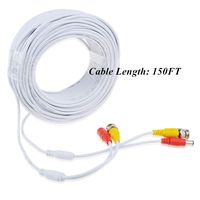
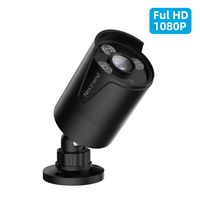
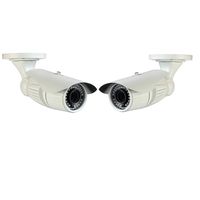
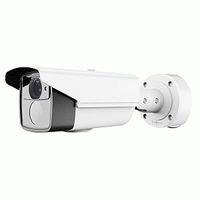
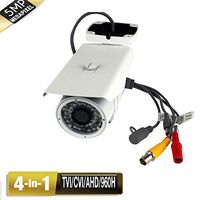
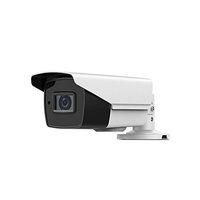
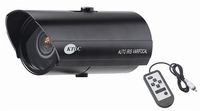
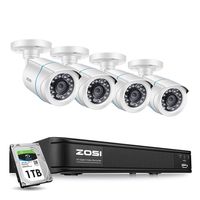
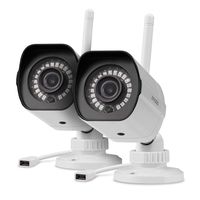
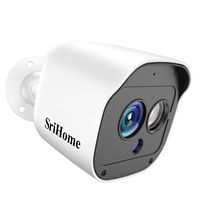
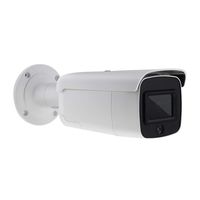
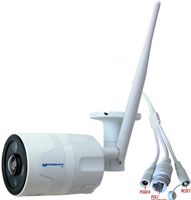
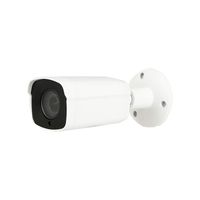
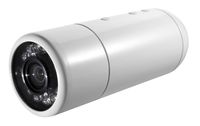
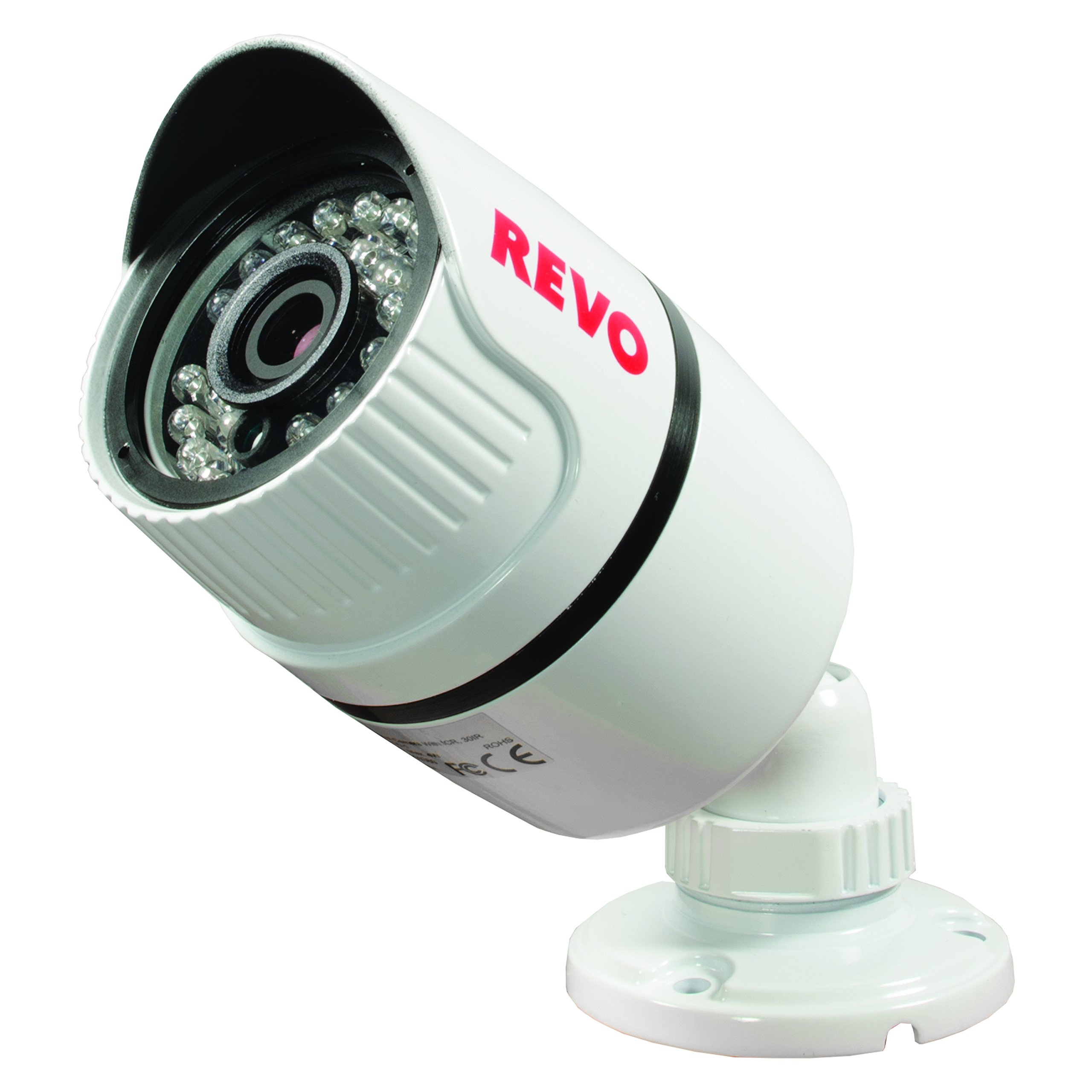
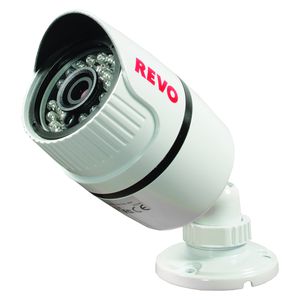
Introducing, the new, revolutionary Titanium line from Revo! Now, you can enjoy HD video with an analog system! Use megapixel cameras without replacing your existing BNC cables or your current Analog cameras. The Bullet-styled T-HD cameras are rated IP66 weather resistant, so rest assured when mounting them outdoors. With 2.1 Megapixel sensors, your video quality is superb. The 3D rotary bracket makes mounting and positioning easy. The camera also features an automatic IR Cut Filter removal (ICR) for enhanced day and night performance. Once installed, the camera leaves no wires exposed, further increasing the safety and reliability of the system. The camera comes with 30 IR LEDs for up to 100' of night vision! 60' BNC Cable included. For optimal video quality, Revo recommends using the highest quality BNC cables.
REVO America RTCBS30-1 T-HD 1080p Bullet Surveillance Camera (White)
Current Price
$88.55
Average
$81.62
Min Price
$27.48
Max Price
$99.3
Price dynamics
8%
Description
Introducing, the new, revolutionary Titanium line from Revo! Now, you can enjoy HD video with an analog system! Use megapixel cameras without replacing your existing BNC cables or your current Analog cameras. The Bullet-styled T-HD cameras are rated IP66 weather resistant, so rest assured when mounting them outdoors. With 2.1 Megapixel sensors, your video quality is superb. The 3D rotary bracket makes mounting and positioning easy. The camera also features an automatic IR Cut Filter removal (ICR) for enhanced day and night performance. Once installed, the camera leaves no wires exposed, further increasing the safety and reliability of the system. The camera comes with 30 IR LEDs for up to 100' of night vision! 60' BNC Cable included. For optimal video quality, Revo recommends using the highest quality BNC cables.
Price will be lower
in next 2 weeks
in next 2 weeks
According to the data, price will be lower in next two weeks, so not waste your money and track better price!
Product review & video
hello everyone and thank you for tuning into the Revo Wireless video series today we will be showing you how to properly setup your Evo wireless system and connect your cameras setting up your evil wireless system is easy start by unpacking everything out of the box and accounting for all items making sure nothing is missing if anything is missing call our support center at the number presented at the end of the video choose a suitable room for the NVR to be installed in make sure there are at least two open power outlets nearby one for the NVR and one for the monitor make sure the monitor being used can support resolutions higher than 720p standard HD connect one end of the HDMI cable to the monitor and the other end to the HDMI output of the NVR plug the power cable or adapter to the monitor into an empty wall outlet connect the other end into the monitor and turn on the monitor conne


Similar products