Description
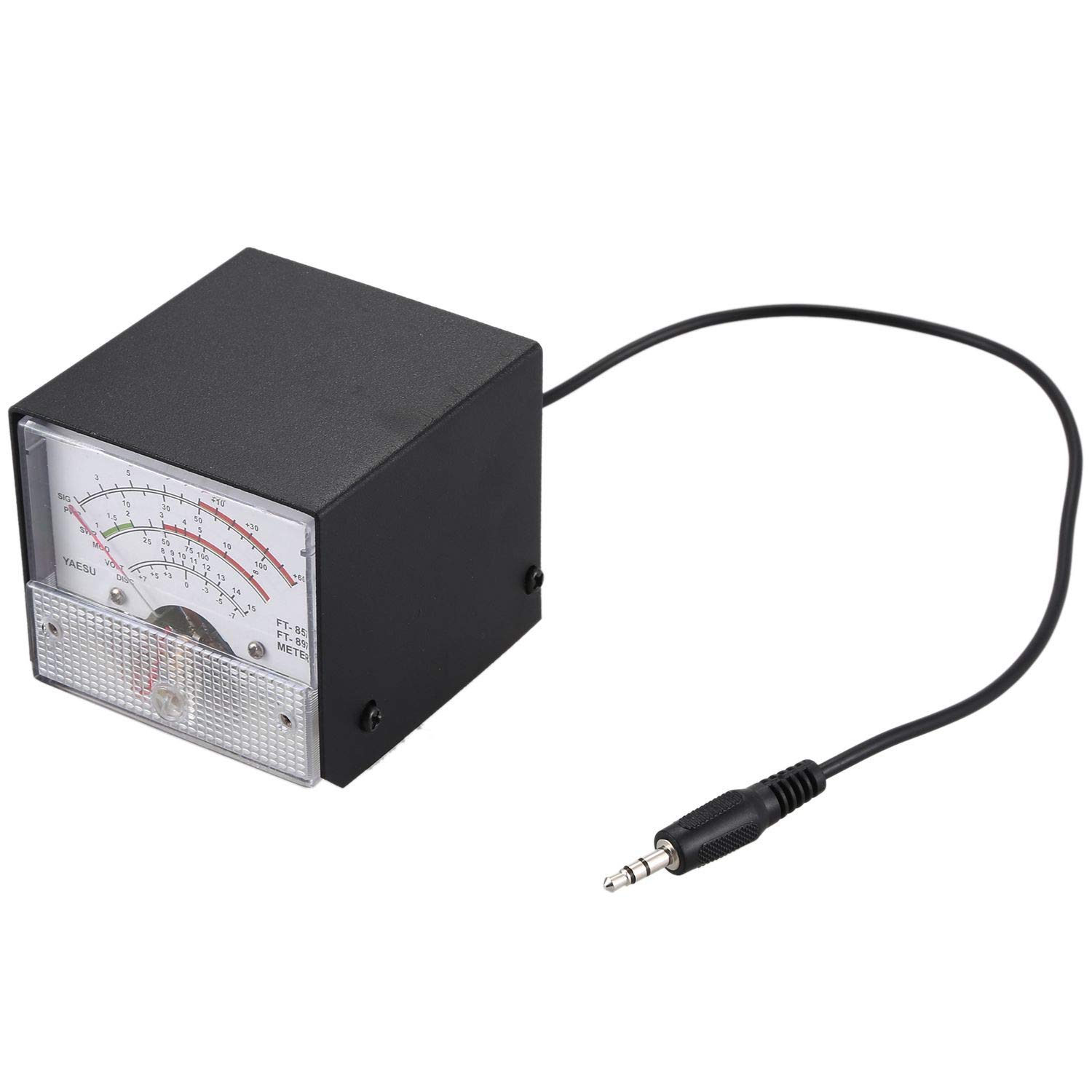
Semoic,a legal trade mark, has been registered. Only those who are authorized are available to sell items under Semoic. Semoic will bring you joyful shopping experience. SWR Power Meter Meter Receiving Useful External Display S Meters for Yaesu FT-857 FT-897 FT-897D FT-897D Metal Stationary Wave Ratio(black+White)
external display settings header methods:
Receive Display Settings
1, Press [FUNC] key to enter the setup menu, enable the extended menu.
2, Rotate [SELECT] to call up the setup menu item No-060 [MTR ARX SEL].
3, Rotate [DIAL] to select an external instrument display:
SIG: the input signal strength display
CTR: Discriminator Center Meter
VLT: battery voltage
N / A: blank
FS: Buckle in the instrument 1mA full scale output signal calibration standard external instruments
OFF: Turn off the meter.
4, Press [FUNC] button to save the settings and exit the setup menu.
Emission Display Settings
1, Press [FUNC] key to enter the setup menu, enable the extended menu.
2, Rotate [SELECT] to call up the setup menu item No-061 [MTR ATX SEL].
3, Rotate [DIAL] to select an external instrument display:
PWR: transmit power display
ALC: Automatic Level Control voltage display
MOD: Modulation Level Display
SWR: SWR display
VLT: Display Supply Voltage
N / A: blank
OFF: Turn off the meter.
If you can not find the numbers 60, 61 menu, is this two radio hidden menu.
Long press the F key to open the menu settings, the 1st menu set to ON, press the F key to open the exit to save the hidden menu
Pakage list:
1 x SWR power meter display
Only the above package content, other products are not included.
Note: Light shooting and different displays may cause the color of the item in the picture a little different from the real thing. The measurement allowed error is +/- 1-3cm.
external display settings header methods:
Receive Display Settings
1, Press [FUNC] key to enter the setup menu, enable the extended menu.
2, Rotate [SELECT] to call up the setup menu item No-060 [MTR ARX SEL].
3, Rotate [DIAL] to select an external instrument display:
SIG: the input signal strength display
CTR: Discriminator Center Meter
VLT: battery voltage
N / A: blank
FS: Buckle in the instrument 1mA full scale output signal calibration standard external instruments
OFF: Turn off the meter.
4, Press [FUNC] button to save the settings and exit the setup menu.
Emission Display Settings
1, Press [FUNC] key to enter the setup menu, enable the extended menu.
2, Rotate [SELECT] to call up the setup menu item No-061 [MTR ATX SEL].
3, Rotate [DIAL] to select an external instrument display:
PWR: transmit power display
ALC: Automatic Level Control voltage display
MOD: Modulation Level Display
SWR: SWR display
VLT: Display Supply Voltage
N / A: blank
OFF: Turn off the meter.
If you can not find the numbers 60, 61 menu, is this two radio hidden menu.
Long press the F key to open the menu settings, the 1st menu set to ON, press the F key to open the exit to save the hidden menu
Pakage list:
1 x SWR power meter display
Only the above package content, other products are not included.
Note: Light shooting and different displays may cause the color of the item in the picture a little different from the real thing. The measurement allowed error is +/- 1-3cm.
Semoic SWR Power Meter Meter Receiving Useful External Display S Meters for Yaesu FT-857 FT-897 FT-897D FT-897D Metal Stationary Wave Ratio(Black+White)
Current Price
$16.21
Average
$15.78
Min Price
$14.75
Max Price
$16.85
Price dynamics
3%
Description
Semoic,a legal trade mark, has been registered. Only those who are authorized are available to sell items under Semoic. Semoic will bring you joyful shopping experience. SWR Power Meter Meter Receiving Useful External Display S Meters for Yaesu FT-857 FT-897 FT-897D FT-897D Metal Stationary Wave Ratio(black+White)
external display settings header methods:
Receive Display Settings
1, Press [FUNC] key to enter the setup menu, enable the extended menu.
2, Rotate [SELECT] to call up the setup menu item No-060 [MTR ARX SEL].
3, Rotate [DIAL] to select an external instrument display:
SIG: the input signal strength display
CTR: Discriminator Center Meter
VLT: battery voltage
N / A: blank
FS: Buckle in the instrument 1mA full scale output signal calibration standard external instruments
OFF: Turn off the meter.
4, Press [FUNC] button to save the settings and exit the setup menu.
Emission Display Settings
1, Press [FUNC] key to enter the setup menu, enable the extended menu.
2, Rotate [SELECT] to call up the setup menu item No-061 [MTR ATX SEL].
3, Rotate [DIAL] to select an external instrument display:
PWR: transmit power display
ALC: Automatic Level Control voltage display
MOD: Modulation Level Display
SWR: SWR display
VLT: Display Supply Voltage
N / A: blank
OFF: Turn off the meter.
If you can not find the numbers 60, 61 menu, is this two radio hidden menu.
Long press the F key to open the menu settings, the 1st menu set to ON, press the F key to open the exit to save the hidden menu
Pakage list:
1 x SWR power meter display
Only the above package content, other products are not included.
Note: Light shooting and different displays may cause the color of the item in the picture a little different from the real thing. The measurement allowed error is +/- 1-3cm.
external display settings header methods:
Receive Display Settings
1, Press [FUNC] key to enter the setup menu, enable the extended menu.
2, Rotate [SELECT] to call up the setup menu item No-060 [MTR ARX SEL].
3, Rotate [DIAL] to select an external instrument display:
SIG: the input signal strength display
CTR: Discriminator Center Meter
VLT: battery voltage
N / A: blank
FS: Buckle in the instrument 1mA full scale output signal calibration standard external instruments
OFF: Turn off the meter.
4, Press [FUNC] button to save the settings and exit the setup menu.
Emission Display Settings
1, Press [FUNC] key to enter the setup menu, enable the extended menu.
2, Rotate [SELECT] to call up the setup menu item No-061 [MTR ATX SEL].
3, Rotate [DIAL] to select an external instrument display:
PWR: transmit power display
ALC: Automatic Level Control voltage display
MOD: Modulation Level Display
SWR: SWR display
VLT: Display Supply Voltage
N / A: blank
OFF: Turn off the meter.
If you can not find the numbers 60, 61 menu, is this two radio hidden menu.
Long press the F key to open the menu settings, the 1st menu set to ON, press the F key to open the exit to save the hidden menu
Pakage list:
1 x SWR power meter display
Only the above package content, other products are not included.
Note: Light shooting and different displays may cause the color of the item in the picture a little different from the real thing. The measurement allowed error is +/- 1-3cm.
Price will be lower
in next 2 weeks
in next 2 weeks
According to the data, price will be lower in next two weeks, so not waste your money and track better price!
Product review & video
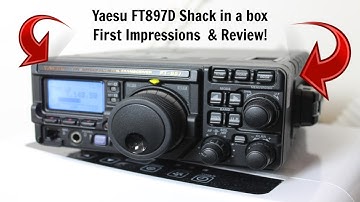
hi YouTube to echo 0 Foxtrot November Mike but with another video so today I will have a look at the yey cft89 7d now if you follow the channel you'll know that I've been after a proper hf radio for quite some time and this was the radio I used on my foundation training all those years ago so I've always had my eye on it I've always wanted one ever since so I solved a couple of me radios that I managed to get this secondhand it's about ten years old now I've dated it with the serial number but as you'll see in a minute it's really really good example really clean that radio so yeah I'm really really happy with it it's going to be loads of videos coming on the channel we're gonna do connected to the computer we're going to do EFT eight we're going to do loads of stuff live streams everything so if you've not already don't forget to click the subscribe button and don't forget to pull the