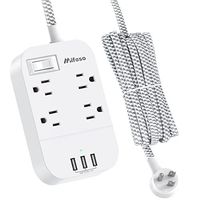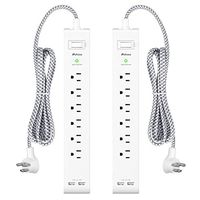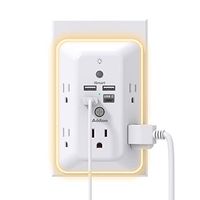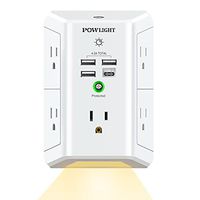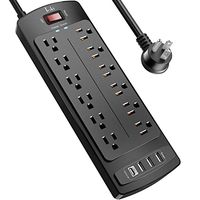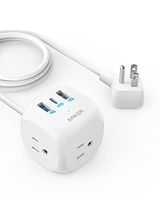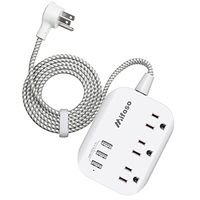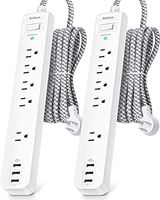
Description
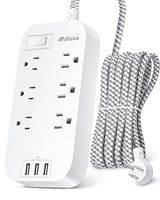
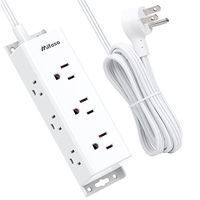
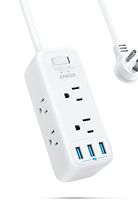
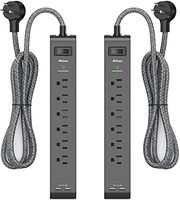
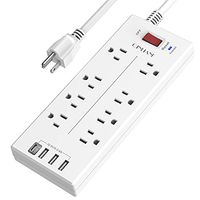
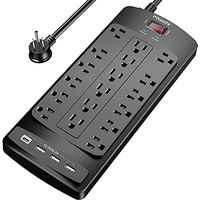
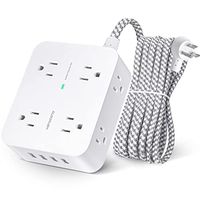
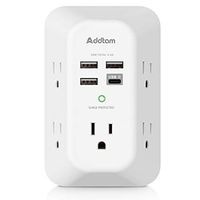
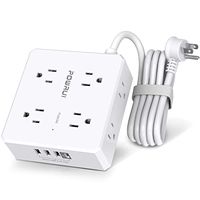
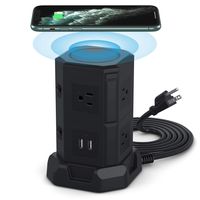
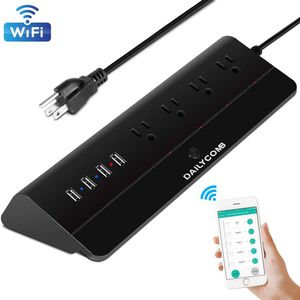
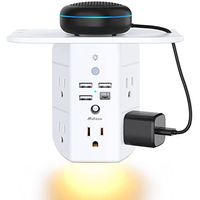
DAILYCOMB Smart Power Strip Surge Protector, Wi-Fi Desktop Power Strip, 4-Outlet(Safety Valve) and 4 USB Charging Ports
Add the Smart Power Strip to Smart Life Steps:
1.Search for the "Smart Life" on the App store or Google Play. You can also scan the QR code in our User Manual provided.
2.Register/Login to the App using your phone number or email address. Averification code will be sent if you are attempting to register.
3.Select Add Device or the "+" icon.
4.Connect your device to a socket and Long press the on/off power button for 5s until the Wi-Fi Connect indicator light flashes.
5.Select the device and tap "Confirm indicator rapidly blink".
6. Input the WIFI password to your device and then tap "Done".
Amazon Echo Voice Control Steps:
1. Add Smart Life APP to skills in Amazon Alexa APP (you need to download Amazon Alexa or Amazon echo app, sign up for Alexa account
and match your Echo)
2. bind Smart life APP in Amazon Alexa APP, (enter Smart Life account to log in)
3.finding devices and adding them in APP, you can be controlled through your Echo.
Specification:
- Working current: Max 10A (resistance loading)
- Working voltage: AV110-240V(50/60Hz)
- USB Voltage / Current: (5V / 2.4A)
- Max power: 1250W(The maximum power changes according to the local voltage)
- Material: PCV0 flame retardant polymer
- Plug standard: US
- Radio protocol: Support 2.4GHz network, not support 5.0GHz.
Package Includes:
Smart Power Strip *1
User Manual *1
Add the Smart Power Strip to Smart Life Steps:
1.Search for the "Smart Life" on the App store or Google Play. You can also scan the QR code in our User Manual provided.
2.Register/Login to the App using your phone number or email address. Averification code will be sent if you are attempting to register.
3.Select Add Device or the "+" icon.
4.Connect your device to a socket and Long press the on/off power button for 5s until the Wi-Fi Connect indicator light flashes.
5.Select the device and tap "Confirm indicator rapidly blink".
6. Input the WIFI password to your device and then tap "Done".
Amazon Echo Voice Control Steps:
1. Add Smart Life APP to skills in Amazon Alexa APP (you need to download Amazon Alexa or Amazon echo app, sign up for Alexa account
and match your Echo)
2. bind Smart life APP in Amazon Alexa APP, (enter Smart Life account to log in)
3.finding devices and adding them in APP, you can be controlled through your Echo.
Specification:
- Working current: Max 10A (resistance loading)
- Working voltage: AV110-240V(50/60Hz)
- USB Voltage / Current: (5V / 2.4A)
- Max power: 1250W(The maximum power changes according to the local voltage)
- Material: PCV0 flame retardant polymer
- Plug standard: US
- Radio protocol: Support 2.4GHz network, not support 5.0GHz.
Package Includes:
Smart Power Strip *1
User Manual *1
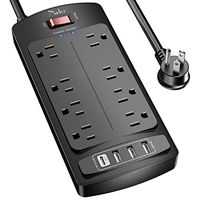
Smart Power Strip, Multiple Outlets WiFi Surge Protector Compatible with Alexa & Google Home, 4 USB Charging Stations and 4 Independent Smart Plugs, 6 Feet Extension Cord -Black
Price is below average
Current Price
$25.99
Average
$28.66
Min Price
$25.99
Max Price
$39.99
Price dynamics
9%
Description
DAILYCOMB Smart Power Strip Surge Protector, Wi-Fi Desktop Power Strip, 4-Outlet(Safety Valve) and 4 USB Charging Ports
Add the Smart Power Strip to Smart Life Steps:
1.Search for the "Smart Life" on the App store or Google Play. You can also scan the QR code in our User Manual provided.
2.Register/Login to the App using your phone number or email address. Averification code will be sent if you are attempting to register.
3.Select Add Device or the "+" icon.
4.Connect your device to a socket and Long press the on/off power button for 5s until the Wi-Fi Connect indicator light flashes.
5.Select the device and tap "Confirm indicator rapidly blink".
6. Input the WIFI password to your device and then tap "Done".
Amazon Echo Voice Control Steps:
1. Add Smart Life APP to skills in Amazon Alexa APP (you need to download Amazon Alexa or Amazon echo app, sign up for Alexa account
and match your Echo)
2. bind Smart life APP in Amazon Alexa APP, (enter Smart Life account to log in)
3.finding devices and adding them in APP, you can be controlled through your Echo.
Specification:
- Working current: Max 10A (resistance loading)
- Working voltage: AV110-240V(50/60Hz)
- USB Voltage / Current: (5V / 2.4A)
- Max power: 1250W(The maximum power changes according to the local voltage)
- Material: PCV0 flame retardant polymer
- Plug standard: US
- Radio protocol: Support 2.4GHz network, not support 5.0GHz.
Package Includes:
Smart Power Strip *1
User Manual *1
Add the Smart Power Strip to Smart Life Steps:
1.Search for the "Smart Life" on the App store or Google Play. You can also scan the QR code in our User Manual provided.
2.Register/Login to the App using your phone number or email address. Averification code will be sent if you are attempting to register.
3.Select Add Device or the "+" icon.
4.Connect your device to a socket and Long press the on/off power button for 5s until the Wi-Fi Connect indicator light flashes.
5.Select the device and tap "Confirm indicator rapidly blink".
6. Input the WIFI password to your device and then tap "Done".
Amazon Echo Voice Control Steps:
1. Add Smart Life APP to skills in Amazon Alexa APP (you need to download Amazon Alexa or Amazon echo app, sign up for Alexa account
and match your Echo)
2. bind Smart life APP in Amazon Alexa APP, (enter Smart Life account to log in)
3.finding devices and adding them in APP, you can be controlled through your Echo.
Specification:
- Working current: Max 10A (resistance loading)
- Working voltage: AV110-240V(50/60Hz)
- USB Voltage / Current: (5V / 2.4A)
- Max power: 1250W(The maximum power changes according to the local voltage)
- Material: PCV0 flame retardant polymer
- Plug standard: US
- Radio protocol: Support 2.4GHz network, not support 5.0GHz.
Package Includes:
Smart Power Strip *1
User Manual *1
Price will be lower
in next 2 weeks
in next 2 weeks
According to the data, price will be lower in next two weeks, so not waste your money and track better price!
Product review & video
hello I'm Wanderer001 and this
is my review of the Kasa / tp-link HS 300 Wi-Fi power strip
so Kasa seems to now be the brand name for a tp-link even though you might be
able to see over there in the corner the actual TP branding let me just say that
this is the power strip that I have been waiting for it is not without its faults
but compared to other low brand or no brand power strips that you can get that
are compatible with echo devices and Google home devices this is the one I've
been waiting for despite its shortcomings so let's start by just
talking about some of the generic specs you are looking at a device that is
fourteen point seven inches in length has a width of two point four nine and a
depth of one point four eight you will notice that the front here has six plugs
each plug if we zoom in has its own indicator light and on-off switch now
I'm okay with it having an on/off sw


Similar products