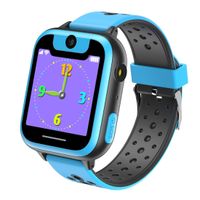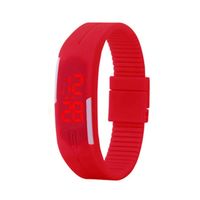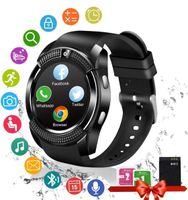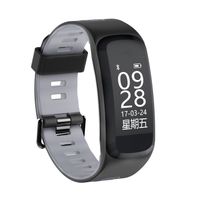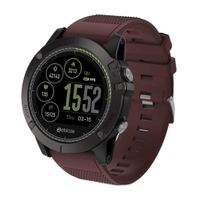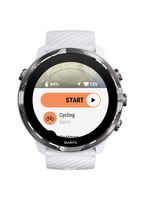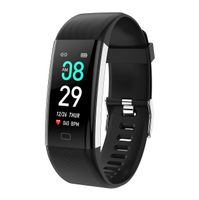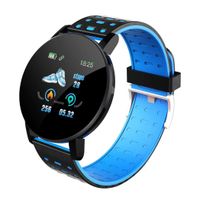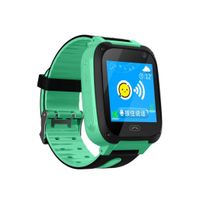
Description
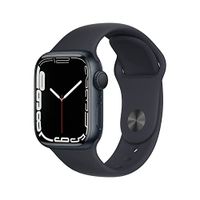
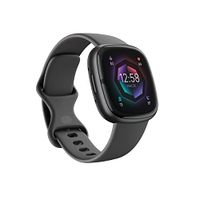
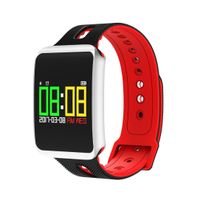
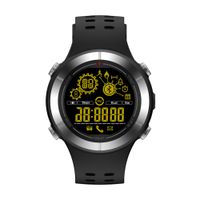
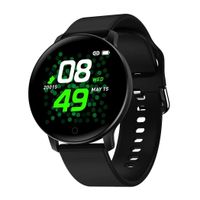
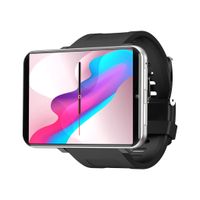
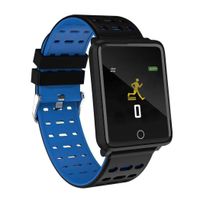
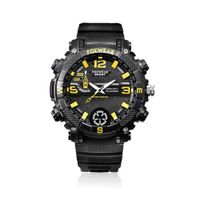
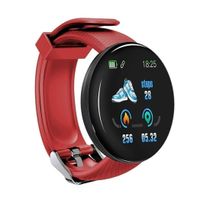
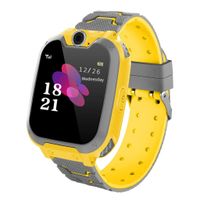
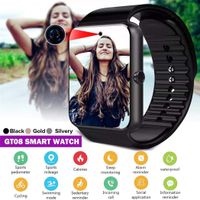
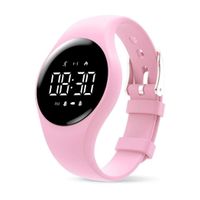
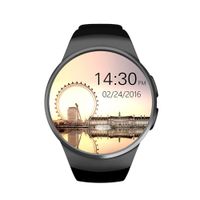
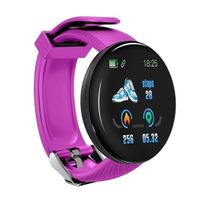
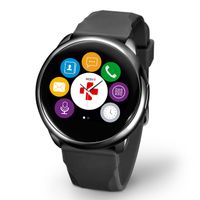
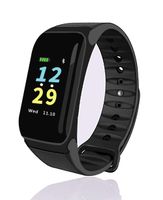
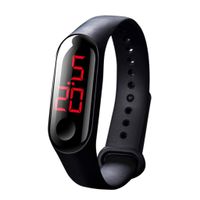
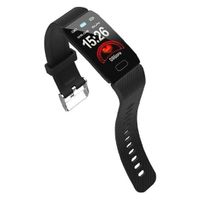
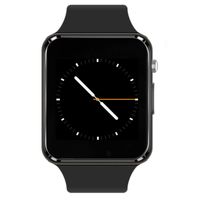
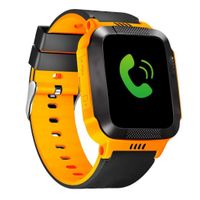
Our smart watch is very practical and easier to wear. Enjoy your good life from now on, and you deserve it.
Note:
◾Before the first use, please fully charge the smart watch(needs about 1-2 hours to fully charge).
◾If the watch is power off, the charging icon will not be displayed immediately after you connecting the charger, but will be displayed after you connecting the charger for 10-15 seconds.
◾The watch works with Android 4.3 or higher, IOS 7.0 or higher.
◾Click the clock standby interface to switch the clock style (three styles).
◾For android phone it supports all functions. Scanning the QR code on watch menu to download the APP "BT Notification".
◾You will need a valid micro SIM card and micro SD card inserted to the smart watch in order to install Apps.
◾Bluetooth Connection: Please keep Bluetooth on your phone and watch turned on for successful pairing.
Specifications:
◾LCD backlight: Adjustable
◾Profiles: General, Silent, Meeting, Outdoor
◾Flight Mode: Yes
◾Schedule power on/off: Yes
◾Set Time/Date: Yes
◾Standby Time: >1 week without BT connected and > 3 days when BT connected
◾Capacity: Support 32GB the max micro SD card (not included with the product)
◾Language: English, German, French, Spanish, Greek, Arabic, Polish, Russian, Vietnamese, Persian, Thai.
Package Included :
◾1 x smart watch
◾1 x USB cable
◾1 x user manual
Warranty: If you are not satisfied with our product, you can request a return within 90 days. We will give you a full refund.
If you have any questions, please feel free to contact us.
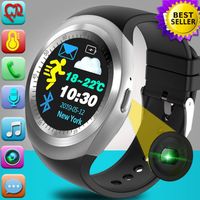
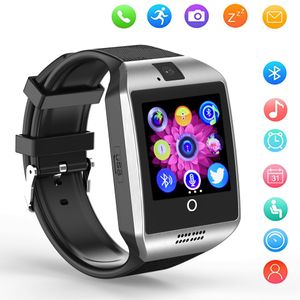
Smart Watch Bluetooth Q18 Touchscreen Wrist Watches SHFY with Camera Compatible with Android Phones for Men Women (Silver)
Price is below average
Current Price
$15.99
Average
$18.29
Min Price
$10.49
Max Price
$21.39
Price dynamics
13%
Description
Our smart watch is very practical and easier to wear. Enjoy your good life from now on, and you deserve it.
Note:
◾Before the first use, please fully charge the smart watch(needs about 1-2 hours to fully charge).
◾If the watch is power off, the charging icon will not be displayed immediately after you connecting the charger, but will be displayed after you connecting the charger for 10-15 seconds.
◾The watch works with Android 4.3 or higher, IOS 7.0 or higher.
◾Click the clock standby interface to switch the clock style (three styles).
◾For android phone it supports all functions. Scanning the QR code on watch menu to download the APP "BT Notification".
◾You will need a valid micro SIM card and micro SD card inserted to the smart watch in order to install Apps.
◾Bluetooth Connection: Please keep Bluetooth on your phone and watch turned on for successful pairing.
Specifications:
◾LCD backlight: Adjustable
◾Profiles: General, Silent, Meeting, Outdoor
◾Flight Mode: Yes
◾Schedule power on/off: Yes
◾Set Time/Date: Yes
◾Standby Time: >1 week without BT connected and > 3 days when BT connected
◾Capacity: Support 32GB the max micro SD card (not included with the product)
◾Language: English, German, French, Spanish, Greek, Arabic, Polish, Russian, Vietnamese, Persian, Thai.
Package Included :
◾1 x smart watch
◾1 x USB cable
◾1 x user manual
Warranty: If you are not satisfied with our product, you can request a return within 90 days. We will give you a full refund.
If you have any questions, please feel free to contact us.
Price will be lower
in next 2 weeks
in next 2 weeks
According to the data, price will be lower in next two weeks, so not waste your money and track better price!
Product review & video
hey everyone was going on today's video wanna show you guys how to pair the q18 SmartWatch over here to the samsung galaxy a5 Android phone this is using the Android nougat so it should work for s7 and essayed and the note 8 is well for the connection process what you want to do first is on your q18 SmartWatch let's say we're in the menu over here and then we're gonna go to menu I will browse across to this part right here that Bluetooth icon over here we're gonna tap on that and first you'll see that it's off at the moment we're gonna tap on the word powers tap on that once they'll switch it on for you then we're going to tap on the word visibility to power on it's visibility as well so now it's on and then I'm gonna go to where it says my device so tap on that once and it'll give you the option to search for a new device but we're not gonna do that yet because we're gonna head over no


Similar products