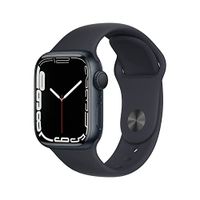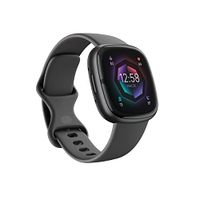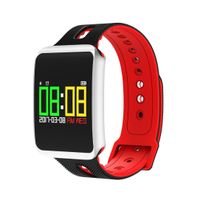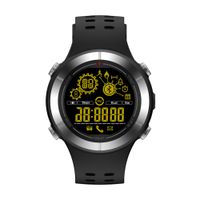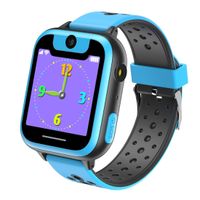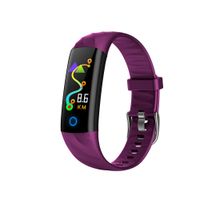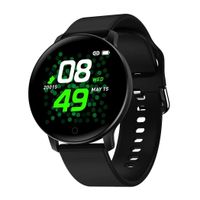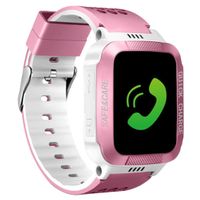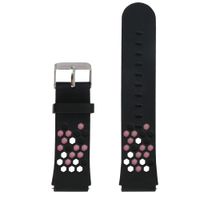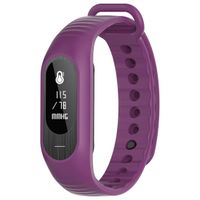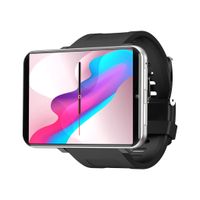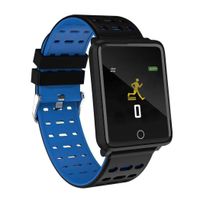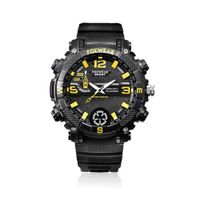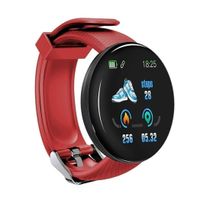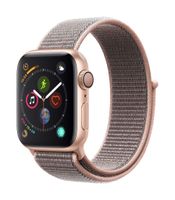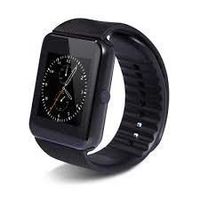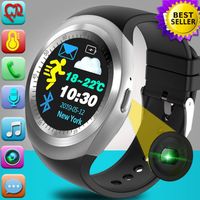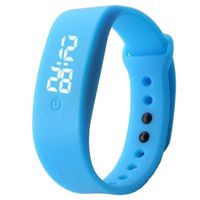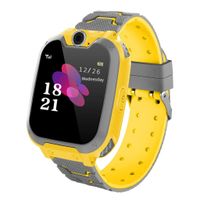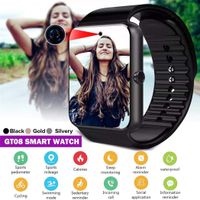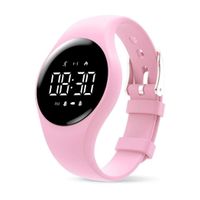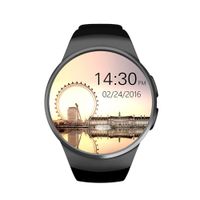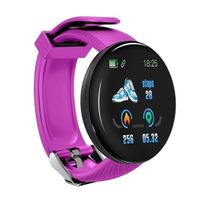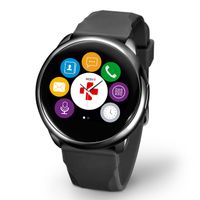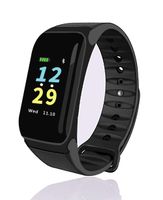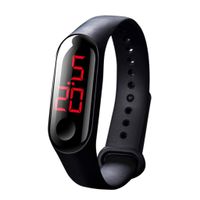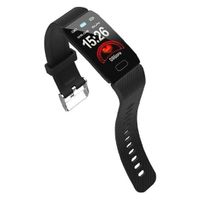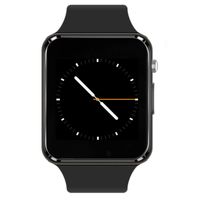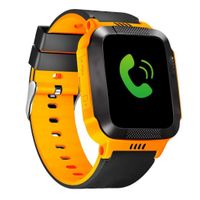
Description
Note:Pls put the battery into the base according to the arrow of direction mark, then pls charge the watch.
FAQ
1.Q: What is required Android OS and Bluetooth version for a smartphone to work with this watch?
A: Android phones: Paring Android 4.2 or above;
iPhone:Paring iOS 7.0 or above;
Bluetooth 4.0 or above is Ok.
2.Q: How to download APK?
A: Use your phone to scan the QR code in the manaul or in the watch;
Install the APK on your Android smartphone.
3.Q: Why the watch couldn't sync the information?
A: 1.Syncing any information (exclude phone call) needs to work with app, confirm whether you have connected both the watch and the app.
2.If both are connected but information couldn't synced, turn off the watch, log out the app and try connecting them again.
Tips
1.Some Android phones may remind that installation fails,please switch on"unknown sources"in security settings of your Android phone firstly,
then it will be able to be installed normally.
2.Ensure this App is running in the foreground or background,to keep your watch and your phone connecting.
3.Make sure your phone Bluetooth is on.
4.Switch on the Fundo Wear in"Accessibility"settings.
5.Pls note that the APK app does not work with iphone, for iphone, you just need to connect it via bluetooth.
Can i text?
If it connects to android phone,you can receive message notification,receive,answer and make phone calling, but can not text,
if it connects to iphone,you just can receive,answer and make phone calling,but no message notifications and message texting.
However,if you insert a micro sim card, thus you can text,call,surf internet,the watch works like a smart phone,all the functions are available.
Package Included
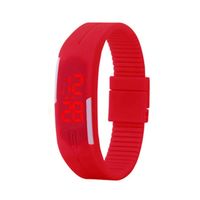
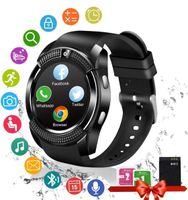
1 x Smart watch phone
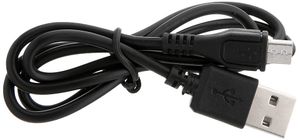
1 x USB Cable
1 x User manual
1 x Protective film
FAQ
1.Q: What is required Android OS and Bluetooth version for a smartphone to work with this watch?
A: Android phones: Paring Android 4.2 or above;
iPhone:Paring iOS 7.0 or above;
Bluetooth 4.0 or above is Ok.
2.Q: How to download APK?
A: Use your phone to scan the QR code in the manaul or in the watch;
Install the APK on your Android smartphone.
3.Q: Why the watch couldn't sync the information?
A: 1.Syncing any information (exclude phone call) needs to work with app, confirm whether you have connected both the watch and the app.
2.If both are connected but information couldn't synced, turn off the watch, log out the app and try connecting them again.
Tips
1.Some Android phones may remind that installation fails,please switch on"unknown sources"in security settings of your Android phone firstly,
then it will be able to be installed normally.
2.Ensure this App is running in the foreground or background,to keep your watch and your phone connecting.
3.Make sure your phone Bluetooth is on.
4.Switch on the Fundo Wear in"Accessibility"settings.
5.Pls note that the APK app does not work with iphone, for iphone, you just need to connect it via bluetooth.
Can i text?
If it connects to android phone,you can receive message notification,receive,answer and make phone calling, but can not text,
if it connects to iphone,you just can receive,answer and make phone calling,but no message notifications and message texting.
However,if you insert a micro sim card, thus you can text,call,surf internet,the watch works like a smart phone,all the functions are available.
Package Included
1 x Smart watch phone
1 x USB Cable
1 x User manual
1 x Protective film
Smart Watch MINGYI MY09 Replaceable Band Bluetooth Smart Watch Call Sync and Handfree Support Android 4.2 or abouve and Iphone5s/6/6s/7/7s (Silver)
Current Price
$35.99
Average
$32.42
Min Price
$30.99
Max Price
$35.99
Price dynamics
10%
Description
Note:Pls put the battery into the base according to the arrow of direction mark, then pls charge the watch.
FAQ
1.Q: What is required Android OS and Bluetooth version for a smartphone to work with this watch?
A: Android phones: Paring Android 4.2 or above;
iPhone:Paring iOS 7.0 or above;
Bluetooth 4.0 or above is Ok.
2.Q: How to download APK?
A: Use your phone to scan the QR code in the manaul or in the watch;
Install the APK on your Android smartphone.
3.Q: Why the watch couldn't sync the information?
A: 1.Syncing any information (exclude phone call) needs to work with app, confirm whether you have connected both the watch and the app.
2.If both are connected but information couldn't synced, turn off the watch, log out the app and try connecting them again.
Tips
1.Some Android phones may remind that installation fails,please switch on"unknown sources"in security settings of your Android phone firstly,
then it will be able to be installed normally.
2.Ensure this App is running in the foreground or background,to keep your watch and your phone connecting.
3.Make sure your phone Bluetooth is on.
4.Switch on the Fundo Wear in"Accessibility"settings.
5.Pls note that the APK app does not work with iphone, for iphone, you just need to connect it via bluetooth.
Can i text?
If it connects to android phone,you can receive message notification,receive,answer and make phone calling, but can not text,
if it connects to iphone,you just can receive,answer and make phone calling,but no message notifications and message texting.
However,if you insert a micro sim card, thus you can text,call,surf internet,the watch works like a smart phone,all the functions are available.
Package Included
1 x Smart watch phone
1 x USB Cable
1 x User manual
1 x Protective film
FAQ
1.Q: What is required Android OS and Bluetooth version for a smartphone to work with this watch?
A: Android phones: Paring Android 4.2 or above;
iPhone:Paring iOS 7.0 or above;
Bluetooth 4.0 or above is Ok.
2.Q: How to download APK?
A: Use your phone to scan the QR code in the manaul or in the watch;
Install the APK on your Android smartphone.
3.Q: Why the watch couldn't sync the information?
A: 1.Syncing any information (exclude phone call) needs to work with app, confirm whether you have connected both the watch and the app.
2.If both are connected but information couldn't synced, turn off the watch, log out the app and try connecting them again.
Tips
1.Some Android phones may remind that installation fails,please switch on"unknown sources"in security settings of your Android phone firstly,
then it will be able to be installed normally.
2.Ensure this App is running in the foreground or background,to keep your watch and your phone connecting.
3.Make sure your phone Bluetooth is on.
4.Switch on the Fundo Wear in"Accessibility"settings.
5.Pls note that the APK app does not work with iphone, for iphone, you just need to connect it via bluetooth.
Can i text?
If it connects to android phone,you can receive message notification,receive,answer and make phone calling, but can not text,
if it connects to iphone,you just can receive,answer and make phone calling,but no message notifications and message texting.
However,if you insert a micro sim card, thus you can text,call,surf internet,the watch works like a smart phone,all the functions are available.
Package Included
1 x Smart watch phone
1 x USB Cable
1 x User manual
1 x Protective film
Price will be lower
in next 2 weeks
in next 2 weeks
According to the data, price will be lower in next two weeks, so not waste your money and track better price!
Product review & video
[Music] good morning this is smartwatchspecifications.com the premiere site for smartwatch specs news and reviews okay we are here again to review and provide a tutorial for the u78 plus smart watch okay last time we connect we synchronize and connect it to the android support app this time what we are after is we go we are going to show you on how to connect to the ios platform particularly the iphone smartphone okay so there's a lot of questions if on how to connect and synchronize their u78 plus smartwatch usually some of the users encountered some problems some issues with their synchronization and they are asking if the smartwatch really works with the ios or are is it really compatible with the ios platform so our goal for today is to synchronize it to show you that the u78 plus smartwatch is compatible with the ios platform again care to check our tutorial on this one okay the sp


Similar products