Description
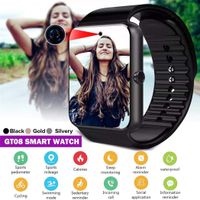
For Android & IPhone 1- Android Use: Smart Watch Connects to Android by Bluetooth Android app "BT" Notifier" from Playstore Features For Android Phones: Dial, Answer & call, Text Message (BY BT Notifier App from Phone book Access E-mail Notifications Music player Voice Recording, Camera, Alarm Clock, Pedometer, Sleep Monitor, Sedentary Reminder How To Connect FOR Android Phones 1- Turn on Bluetooth in Your Smart Phone 2- Search for new Bluetooth device and connect with the watch. 3- Accept "Pair" request from your Smartphone. 4- Accept and Select "Sync" in the request you receive from your smartphone. 5- Ensure the smart watch is connected to your Smartphone then you can dial receive Answer calls. 6- For Messaging and get e-mail Notifications you need to INSTALL "BT Notifier" App from Play store. (See User Manual) 2- ** IPHONE USE*** ( LIMITED USE WITH IPHONE) IMPORTANT NOTE FOR IPHONE USE DOES NOT SUPPORT IMESSAGE ONLY SUPPORT CALLS DZ Smart Watch Connects to IPHONE BY BLUETOOTH ONLY Features for IPHONE: Dial, Answer & call, Phone book Access Music player Voice Recording, Camera, Alarm Clock, Pedometer, Sleep Monitor, Sedentary Reminder How To Connect FOR IPHONE 7- Turn on Bluetooth in Your IPhone 8- Search for new Bluetooth device and connect with the watch. 9- Accept "Pair" request from your Smartphone. 10- Accept and Select "Sync" in the request you receive from your smartphone. 11- Ensure the smart watch is connected to your Smartphone then you can dial receive Answer calls.
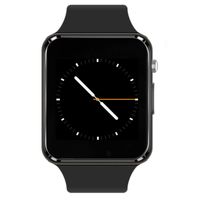
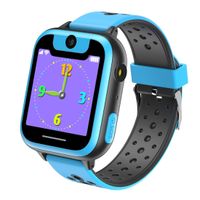
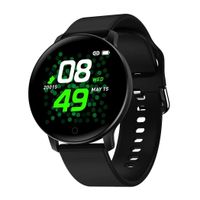
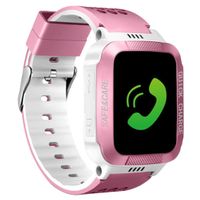
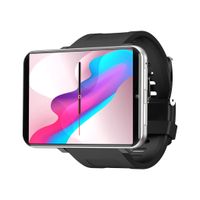
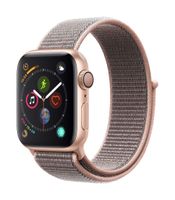
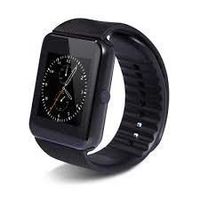
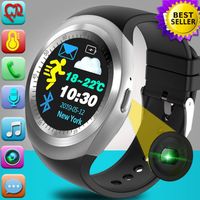
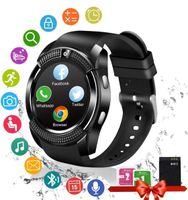
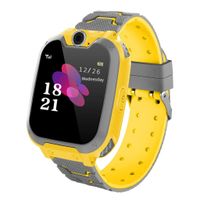
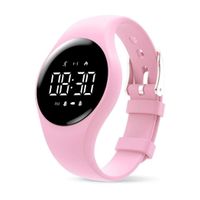
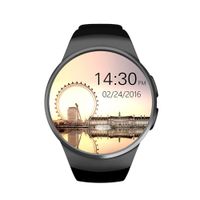
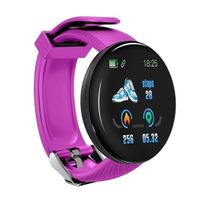
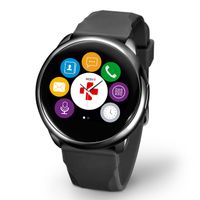
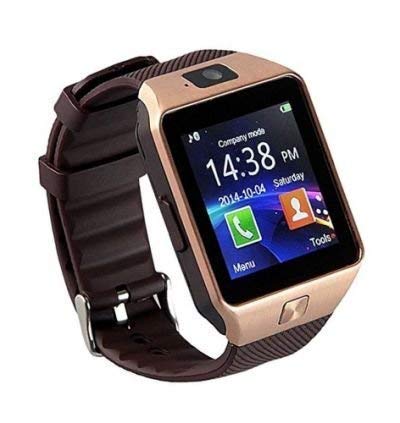
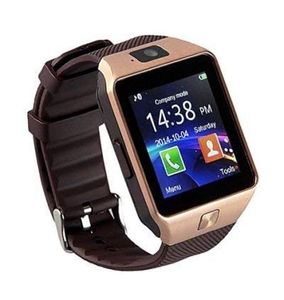
Smart Watch New in Retail Box/Call, Talk, Answer Calls, Messages/Email/ Bluetooth/Camera/Pedometer/Music Player/Calendar/ Alarm Clock/Sim Slot/ (Rose Gold)
Current Price
$25
Average
$21.49
Min Price
$10.99
Max Price
$29
Price dynamics
14%
Description
For Android & IPhone 1- Android Use: Smart Watch Connects to Android by Bluetooth Android app "BT" Notifier" from Playstore Features For Android Phones: Dial, Answer & call, Text Message (BY BT Notifier App from Phone book Access E-mail Notifications Music player Voice Recording, Camera, Alarm Clock, Pedometer, Sleep Monitor, Sedentary Reminder How To Connect FOR Android Phones 1- Turn on Bluetooth in Your Smart Phone 2- Search for new Bluetooth device and connect with the watch. 3- Accept "Pair" request from your Smartphone. 4- Accept and Select "Sync" in the request you receive from your smartphone. 5- Ensure the smart watch is connected to your Smartphone then you can dial receive Answer calls. 6- For Messaging and get e-mail Notifications you need to INSTALL "BT Notifier" App from Play store. (See User Manual) 2- ** IPHONE USE*** ( LIMITED USE WITH IPHONE) IMPORTANT NOTE FOR IPHONE USE DOES NOT SUPPORT IMESSAGE ONLY SUPPORT CALLS DZ Smart Watch Connects to IPHONE BY BLUETOOTH ONLY Features for IPHONE: Dial, Answer & call, Phone book Access Music player Voice Recording, Camera, Alarm Clock, Pedometer, Sleep Monitor, Sedentary Reminder How To Connect FOR IPHONE 7- Turn on Bluetooth in Your IPhone 8- Search for new Bluetooth device and connect with the watch. 9- Accept "Pair" request from your Smartphone. 10- Accept and Select "Sync" in the request you receive from your smartphone. 11- Ensure the smart watch is connected to your Smartphone then you can dial receive Answer calls.
Price will be lower
in next 2 weeks
in next 2 weeks
According to the data, price will be lower in next two weeks, so not waste your money and track better price!
Similar products