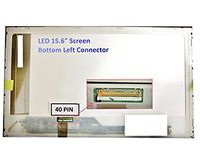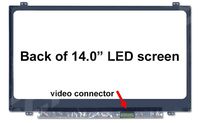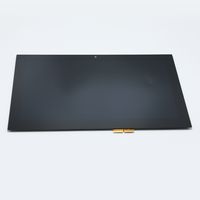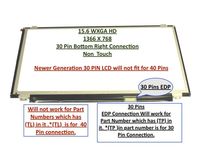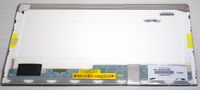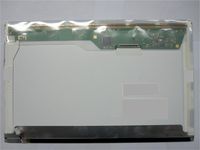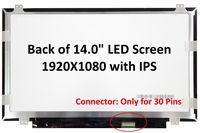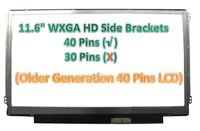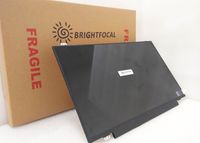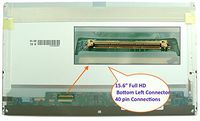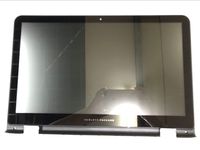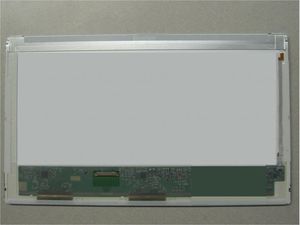
Sony 14" WXGA Glossy LED Screen Vaio VPCEG27FM/P
Price is below average
Current Price
$38
Average
$40.7
Min Price
$33.83
Max Price
$55.4
Price dynamics
7%
Price will be lower
in next 2 weeks
in next 2 weeks
According to the data, price will be lower in next two weeks, so not waste your money and track better price!
Product review & video
Hi, I am Tatiana from Sony and I am here to show
you how to troubleshoot your webcam not being detected on your Sony VAIO notebook. Each VAIO model is slightly different
and the operating system you are using could be a factor so be sure to check the owner's
manual our visit us at esupport.sony.com for specific information on your
model and operating system. Begin by restarting your computer. If the
problem still persists then you will need to remove the webcam drivers and
restart your computer again. To remove the drivers for your webcam,
open the start menu then select control panel. Select hardware and sound. Select device manager under devices
and printers. When you select it, another screen will
appear titled Device Manager. On the device manager screen, select imaging
devices. From here you need to select your devices
located in this area and then select action. A drop menu will