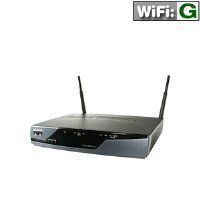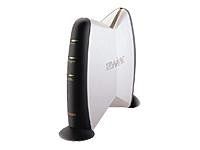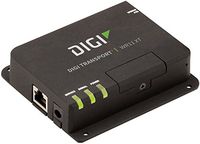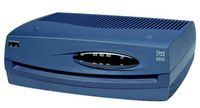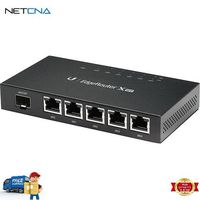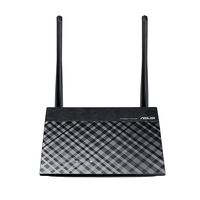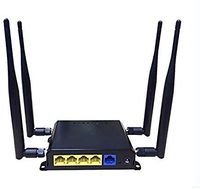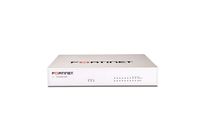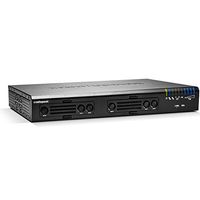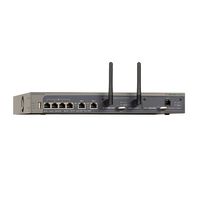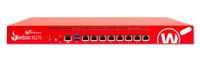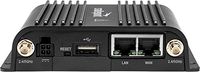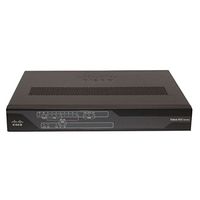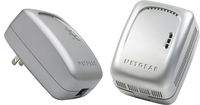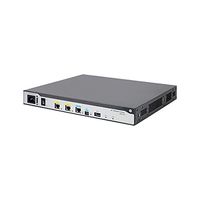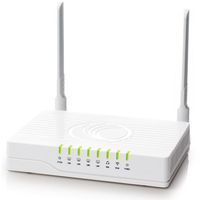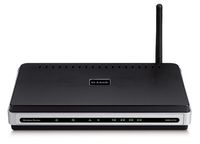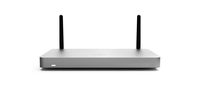
Sophos / Astaro RED 50 (Remote Ethernet Device) Appliance with 1 Year Warranty (RED Series) RED00500APUS
Current Price
$612.75
Average
$568.34
Min Price
$319
Max Price
$645
Price dynamics
7%
Price will be lower
in next 2 weeks
in next 2 weeks
According to the data, price will be lower in next two weeks, so not waste your money and track better price!
Product review & video
In this video we will be taking a look
at how to add RED devices to an XG firewall. Adding a RED device to an XG
firewall is pretty simple. It's three basic steps of enabling the RED
provisioning service on the firewall, creating a RED interface for each RED
device I want to add, then finishing up with creating the necessary firewall
access rules so the users in the remote office can have access to the network
resources in my local network. Before we can begin to configure a RED device in
the firewall we must first enable, or register if you will, the firewall to use
the RED provisioning service of Sophos. I'm going to click on System Services in
the configure section of the left-hand navigation bar and then click on RED tab
from the options across the top. Click on the slider button to turn the RED
service on fill in an organization name, city, country, and email address. Make sure
it