Description
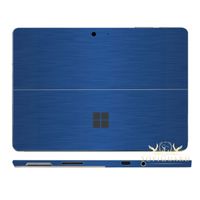
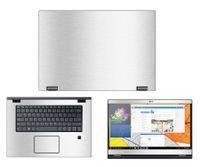
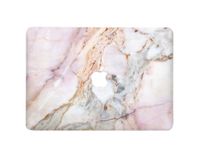
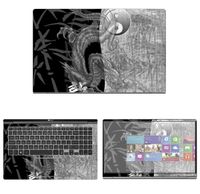
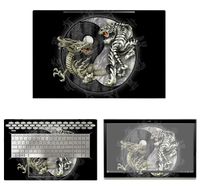
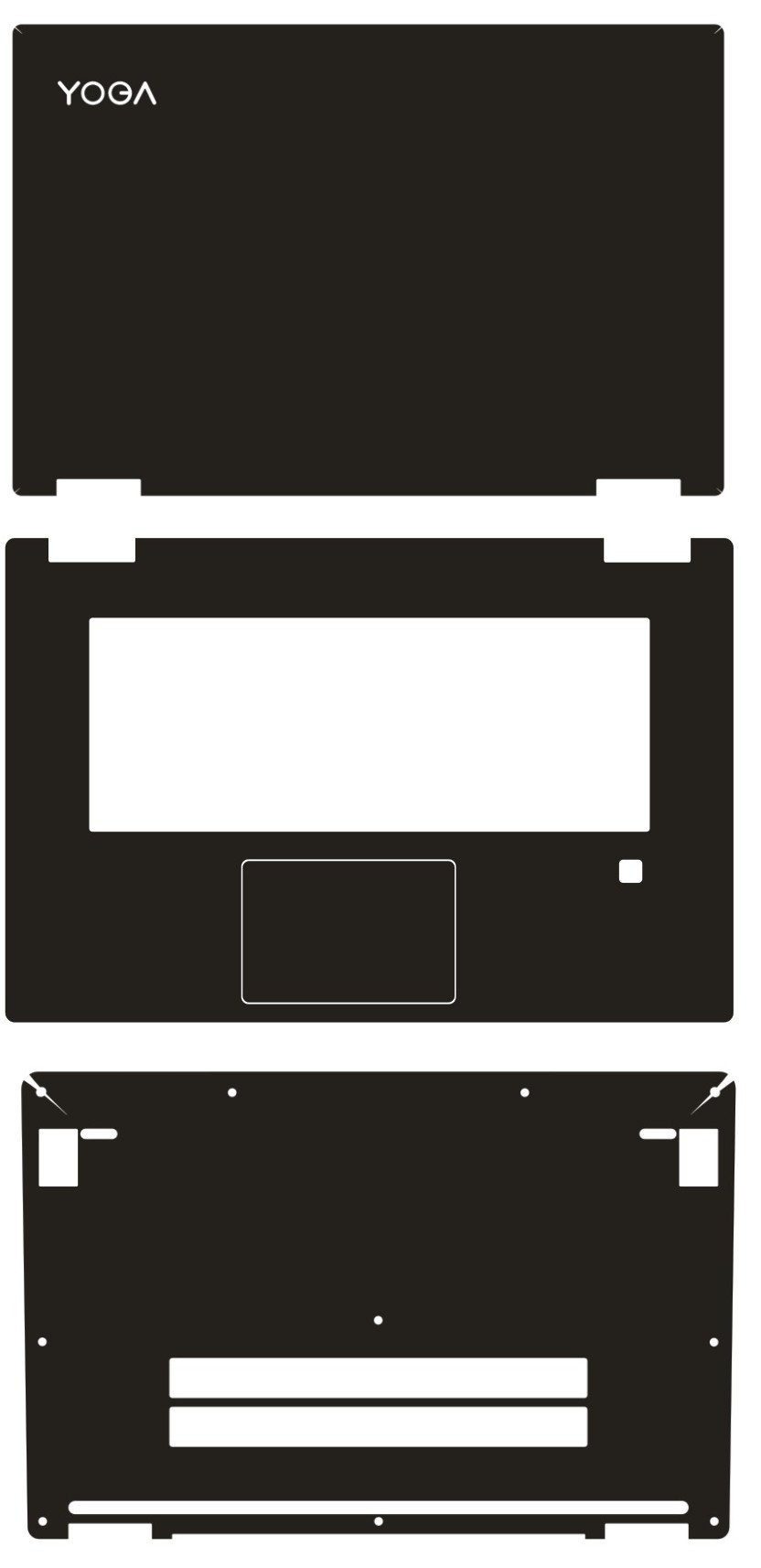
1,This item is NOT A HARD CASE. This item is a Special Vinyl skin/decal sticker and is NOT made of rubber,silicone, gel, or plastic.Easy to apply and easy to remove, leaves NO sticky residue behind. 2,It also has a waterproof, scratch-resistant, anti-fingerprint, aesthetics and other functions.The skin is very light and thin, it will not increase the laptop weight and thickness.It does not affect the laptop heat loss. 1. Broken through the traditional concept of shell protective film, using the new South Korean imports of environmentally friendly materials, simulation textures strong texture, bringing a natural and comfortable sensory enjoyment. 2. After optical precision Rule Die cut, and the perfect integration of notebook computers, and has wear-resistant, acid and alkali, anti-oil, easy to clean features. 3. No adhesive residue. The below is vinyl skin stickers Installation tutorial: You can find partner to apply and will become easier. 1,You check the skin size and the hole whether is correct. 2,You need to align all holes,can't paste from the edge.Don't Inclined and deviate. 3,If the skin isn't aligned, you must slowly take off right now and re-paste.(Don't be forced, otherwise it will easily stretch ripped) Note: After paste completion, if you found the skin isn't fit tightly,you can use hair dryer heating while wiping the skin surface with cloth.it will fit tightly. (Make sure the heat temperature isn't too high, because it will make the skin deformation) This is a Manual technical work.The effect may not be the same as the end of everyone to install the skin.If the skin is not aligned, it will deviate. So be sure to keep the skin aligned. Please do not be too harsh and the pursuit of perfection.Thanks.
Special Laptop Black carbon fiber Vinyl Skin Stickers Cover Guard for Lenovo Yoga 720 15.6" 720-15 touchscreen
Price is below average
Current Price
$20
Average
$22.8
Min Price
$20
Max Price
$28
Price dynamics
12%
Description
1,This item is NOT A HARD CASE. This item is a Special Vinyl skin/decal sticker and is NOT made of rubber,silicone, gel, or plastic.Easy to apply and easy to remove, leaves NO sticky residue behind. 2,It also has a waterproof, scratch-resistant, anti-fingerprint, aesthetics and other functions.The skin is very light and thin, it will not increase the laptop weight and thickness.It does not affect the laptop heat loss. 1. Broken through the traditional concept of shell protective film, using the new South Korean imports of environmentally friendly materials, simulation textures strong texture, bringing a natural and comfortable sensory enjoyment. 2. After optical precision Rule Die cut, and the perfect integration of notebook computers, and has wear-resistant, acid and alkali, anti-oil, easy to clean features. 3. No adhesive residue. The below is vinyl skin stickers Installation tutorial: You can find partner to apply and will become easier. 1,You check the skin size and the hole whether is correct. 2,You need to align all holes,can't paste from the edge.Don't Inclined and deviate. 3,If the skin isn't aligned, you must slowly take off right now and re-paste.(Don't be forced, otherwise it will easily stretch ripped) Note: After paste completion, if you found the skin isn't fit tightly,you can use hair dryer heating while wiping the skin surface with cloth.it will fit tightly. (Make sure the heat temperature isn't too high, because it will make the skin deformation) This is a Manual technical work.The effect may not be the same as the end of everyone to install the skin.If the skin is not aligned, it will deviate. So be sure to keep the skin aligned. Please do not be too harsh and the pursuit of perfection.Thanks.
Price will be lower
in next 2 weeks
in next 2 weeks
According to the data, price will be lower in next two weeks, so not waste your money and track better price!
Product review & video
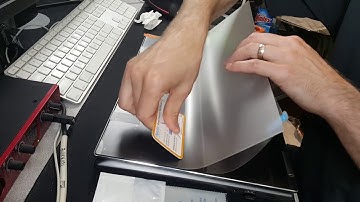
so I got the Lenovo yoga 7 2015 inch model and I wanted to do a quick video on how to put the screen protector on if you're drawing on the screen with a pen I just kind of felt like overtime robbing that little plastic nib on the screen could possibly damage it I don't know maybe it won't but I felt better with using the screen protector also the screen protector gives it a bit of a grit to it but really the main trick is what you see right now what I'm doing is I put a piece of tape on the screen and that once it's taped down it keeps a screen protector from what wiggling left to right so you've got it perfectly lined up like right there I've got it just the way I want the screen protector by the way this is the photo don MX h 25% screen protector it's kind of like partially glare reducing but yeah this comes with the the screen protector has like this protective coating on it so once

Similar products