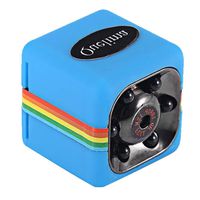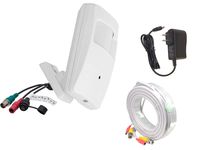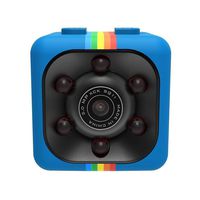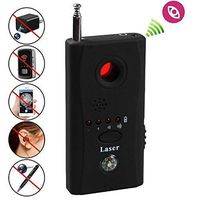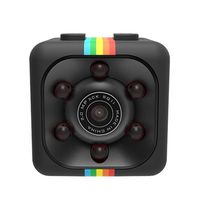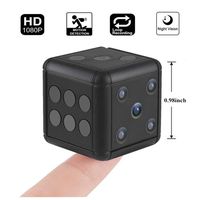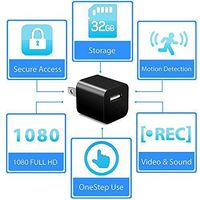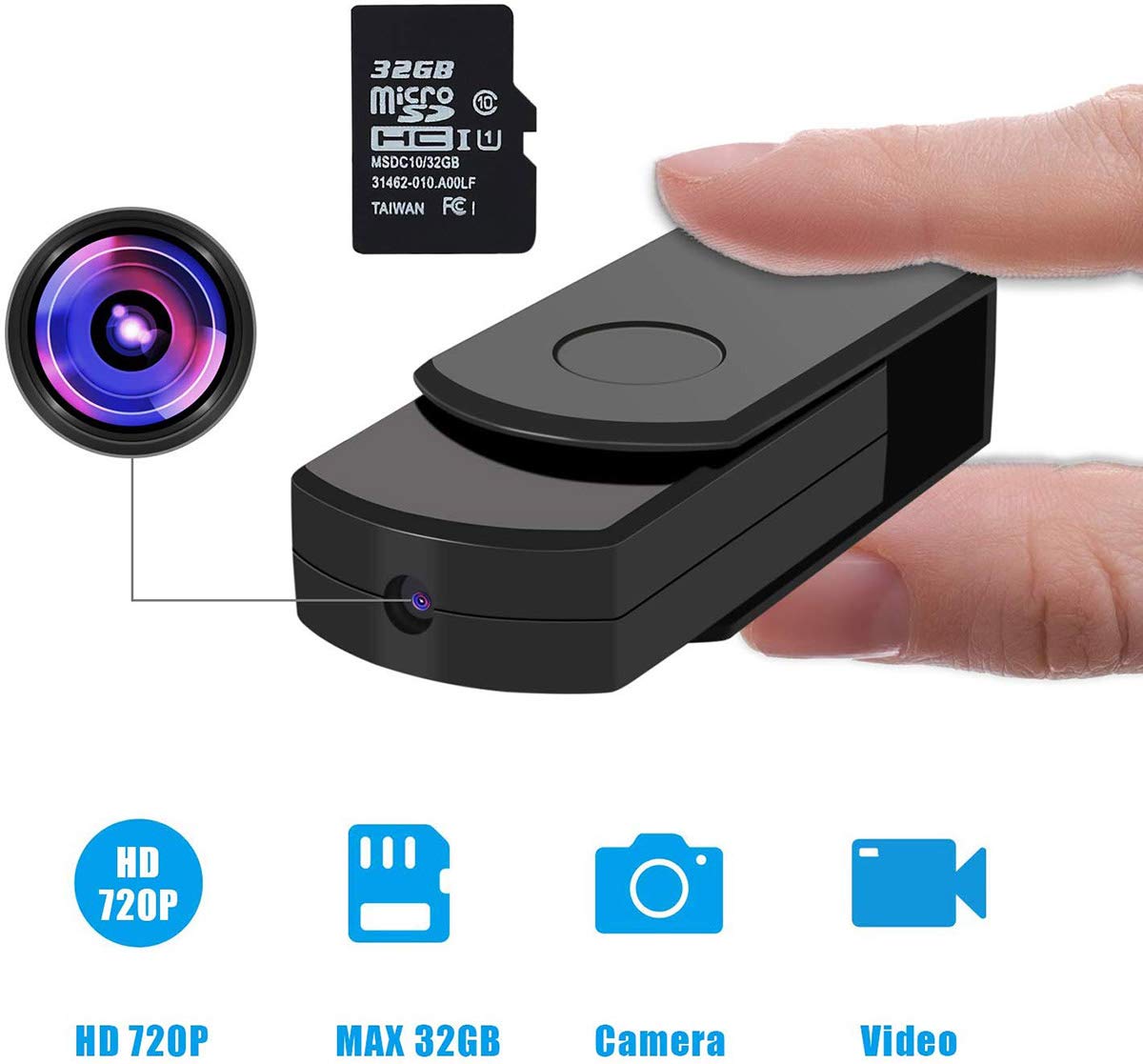
Description
Operation Manual
1. Turn on -- the indicator light shines and the micro SD card will be identified when the button is loosened after being pressed for 2 scconds.
A successful identification of the micro SD card --the indicator light twinkles for one time and then it shines for a long time, it means this DV is in standby mode and is ready to be run by users. No card: this DV will turn off after the indicator light Flashed for three times.
A full card -- this DV will turn off after the indicator light flashed for 6 times.
2. Taking pictures -- when DV is in standby mode, a picture will be taken and saved in the micro SD card after twice short press of the button and a One-time twinkle of the indicator light.
3. Videos: in the standby mode, this DV will begin to record videos after a short press of the button. In the process of videos, the indicator light will flash slowly to remind yon that it is in video mode.
4. To suspend videos -- In video mode, a short press of the button will suspend videos and DV will go back to standby mode after the video files are saved.
In video mode, DV will also suspend videos if TF card is fuil or the battery is low. It will shut off immediately after video files are saved.
5. Turn off -- In standby mode, the indicator light flashes for 2 times after pressing the button for 2 seconds and then DV will shut off.
Without any operation for 1 minute in standby mode, the DV will shut off automatically to save power.
6. USB disk mode -- when DV is turned off, you can connect it to your computer and then DV is in USB disk mode.
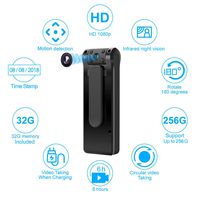
Features :
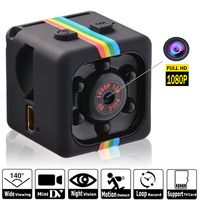
Video Format : AVI
Video resolution : 1280*960
Frame Rate of Video : 30 fps
Picture Format : PG
Working time of battery : 60 minutes
Charging Voltage : DV-5V
Types of Ports : USB 2.0
1. Turn on -- the indicator light shines and the micro SD card will be identified when the button is loosened after being pressed for 2 scconds.
A successful identification of the micro SD card --the indicator light twinkles for one time and then it shines for a long time, it means this DV is in standby mode and is ready to be run by users. No card: this DV will turn off after the indicator light Flashed for three times.
A full card -- this DV will turn off after the indicator light flashed for 6 times.
2. Taking pictures -- when DV is in standby mode, a picture will be taken and saved in the micro SD card after twice short press of the button and a One-time twinkle of the indicator light.
3. Videos: in the standby mode, this DV will begin to record videos after a short press of the button. In the process of videos, the indicator light will flash slowly to remind yon that it is in video mode.
4. To suspend videos -- In video mode, a short press of the button will suspend videos and DV will go back to standby mode after the video files are saved.
In video mode, DV will also suspend videos if TF card is fuil or the battery is low. It will shut off immediately after video files are saved.
5. Turn off -- In standby mode, the indicator light flashes for 2 times after pressing the button for 2 seconds and then DV will shut off.
Without any operation for 1 minute in standby mode, the DV will shut off automatically to save power.
6. USB disk mode -- when DV is turned off, you can connect it to your computer and then DV is in USB disk mode.
Features :
Video Format : AVI
Video resolution : 1280*960
Frame Rate of Video : 30 fps
Picture Format : PG
Working time of battery : 60 minutes
Charging Voltage : DV-5V
Types of Ports : USB 2.0
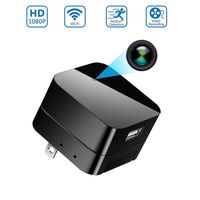
Spy Camera, Rechargeable Battery Powered USB Card Reader with Built-in 720P 30fps Hidden HD Camera and 32GB Micro SD Card for Video Recording
Current Price
$64.99
Average
$42.66
Min Price
$29.99
Max Price
$64.99
Price dynamics
34%
Description
Operation Manual
1. Turn on -- the indicator light shines and the micro SD card will be identified when the button is loosened after being pressed for 2 scconds.
A successful identification of the micro SD card --the indicator light twinkles for one time and then it shines for a long time, it means this DV is in standby mode and is ready to be run by users. No card: this DV will turn off after the indicator light Flashed for three times.
A full card -- this DV will turn off after the indicator light flashed for 6 times.
2. Taking pictures -- when DV is in standby mode, a picture will be taken and saved in the micro SD card after twice short press of the button and a One-time twinkle of the indicator light.
3. Videos: in the standby mode, this DV will begin to record videos after a short press of the button. In the process of videos, the indicator light will flash slowly to remind yon that it is in video mode.
4. To suspend videos -- In video mode, a short press of the button will suspend videos and DV will go back to standby mode after the video files are saved.
In video mode, DV will also suspend videos if TF card is fuil or the battery is low. It will shut off immediately after video files are saved.
5. Turn off -- In standby mode, the indicator light flashes for 2 times after pressing the button for 2 seconds and then DV will shut off.
Without any operation for 1 minute in standby mode, the DV will shut off automatically to save power.
6. USB disk mode -- when DV is turned off, you can connect it to your computer and then DV is in USB disk mode.
Features :
Video Format : AVI
Video resolution : 1280*960
Frame Rate of Video : 30 fps
Picture Format : PG
Working time of battery : 60 minutes
Charging Voltage : DV-5V
Types of Ports : USB 2.0
1. Turn on -- the indicator light shines and the micro SD card will be identified when the button is loosened after being pressed for 2 scconds.
A successful identification of the micro SD card --the indicator light twinkles for one time and then it shines for a long time, it means this DV is in standby mode and is ready to be run by users. No card: this DV will turn off after the indicator light Flashed for three times.
A full card -- this DV will turn off after the indicator light flashed for 6 times.
2. Taking pictures -- when DV is in standby mode, a picture will be taken and saved in the micro SD card after twice short press of the button and a One-time twinkle of the indicator light.
3. Videos: in the standby mode, this DV will begin to record videos after a short press of the button. In the process of videos, the indicator light will flash slowly to remind yon that it is in video mode.
4. To suspend videos -- In video mode, a short press of the button will suspend videos and DV will go back to standby mode after the video files are saved.
In video mode, DV will also suspend videos if TF card is fuil or the battery is low. It will shut off immediately after video files are saved.
5. Turn off -- In standby mode, the indicator light flashes for 2 times after pressing the button for 2 seconds and then DV will shut off.
Without any operation for 1 minute in standby mode, the DV will shut off automatically to save power.
6. USB disk mode -- when DV is turned off, you can connect it to your computer and then DV is in USB disk mode.
Features :
Video Format : AVI
Video resolution : 1280*960
Frame Rate of Video : 30 fps
Picture Format : PG
Working time of battery : 60 minutes
Charging Voltage : DV-5V
Types of Ports : USB 2.0
Price will be lower
in next 2 weeks
in next 2 weeks
According to the data, price will be lower in next two weeks, so not waste your money and track better price!
Product review & video
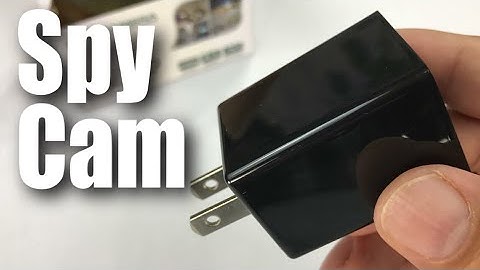
what's up hand ination Peter Vaughn Pandey here hey this is an HD camera but it's kind of interesting because it's kind of a nanny-cam spy camera and it's a hidden in a charger and that's what kind of makes it pretty interesting now you may want this for a variety of different reasons I don't know why you will but let me just brought some reasons that you might maybe you are actually worried about the nanny yeah right you want to see if she's beating your kids or stealing your jewelry well you can you can certainly do that maybe you want to just keep an eye on your pet and see what they're actually doing you know did that obedience school pay off maybe your just creep like me whatever it might be so there could be all sorts of reasons but I was really curious if it worked and how well it works so it does look like it's wrapped up in plastic here pretty nicely does look like generally ma

Similar products