Description
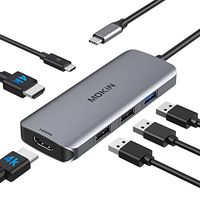
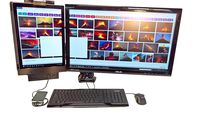
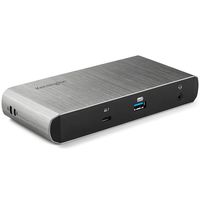
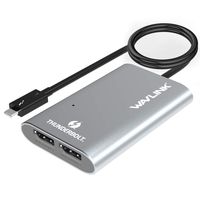
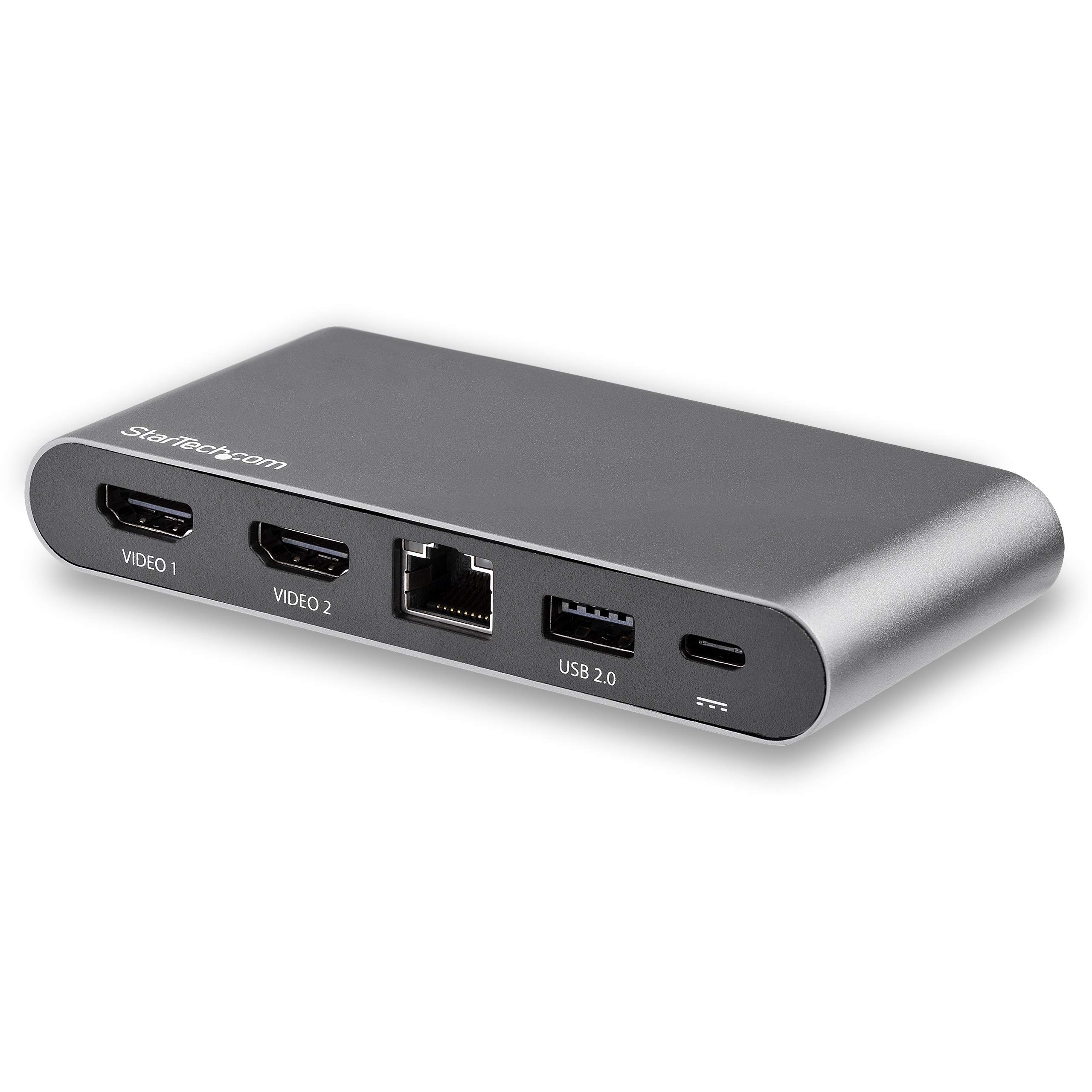
This USB-C multiport adapter turns your Windows laptop into a portable dual-monitor workstation. The USB-C to dual DisplayPort adapter connects your USB-C laptop to two DisplayPort monitors and gives you two USB-A ports (USB 3.0 and USB 2.0), a Gigabit Ethernet port, a DP Alt Mode Switch plus laptop charging. Connect to Dual DP Monitors with Flexible Resolution Options The USB C to Dual DP Adapter extends your laptop screen to dual DisplayPort displays. Using the DP Alt Mode switch you can choose the display resolution and USB speed to meet your needs. DP Alt Mode lets you choose USB 2.0 for 4K 30Hz resolution (for single and dual monitor configurations), or use USB 3.0 for dual 1080p resolution and single 4K 30Hz resolution. Since this dock uses multi-stream transport technologoy, it can power two DP monitors with no driver installation required. Laptop Charging With 100W Power Delivery 3.0, the USB-C Type-C to DisplayPort adapter powers itself as well as your laptop and peripherals, with up to 85W laptop charging when connected to a USB-C power adapter. PD 3.0 features Fast Role Swap to prevent USB data disruption when you unplug to switch power sources (USB-C power adapter to bus power). Reliable Network Connectivity The GbE port ensures reliable network access. A 1 m USB-C cable is included. DK30C2DAGPD is backed by a StarTech.com 3-year warranty and free lifetime technical support. Note: To ensure full adapter functionality, your laptop’s USB-C port must support USB Power Delivery and DP Alt Mode.
StarTech.com Dual Monitor USB C Docking Station - for Windows Laptops - HDMI Multiport Adapter (DK30C2HAGPD)
Current Price
$128.99
Average
$128.17
Min Price
$125.38
Max Price
$137.03
Price dynamics
1%
Description
This USB-C multiport adapter turns your Windows laptop into a portable dual-monitor workstation. The USB-C to dual DisplayPort adapter connects your USB-C laptop to two DisplayPort monitors and gives you two USB-A ports (USB 3.0 and USB 2.0), a Gigabit Ethernet port, a DP Alt Mode Switch plus laptop charging. Connect to Dual DP Monitors with Flexible Resolution Options The USB C to Dual DP Adapter extends your laptop screen to dual DisplayPort displays. Using the DP Alt Mode switch you can choose the display resolution and USB speed to meet your needs. DP Alt Mode lets you choose USB 2.0 for 4K 30Hz resolution (for single and dual monitor configurations), or use USB 3.0 for dual 1080p resolution and single 4K 30Hz resolution. Since this dock uses multi-stream transport technologoy, it can power two DP monitors with no driver installation required. Laptop Charging With 100W Power Delivery 3.0, the USB-C Type-C to DisplayPort adapter powers itself as well as your laptop and peripherals, with up to 85W laptop charging when connected to a USB-C power adapter. PD 3.0 features Fast Role Swap to prevent USB data disruption when you unplug to switch power sources (USB-C power adapter to bus power). Reliable Network Connectivity The GbE port ensures reliable network access. A 1 m USB-C cable is included. DK30C2DAGPD is backed by a StarTech.com 3-year warranty and free lifetime technical support. Note: To ensure full adapter functionality, your laptop’s USB-C port must support USB Power Delivery and DP Alt Mode.
Price will be lower
in next 2 weeks
in next 2 weeks
According to the data, price will be lower in next two weeks, so not waste your money and track better price!
Product review & video
[Music] hello everyone welcome to our Channel today I'll show you guys how to easily set up a dual monitor system for a laptop with a single USBC port which is the case with most of the slim laptops nowadays so let's get started if you're someone new to our channel please consider subscribing to our channel is you do regular reduce for very smart watches and smartphones tech tutorials like this one and much more also check out our playlist ape to find categorized videos for various content we post on this channel ok let's start with a situation if you have a laptop like I do which is the Asus Zenbook 3 this has only one USB type-c port this can be the case with most of the laptops which are ultra-thin and portable as to save space the manufacturer compromises with the i/o right off the back such situation can be very tricky as you need to charge the device and attach accessories like a


Similar products