Description
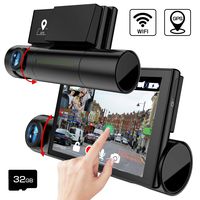
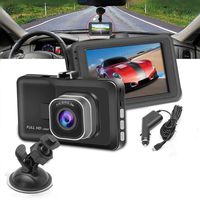
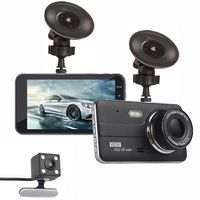
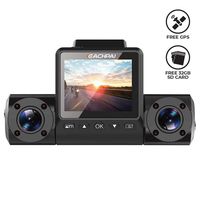
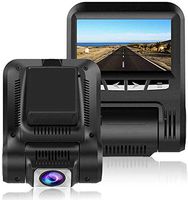
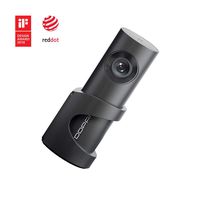
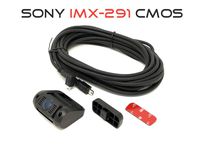
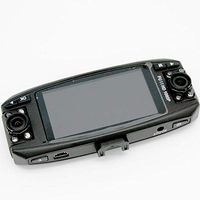
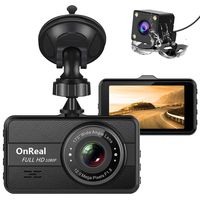
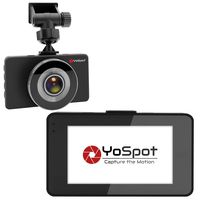
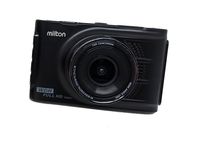
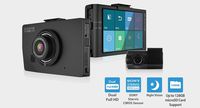
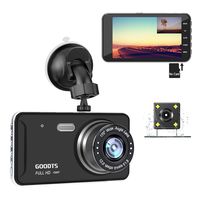
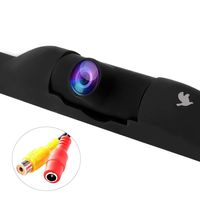
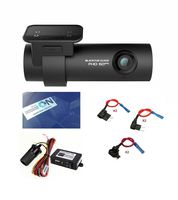
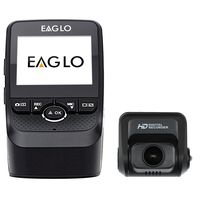
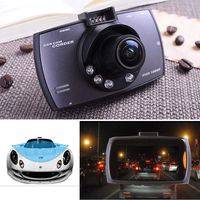
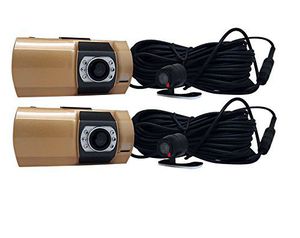
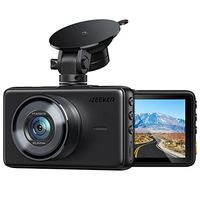
Top Dawg 1080P 4 Camera DVR Dash Camera will allow you to record 4 viewpoints at the same time in 1080P HD time and date stamped video. You will have a main cameras on each side of the windshield that can pointing forward, which will give you 180 degree recording in front of you and record everything the driver sees or can point one of the main cameras front and one on the driver and record what is going on inside the vehicle. This also comes with two 2nd cameras that can be mounted inside or outside of the vehicle recording a 3rd and 4th viewing point at the same time. This affordable 1080P 4 Cameras DVR Dash Cam set up is easy to install in minutes and includes everything to get started: simply install the main units on the windshield using the heavy duty suction mount and plug the power cord into the cigarette lighter, then adjust the camera on the main unit to point forwards to record what the driver sees or point towards the driver to record the interior of the vehicle. Next, plug the 2nd cams into each of the main unit and install the 2nd cams wherever you choose, inside or outside the vehicle. This second cams comes with a 30 foot cable which will give you the freedom to install this camera in almost any location. All videos are recorded on a micro SD card (16GB microSD Card included) in MOV file format, for later playback on your PC, laptop or TV using the AV cable, or USB 2.0 Cable. We all know that this technology has been used by police officers for years to protect them, why shouldn't you use that same technology? Now, if your insurance companies or any Judge wants evidence of a traffic ticket or accident, you will have a time and date stamped video that will assist you!
Top Dawg TDCAMDUAL4 4-Camera 1080P Dual DVR Dash Camera System
Current Price
$259.99
Average
$216.98
Min Price
$194.67
Max Price
$287.99
Price dynamics
17%
Description
Top Dawg 1080P 4 Camera DVR Dash Camera will allow you to record 4 viewpoints at the same time in 1080P HD time and date stamped video. You will have a main cameras on each side of the windshield that can pointing forward, which will give you 180 degree recording in front of you and record everything the driver sees or can point one of the main cameras front and one on the driver and record what is going on inside the vehicle. This also comes with two 2nd cameras that can be mounted inside or outside of the vehicle recording a 3rd and 4th viewing point at the same time. This affordable 1080P 4 Cameras DVR Dash Cam set up is easy to install in minutes and includes everything to get started: simply install the main units on the windshield using the heavy duty suction mount and plug the power cord into the cigarette lighter, then adjust the camera on the main unit to point forwards to record what the driver sees or point towards the driver to record the interior of the vehicle. Next, plug the 2nd cams into each of the main unit and install the 2nd cams wherever you choose, inside or outside the vehicle. This second cams comes with a 30 foot cable which will give you the freedom to install this camera in almost any location. All videos are recorded on a micro SD card (16GB microSD Card included) in MOV file format, for later playback on your PC, laptop or TV using the AV cable, or USB 2.0 Cable. We all know that this technology has been used by police officers for years to protect them, why shouldn't you use that same technology? Now, if your insurance companies or any Judge wants evidence of a traffic ticket or accident, you will have a time and date stamped video that will assist you!
Price will be lower
in next 2 weeks
in next 2 weeks
According to the data, price will be lower in next two weeks, so not waste your money and track better price!
Product review & video
[Music] hey guys I'm going over videos of frequently asked questions on our 1080p dual cam system this is a important one this one is how do I view my files okay first of all we need to be in standby mode that means the video camera is not recording we know it's not recording right now because there's no timestamp going up next to the camera right here so now it is in standby mode if you're recording just press ok to go to standby mode after in standby mode what we want to do is hold down this Menu key for three to five seconds and as we do that we'll see the icon in the upper left hand corner change it changed from the cat video camera to now it is a gallery mode and now if I hold it again for another three to five seconds it changes to playback mode you can see that it's now the icon is now a green playback icon and that's as simple as that now that I got the icon there I can cycle th


Similar products