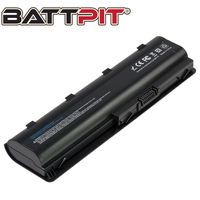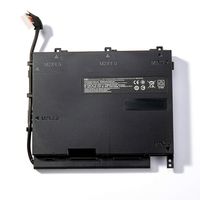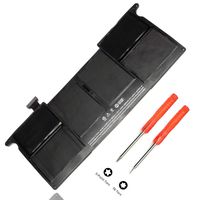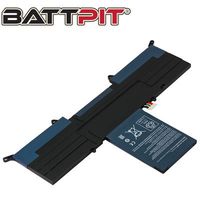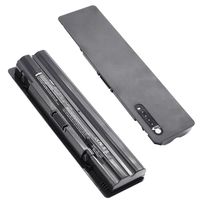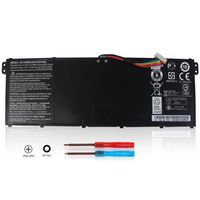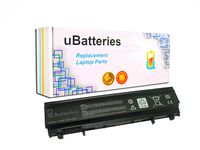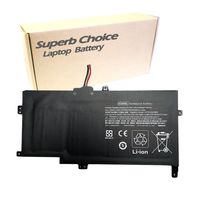
Description
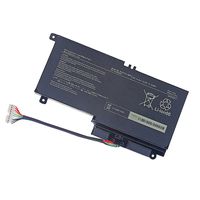
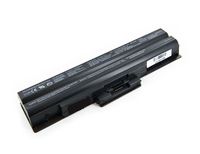
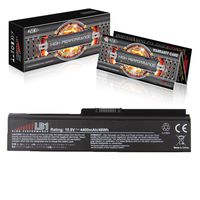
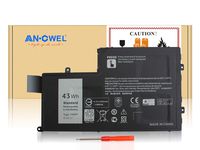
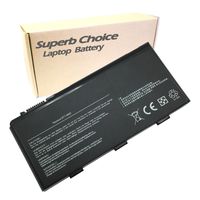
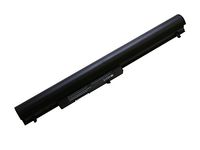
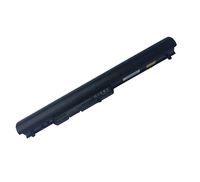
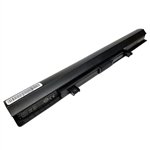
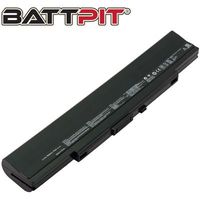
Toshiba Satellite C50-A C50-B C55-B C55D-A C55D-B Battery PA5185u-1brs Get longer battery life and improved laptop performance with a new Toshiba Satellite C55 and C50 laptop battery. This battery is compatible with the Toshiba family of laptops that have -A or -B following the model numbers C50, C55 and C55D. If your laptop model does not have a -A or -B, this battery will not be compatible. See below for the complete list of compatible models and battery part numbers. Don't see yours? Go to our Toshiba laptop battery page for the full catalog.We use higher quality lithium-ion battery cells and components that will provide longer run times between charges as well as a longer service life than cheaper, lower quality batteries. In addition, Li-ion batteries are not subject to the memory effect common with older battery technology. This means you can recharge your laptop any time without diminishing your battery capacity. Each battery is individually tested before shipment and backed by 30 day complete satisfaction guarantee and a 2 Year warranty. Brand: Voltage: Battery Capacity: Battery Type: Cell Origin: Color: Warranty: Guarantee: Useful Life: Xtend 14.4 Volts (same as 14.8 Volts) 2200 mAh 4 Cell Li-ion Samsung (South Korea) Black 2 Year Warranty 30 day full satisfaction guarantee 300-500 recharge cycles You can expect about 2 hours to 4 hours of run time with this computer battery when new, depending on your energy use. This battery replaces Toshiba Satellite Battery for C50-A, C50-B C55-B C55D-A C55D-B laptops. Replaces these Toshiba battery part numbers: PA5184U-1BRS PA5195U-1BRS PA5185U-1BRS PA5186U-1BRS Compatible with these Toshiba laptop models: Satellite C55-B Series Satellite S50D-B Series Satellite S50Dt-B Series Satellite S50t-B Series Satellite S55-B Series Satellite C50-B Series Satellite C50D-B Series Satellite C50Dt-B Series Satellite C55D-B Series Satellite L50-
Toshiba Satellite C50-A C50-B C55-A C55-B C55D-A C55D-B Battery
Current Price
$40.9
Average
$40.9
Min Price
$40.9
Max Price
$40.9
Price dynamics
0%
Description
Toshiba Satellite C50-A C50-B C55-B C55D-A C55D-B Battery PA5185u-1brs Get longer battery life and improved laptop performance with a new Toshiba Satellite C55 and C50 laptop battery. This battery is compatible with the Toshiba family of laptops that have -A or -B following the model numbers C50, C55 and C55D. If your laptop model does not have a -A or -B, this battery will not be compatible. See below for the complete list of compatible models and battery part numbers. Don't see yours? Go to our Toshiba laptop battery page for the full catalog.We use higher quality lithium-ion battery cells and components that will provide longer run times between charges as well as a longer service life than cheaper, lower quality batteries. In addition, Li-ion batteries are not subject to the memory effect common with older battery technology. This means you can recharge your laptop any time without diminishing your battery capacity. Each battery is individually tested before shipment and backed by 30 day complete satisfaction guarantee and a 2 Year warranty. Brand: Voltage: Battery Capacity: Battery Type: Cell Origin: Color: Warranty: Guarantee: Useful Life: Xtend 14.4 Volts (same as 14.8 Volts) 2200 mAh 4 Cell Li-ion Samsung (South Korea) Black 2 Year Warranty 30 day full satisfaction guarantee 300-500 recharge cycles You can expect about 2 hours to 4 hours of run time with this computer battery when new, depending on your energy use. This battery replaces Toshiba Satellite Battery for C50-A, C50-B C55-B C55D-A C55D-B laptops. Replaces these Toshiba battery part numbers: PA5184U-1BRS PA5195U-1BRS PA5185U-1BRS PA5186U-1BRS Compatible with these Toshiba laptop models: Satellite C55-B Series Satellite S50D-B Series Satellite S50Dt-B Series Satellite S50t-B Series Satellite S55-B Series Satellite C50-B Series Satellite C50D-B Series Satellite C50Dt-B Series Satellite C55D-B Series Satellite L50-
Price will be lower
in next 2 weeks
in next 2 weeks
According to the data, price will be lower in next two weeks, so not waste your money and track better price!
Product review & video
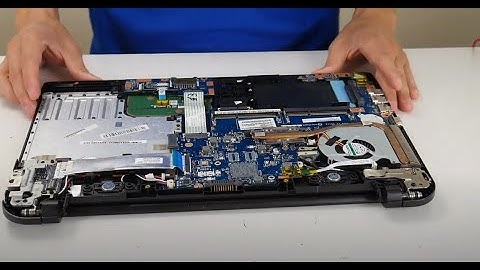
hey guys this is Jamie with point tech bringing you another do-it-yourself computer repair video today I have with me right here a Toshiba laptop and we're going to be showing you how to do a BIOS reset on it among other reasons for needing to do a BIOS reset this is one of the steps in a diagnostic process trying to figure out why your computers either not starting on at all or if it starts part way and then shuts off if you are going through your diagnostic process with that issue the first thing you'd want to do was test your your adapter there'll be a link in a video showing you how to do that then you would also want to check your power jack and your power port on your motherboard if your adapter checked out there'll be links for those videos as well if you've done those and your adapter is confirmed working and your power jack is confirmed working and the port on your motherboard

Similar products