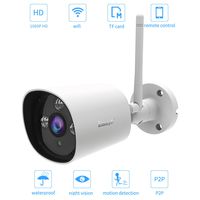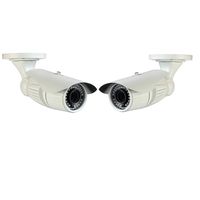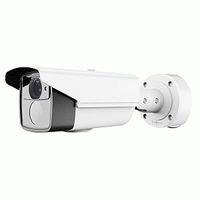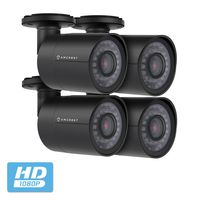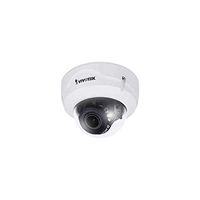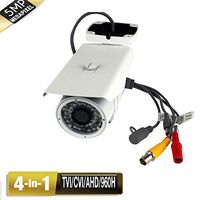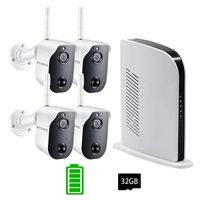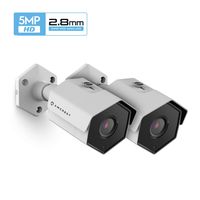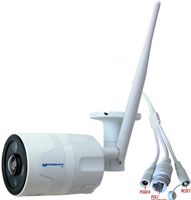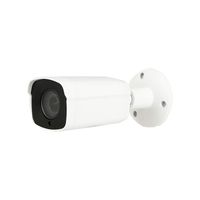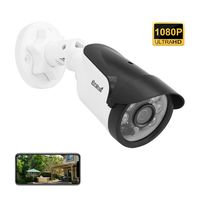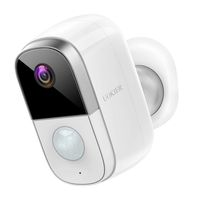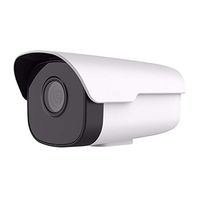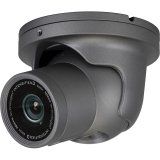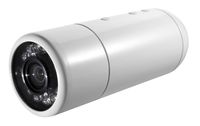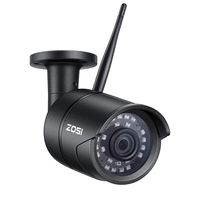
Full Color Night Vision | Carrier-grade Signal Processing | IP66 Certified Weather Resistant
➤ Upgrade Video Coding Technology - Smart H.264 video compression algorithm | Faster connection | Super long time recording
➤ Financial Standard Data Protection - 1024bit dynamic encryption | Guarantee the security of data flow transmission
➤ Discover More Interesting Features - Work with Alexa | Online firmware upgrades | Smart home linkage
Wi-Fi Connection
Step 1: Launch the MIPC app, Click + to select the device mode
Step 2: Scan the QR code on the bottom of the camera, add and Click the Wi-Fi Connection.
Step 3: Press the camera RESET button, Hold for 3-5s to Enter the Wi-Fi configuration mode.
Step 4: Input the wifi password. Turn up the phone volume and bring the phone closer to the camera.
Step 5: After several personalized settings, the connection should be successful!
Notice before configuration: ✔ It only supports 2.4GHz band not 5GHz ✔Your Wi-Fi encryption is WPA2-PSK(AES) ✔Heard the sound of droplets after plugging in
What's in the box?
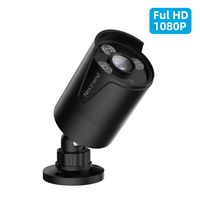
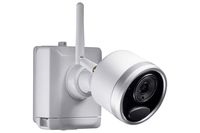
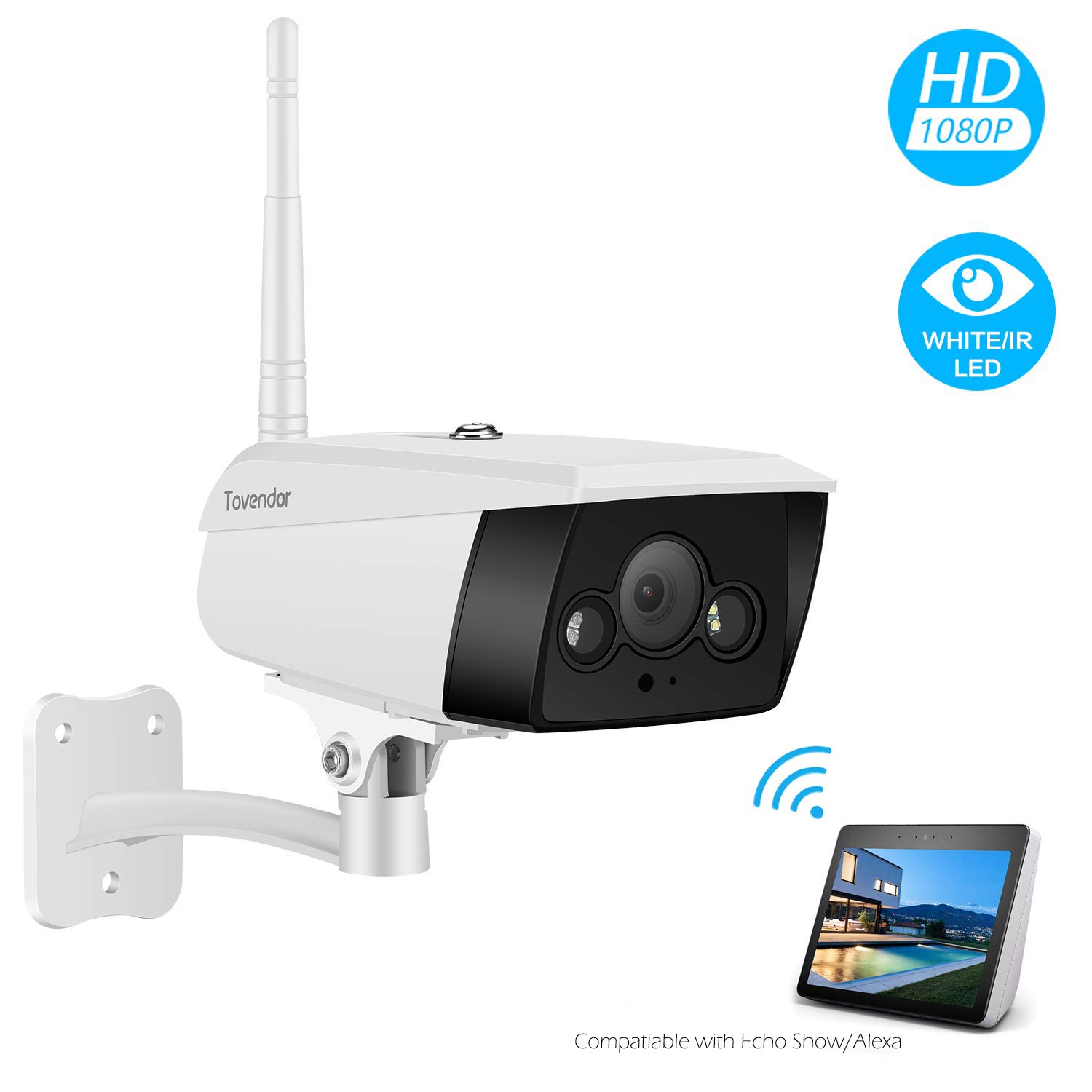
1 x Tovendor Bullet Camera.
1 x 6.6ft AC Adapters.
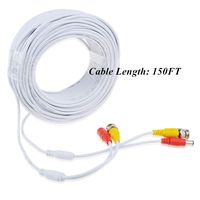
1 x Network cable.
1 x Bracket.
1 x Manual.
3 x Screw.
Warm Tips:
*Manufacturer's 1-year warranty
*Works with 2.4GHz Wi-Fi networks only
*Micro SD Card are are NOT included in the package.
*SD card needs to be inserted when the camera is OFF
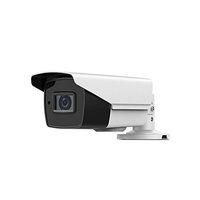
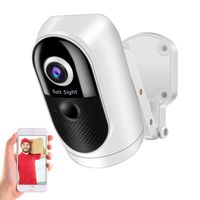
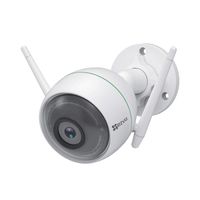
Tovendor Outdoor Security Camera, 1080P CCTV Surveillance System, IP66 Weatherproof Wired Wifi Camera with IR Night Vision, Light Up Motion Detection
Full Color Night Vision | Carrier-grade Signal Processing | IP66 Certified Weather Resistant
➤ Upgrade Video Coding Technology - Smart H.264 video compression algorithm | Faster connection | Super long time recording
➤ Financial Standard Data Protection - 1024bit dynamic encryption | Guarantee the security of data flow transmission
➤ Discover More Interesting Features - Work with Alexa | Online firmware upgrades | Smart home linkage
Wi-Fi Connection
Step 1: Launch the MIPC app, Click + to select the device mode
Step 2: Scan the QR code on the bottom of the camera, add and Click the Wi-Fi Connection.
Step 3: Press the camera RESET button, Hold for 3-5s to Enter the Wi-Fi configuration mode.
Step 4: Input the wifi password. Turn up the phone volume and bring the phone closer to the camera.
Step 5: After several personalized settings, the connection should be successful!
Notice before configuration: ✔ It only supports 2.4GHz band not 5GHz ✔Your Wi-Fi encryption is WPA2-PSK(AES) ✔Heard the sound of droplets after plugging in
What's in the box?
1 x Tovendor Bullet Camera.
1 x 6.6ft AC Adapters.
1 x Network cable.
1 x Bracket.
1 x Manual.
3 x Screw.
Warm Tips:
*Manufacturer's 1-year warranty
*Works with 2.4GHz Wi-Fi networks only
*Micro SD Card are are NOT included in the package.
*SD card needs to be inserted when the camera is OFF
in next 2 weeks