Description
Something Very Important to Consider: We are USA Based Seller + Speedy Delivery + Great Customer Service = Great Product at Great Price.
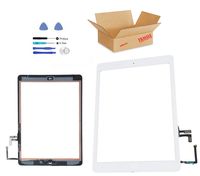
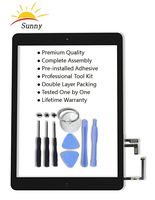
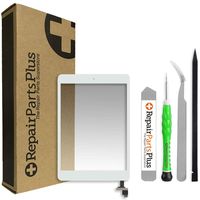
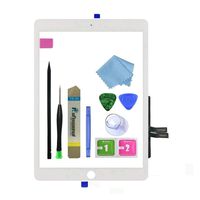
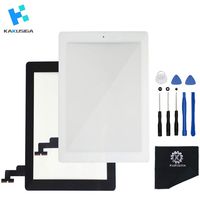
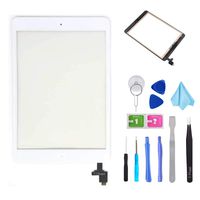
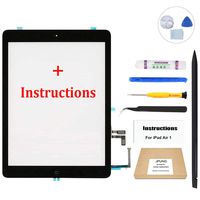
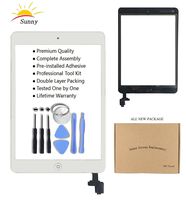
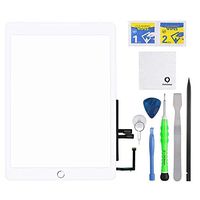
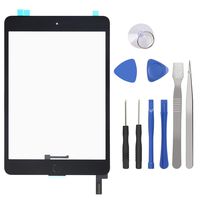
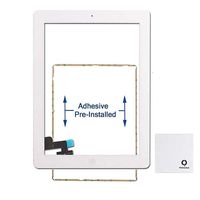
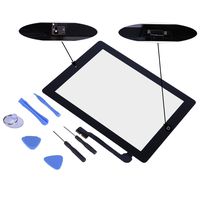
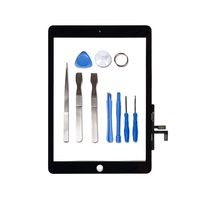
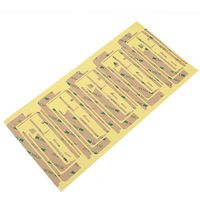
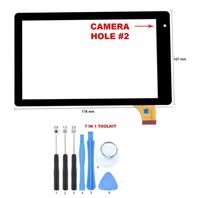
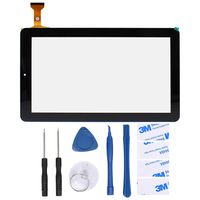
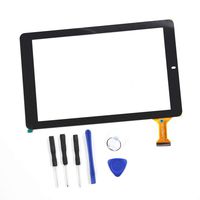
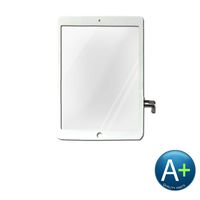
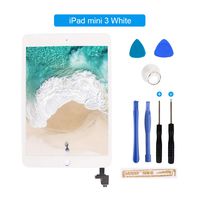
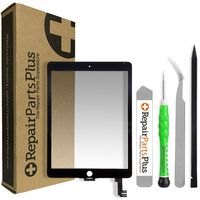
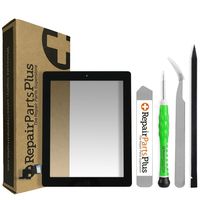
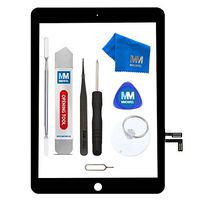
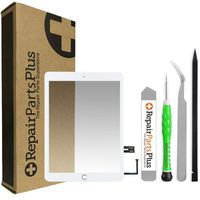
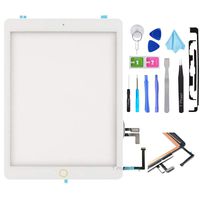
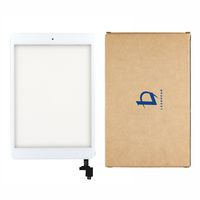
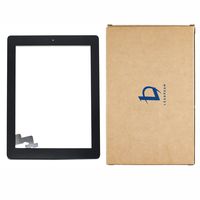
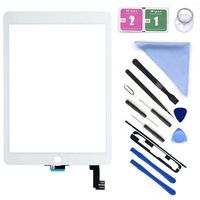
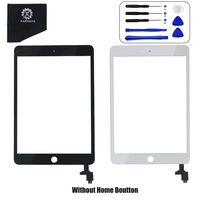
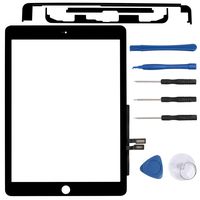
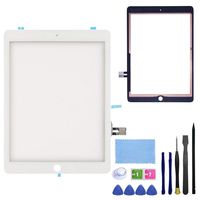
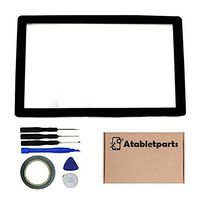
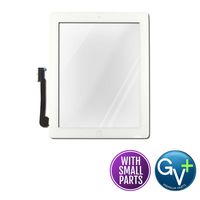
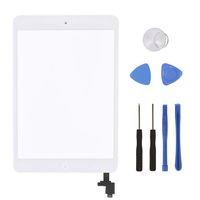
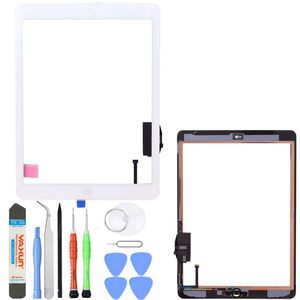
Fix cracked lens, non-working touch function on your iPad Air. This product will only be compatible with the 1st Generation iPad Air. Front Glass Touch Screen, Digitizer, Home Button, Flex Cable and Adhesive Tape pre-installed for easy installation. Buy today and save money by doing a DIY repair. Package Includes: 1x High Quality Replacement Digitizer Touch Screen for iPad Air (NO LCD) -Premium Grade Home Button with Flex Cable -Front Camera Bracket -Premium Phillips Screw Driver -Premium Torx Screw Driver -Thin Pry Opening Tool -Premium Metal Opening Tool -Sticky Adhesive Tape Pre-installed Compatible: iPad Air Gen (A1474, A1475 Wifi & LTE Versions) Attention: If any damage occurs during installation we cannot be responsible for it. We always recommend the use of a trained technician. However DIYS (do it yourself) installers/repairs are always welcome and we will gladly assist you in any way we can. If you have any issues feel free to contact us via email. Please note: Manufacturer trademarks, service marks, logos, brand names, and brand models are the property of their owners. Representations of and references to brand names, models or parts contained herein are for informational purposes only and are not intended to indicate or imply any affiliation with or endorsement by the manufacturer.Unifix White Touch Screen Glass Digitizer for iPad Air 1st Generation with Pre-Installed Adhesive + Home Button + Toolkit
Price is below average
Current Price
$28.99
Average
$36.58
Min Price
$28.99
Max Price
$59.99
Price dynamics
21%
Description
Something Very Important to Consider: We are USA Based Seller + Speedy Delivery + Great Customer Service = Great Product at Great Price.
Fix cracked lens, non-working touch function on your iPad Air. This product will only be compatible with the 1st Generation iPad Air. Front Glass Touch Screen, Digitizer, Home Button, Flex Cable and Adhesive Tape pre-installed for easy installation. Buy today and save money by doing a DIY repair. Package Includes: 1x High Quality Replacement Digitizer Touch Screen for iPad Air (NO LCD) -Premium Grade Home Button with Flex Cable -Front Camera Bracket -Premium Phillips Screw Driver -Premium Torx Screw Driver -Thin Pry Opening Tool -Premium Metal Opening Tool -Sticky Adhesive Tape Pre-installed Compatible: iPad Air Gen (A1474, A1475 Wifi & LTE Versions) Attention: If any damage occurs during installation we cannot be responsible for it. We always recommend the use of a trained technician. However DIYS (do it yourself) installers/repairs are always welcome and we will gladly assist you in any way we can. If you have any issues feel free to contact us via email. Please note: Manufacturer trademarks, service marks, logos, brand names, and brand models are the property of their owners. Representations of and references to brand names, models or parts contained herein are for informational purposes only and are not intended to indicate or imply any affiliation with or endorsement by the manufacturer.Price will be lower
in next 2 weeks
in next 2 weeks
According to the data, price will be lower in next two weeks, so not waste your money and track better price!
Product review & video
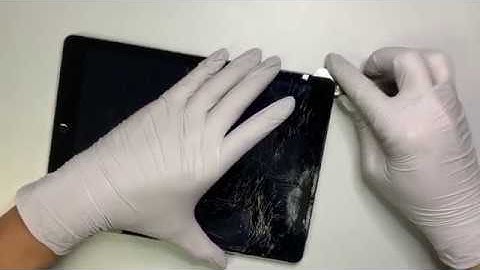
I welcome and I hope you're doing well today I'll be showing you a step-by-step tutorial on how to replace an iPad air first-generation this is the a1 475 model we're going to change out the screen digitizer this step is a lot easier because the home button is not a touch ID sensor so that way is a lot easier to change out the glass they make sure the iPad is turned off once the iPad is off go ahead and get a heat gun what you want to do here is to try to soften the adhesive tape once that the adhesive tape is is softened you can easily remove the glass [Music] you can get a pry tool and this pry tool would be easy easy for you to go underneath the screen [Music] so if the hyssop tape is hardened we can always come back and retain it again you wanna keep doing this to soften the adhesive so they can easily remove the glass and make sure you have protective gear wear your goggle to prote