Description
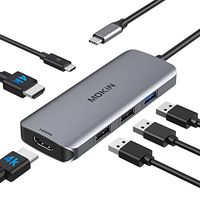
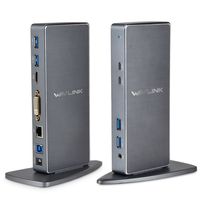
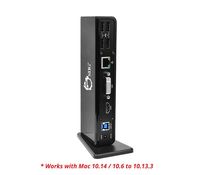
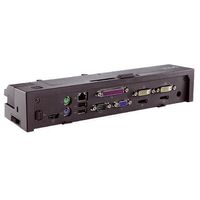
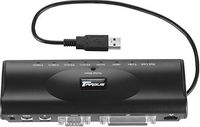
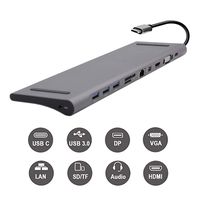
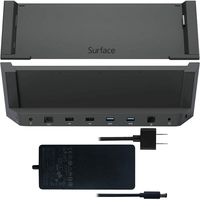
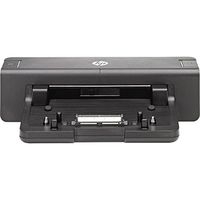
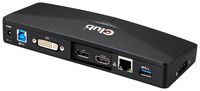
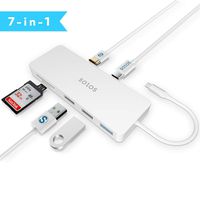
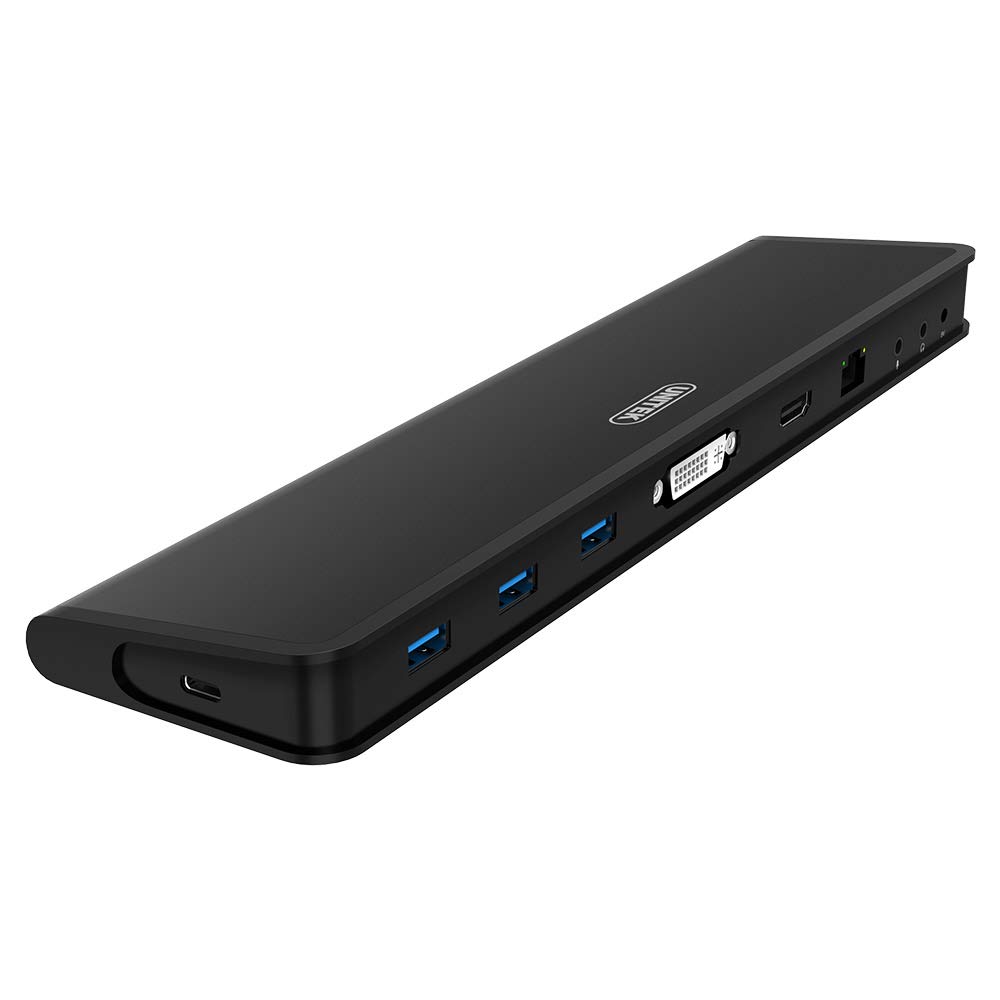
UNITEK Dual-Display Docking Station has a full range of connections, including HDMI (19-Pin Female), DVI (24+5 Pin Female), DVI to VGA adapter, Audio (2 x 3.5mm Stereo 2.1-Ch. Mini Jack for Headphones & Mic), an RJ45 1000 Gigabit Port, and 3 USB 3.0 Ports. All the features make it the ULTIMATE multi-monitor and hot-desk expansion solution for those looking to increase productivity.
Multi-Task with Multiple HD displays
Both HDMI and DVI/VGA high-resolution displays change the way you stream and watch a video.
Works with ANY Windows-Based Computer
Makes it super easy to allow different brands of laptops to share multiple devices, such as printers, scanners, big displays, Internet connections, external hard drives, keyboards, mice.
Dynamic Design
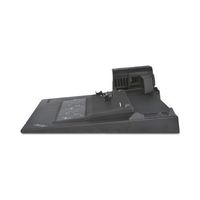
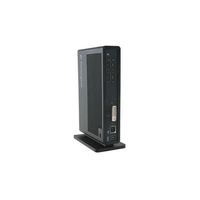
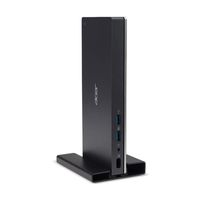
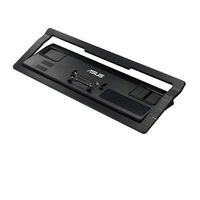
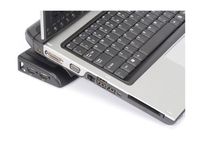
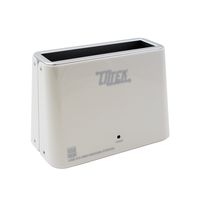
With a sturdy, plastic base stand, the docking station slips easily into any upright space. If you prefer, you can remove the stand for an even tighter placement.
Note:
- 2048x1152 output requires current DisplayLink drivers and the attached monitor must natively support 2048x1152 resolution via HDMI input. If Dual-Displays are connected, each will be limited to a maximum resolution of 1920x1080 (1080P)
- If there is a lag in monitor performance, please turn off the power and restart.
What We offer:
-1 x USB 3.0 Universal Docking Station; 1 x USB 3.0 Cable; 1 x Power Adapter; 1 x Driver CD; 1 x Quick Installation Guide
- 2-Year Ocean Technology LLC Warranty
- 24-Hour Customer E-mail Support
Compatibility
Supports Windows XP /7/ 8/ 8.1/10.
Chromebook, Windows Tablet, Ultrabook, Dell, HP, Lenovo Ideapad, Lenovo ThinkPad, Samsung, Acer, Toshiba Laptop, Desktop and more.
Multi-Task with Multiple HD displays
Both HDMI and DVI/VGA high-resolution displays change the way you stream and watch a video.
Works with ANY Windows-Based Computer
Makes it super easy to allow different brands of laptops to share multiple devices, such as printers, scanners, big displays, Internet connections, external hard drives, keyboards, mice.
Dynamic Design
With a sturdy, plastic base stand, the docking station slips easily into any upright space. If you prefer, you can remove the stand for an even tighter placement.
Note:
- 2048x1152 output requires current DisplayLink drivers and the attached monitor must natively support 2048x1152 resolution via HDMI input. If Dual-Displays are connected, each will be limited to a maximum resolution of 1920x1080 (1080P)
- If there is a lag in monitor performance, please turn off the power and restart.
What We offer:
-1 x USB 3.0 Universal Docking Station; 1 x USB 3.0 Cable; 1 x Power Adapter; 1 x Driver CD; 1 x Quick Installation Guide
- 2-Year Ocean Technology LLC Warranty
- 24-Hour Customer E-mail Support
Compatibility
Supports Windows XP /7/ 8/ 8.1/10.
Chromebook, Windows Tablet, Ultrabook, Dell, HP, Lenovo Ideapad, Lenovo ThinkPad, Samsung, Acer, Toshiba Laptop, Desktop and more.
UNITEK Dual-Display USB 3.0 Universal Docking Station with HDMI (up to 2048x1152 Resolution) and VGA Outputs (Docking Station with USB A & USB C)
Price is below average
Current Price
$89.99
Average
$95.49
Min Price
$69.99
Max Price
$189.99
Price dynamics
6%
Description
UNITEK Dual-Display Docking Station has a full range of connections, including HDMI (19-Pin Female), DVI (24+5 Pin Female), DVI to VGA adapter, Audio (2 x 3.5mm Stereo 2.1-Ch. Mini Jack for Headphones & Mic), an RJ45 1000 Gigabit Port, and 3 USB 3.0 Ports. All the features make it the ULTIMATE multi-monitor and hot-desk expansion solution for those looking to increase productivity.
Multi-Task with Multiple HD displays
Both HDMI and DVI/VGA high-resolution displays change the way you stream and watch a video.
Works with ANY Windows-Based Computer
Makes it super easy to allow different brands of laptops to share multiple devices, such as printers, scanners, big displays, Internet connections, external hard drives, keyboards, mice.
Dynamic Design
With a sturdy, plastic base stand, the docking station slips easily into any upright space. If you prefer, you can remove the stand for an even tighter placement.
Note:
- 2048x1152 output requires current DisplayLink drivers and the attached monitor must natively support 2048x1152 resolution via HDMI input. If Dual-Displays are connected, each will be limited to a maximum resolution of 1920x1080 (1080P)
- If there is a lag in monitor performance, please turn off the power and restart.
What We offer:
-1 x USB 3.0 Universal Docking Station; 1 x USB 3.0 Cable; 1 x Power Adapter; 1 x Driver CD; 1 x Quick Installation Guide
- 2-Year Ocean Technology LLC Warranty
- 24-Hour Customer E-mail Support
Compatibility
Supports Windows XP /7/ 8/ 8.1/10.
Chromebook, Windows Tablet, Ultrabook, Dell, HP, Lenovo Ideapad, Lenovo ThinkPad, Samsung, Acer, Toshiba Laptop, Desktop and more.
Multi-Task with Multiple HD displays
Both HDMI and DVI/VGA high-resolution displays change the way you stream and watch a video.
Works with ANY Windows-Based Computer
Makes it super easy to allow different brands of laptops to share multiple devices, such as printers, scanners, big displays, Internet connections, external hard drives, keyboards, mice.
Dynamic Design
With a sturdy, plastic base stand, the docking station slips easily into any upright space. If you prefer, you can remove the stand for an even tighter placement.
Note:
- 2048x1152 output requires current DisplayLink drivers and the attached monitor must natively support 2048x1152 resolution via HDMI input. If Dual-Displays are connected, each will be limited to a maximum resolution of 1920x1080 (1080P)
- If there is a lag in monitor performance, please turn off the power and restart.
What We offer:
-1 x USB 3.0 Universal Docking Station; 1 x USB 3.0 Cable; 1 x Power Adapter; 1 x Driver CD; 1 x Quick Installation Guide
- 2-Year Ocean Technology LLC Warranty
- 24-Hour Customer E-mail Support
Compatibility
Supports Windows XP /7/ 8/ 8.1/10.
Chromebook, Windows Tablet, Ultrabook, Dell, HP, Lenovo Ideapad, Lenovo ThinkPad, Samsung, Acer, Toshiba Laptop, Desktop and more.
Price will be lower
in next 2 weeks
in next 2 weeks
According to the data, price will be lower in next two weeks, so not waste your money and track better price!
Product review & video
[Music] hello everyone welcome to our Channel today I'll show you guys how to easily set up a dual monitor system for a laptop with a single USBC port which is the case with most of the slim laptops nowadays so let's get started if you're someone new to our channel please consider subscribing to our channel is you do regular reduce for very smart watches and smartphones tech tutorials like this one and much more also check out our playlist ape to find categorized videos for various content we post on this channel ok let's start with a situation if you have a laptop like I do which is the Asus Zenbook 3 this has only one USB type-c port this can be the case with most of the laptops which are ultra-thin and portable as to save space the manufacturer compromises with the i/o right off the back such situation can be very tricky as you need to charge the device and attach accessories like a


Similar products