VERY IMPORTANT: ★ Please bear in mind that you can Only connect to 1 external monitor at a time. 1.In order to enjoy the 4K high resolution, please make sure to use a 1.4 or higher version HDMI cable, and 3+9 VGA cable.
2.If the resolution of your laptop is higher than the external monitor, please go to Windows Menu--> Setting--> Display--> Advanced Display Settings, set your laptop's resolution same as or lower the resolution of external monitor.
3.If it does not work, you can go to the official website of your laptop, update the BIOS and graphics driver, and try again.
4.If you have a MacBook or MacBook Pro runing macOS, when you first connect this adapter, you can go to Apple Menu-->System Preferences-->Displays to get extend or mirror function.
5.If two outputs are connected, then only one output can receive the input signal, The priority sequence is: HDMI, VGA.
Brand Guarantee
CableCreation Focus to the Ideal Design of All of Our Quality Cables
CableCreation is not Only a Brand But Also a Creative Team With Own Factory manufacturing
CableCreation Offer 1 Year of Equipment Warranty and Lifetime Technical Support
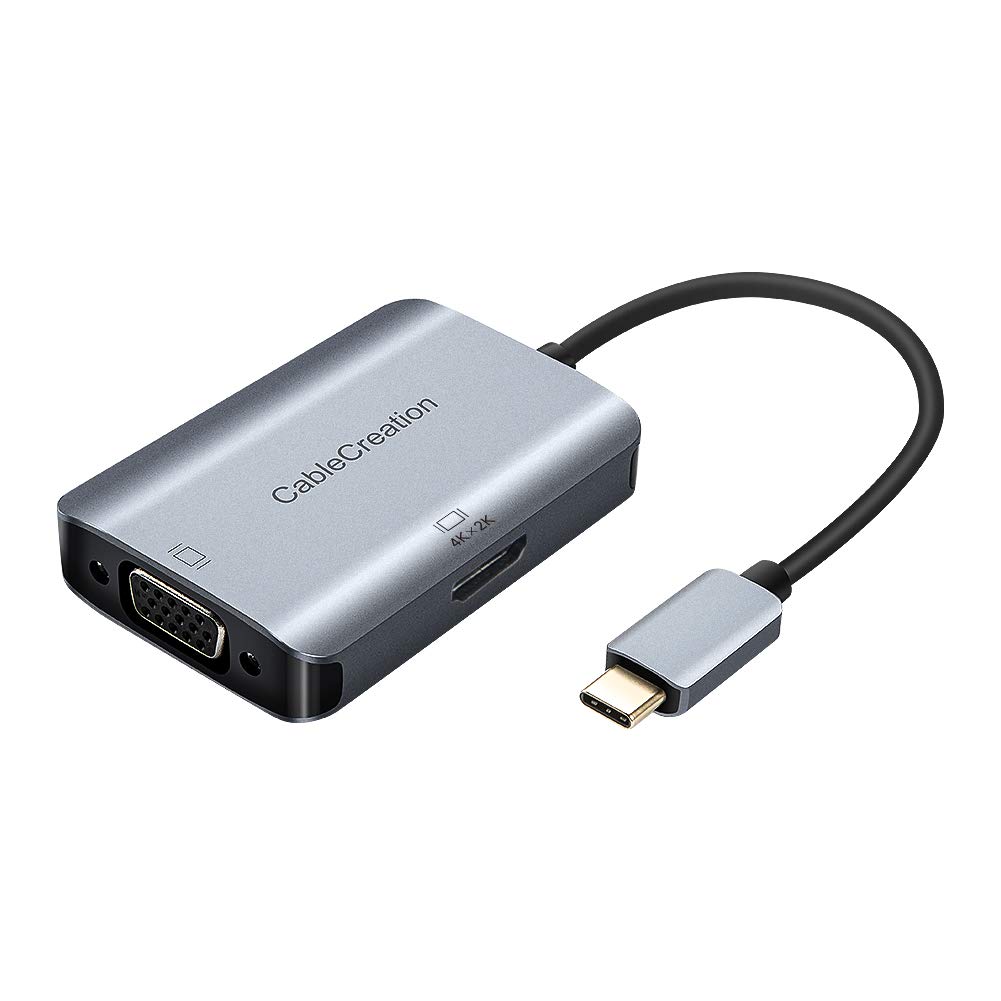
Side 1 (Input) : USB-C Male Gold Plated Shell
Side 2 (Output) : HDMI Female (4K*2K, 30Hz) *1
VGA Female (1920*1200,60Hz) *1
Cable: Triple Shielded
Color: Black
Cable Length: 20CM (include plug & sockettwo end)
This adapter is built with the solution of [DP ALT MODE]
USB-C to HDMI +VGA adapter is compatible with the following device:
* MacBook Pro 2019 / 2018 / 2017 / 2016 / Mac Pro / iPad Pro
* iMac (Mid 2017) and newer / iMac Pro
* Mac Mini (Late 2018) and newer
* MacBook (Early 2015) and newer / MacBook Air (Late 2018) and newer
* New Chromebook Pixel / Pixelbook 2-in-1 / Pixel Slate 2-in-1 / Chromebook Pixel (2015)
* Dell XPS 15 / 13 / 12
* HP EliteBook Folio G1 / HP Spectre 13 laptop / Spectre x360 2-in-1
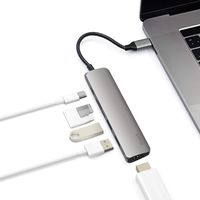
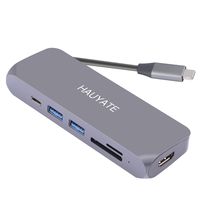
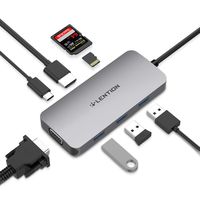
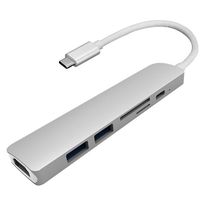
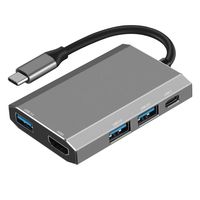
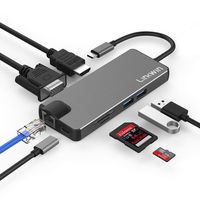
USB C to HDMI + VGA Adapter, CableCreation Type C (Compatible Thunderbolt 3) 2-in-1 UHD Hub, Compatible with MacBook Pro, iMac 2017, Surface Book 2, New Chromebook Pixel, Samsung S8 / S9,Space Gray
VERY IMPORTANT: ★ Please bear in mind that you can Only connect to 1 external monitor at a time. 1.In order to enjoy the 4K high resolution, please make sure to use a 1.4 or higher version HDMI cable, and 3+9 VGA cable.
2.If the resolution of your laptop is higher than the external monitor, please go to Windows Menu--> Setting--> Display--> Advanced Display Settings, set your laptop's resolution same as or lower the resolution of external monitor.
3.If it does not work, you can go to the official website of your laptop, update the BIOS and graphics driver, and try again.
4.If you have a MacBook or MacBook Pro runing macOS, when you first connect this adapter, you can go to Apple Menu-->System Preferences-->Displays to get extend or mirror function.
5.If two outputs are connected, then only one output can receive the input signal, The priority sequence is: HDMI, VGA.
Brand Guarantee
CableCreation Focus to the Ideal Design of All of Our Quality Cables
CableCreation is not Only a Brand But Also a Creative Team With Own Factory manufacturing
CableCreation Offer 1 Year of Equipment Warranty and Lifetime Technical Support
Side 1 (Input) : USB-C Male Gold Plated Shell
Side 2 (Output) : HDMI Female (4K*2K, 30Hz) *1
VGA Female (1920*1200,60Hz) *1
Cable: Triple Shielded
Color: Black
Cable Length: 20CM (include plug & sockettwo end)
This adapter is built with the solution of [DP ALT MODE]
USB-C to HDMI +VGA adapter is compatible with the following device:
* MacBook Pro 2019 / 2018 / 2017 / 2016 / Mac Pro / iPad Pro
* iMac (Mid 2017) and newer / iMac Pro
* Mac Mini (Late 2018) and newer
* MacBook (Early 2015) and newer / MacBook Air (Late 2018) and newer
* New Chromebook Pixel / Pixelbook 2-in-1 / Pixel Slate 2-in-1 / Chromebook Pixel (2015)
* Dell XPS 15 / 13 / 12
* HP EliteBook Folio G1 / HP Spectre 13 laptop / Spectre x360 2-in-1
in next 2 weeks