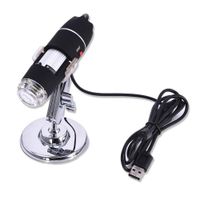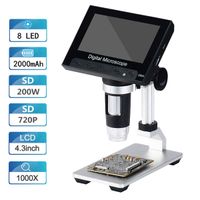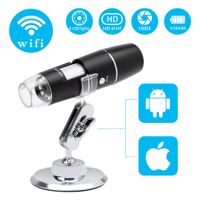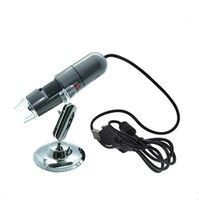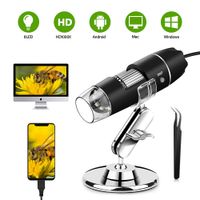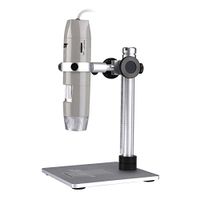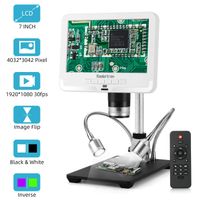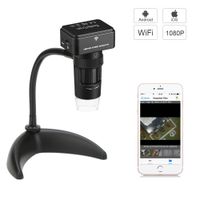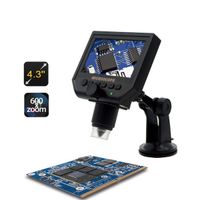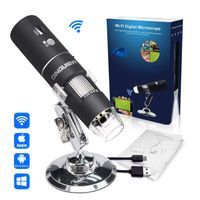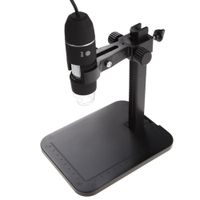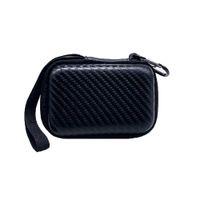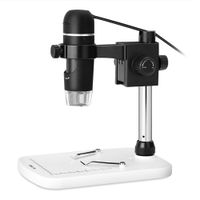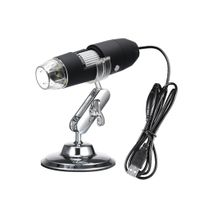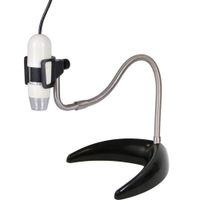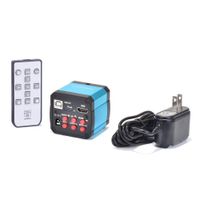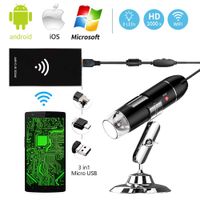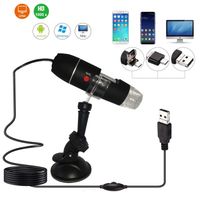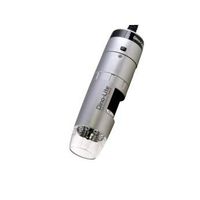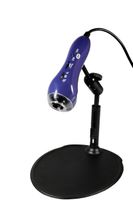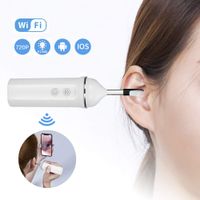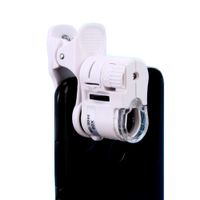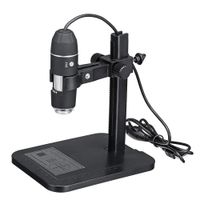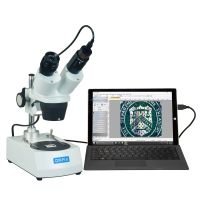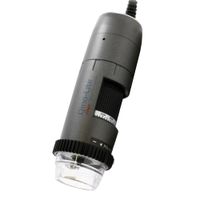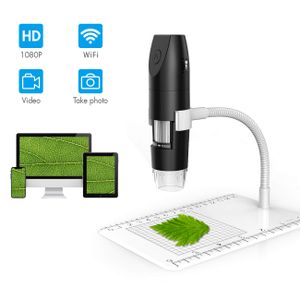
Description
Specification:
Best Focal Distance: 0.11-2.36inch
Pixels: 2.0M pixels
Resolution: 1080P
Magnification: 50x-1000x
Lighting: 8 adjustable white LEDs
WiFi Distance: 10M
Video Format: MP4/AVI
Image Format: JPG
Video Frame: 20fps-30fps
USB Interface: USB 2.0 and above
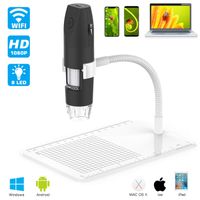
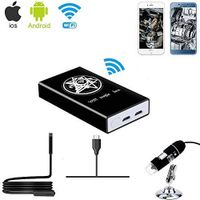
Operating Systems: Android 4.4 and above, IOS 9.0 and above, Windows vista 7/ 8/10, Max OS X10.8 and above.
Package Included:
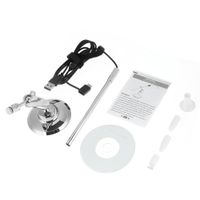
1 x Wireless Microscope
1 x Microscope Case
1 x Plastic Stand
1 x Microscope Holder
1 x Charging cable
1 x Instruction Attention:
1. Charge the digital microscope fully with 5V/2A USB Wall charger before first using. Don't use computer USB interface to charge device.
2. If you want to view the image on Windows PC or MacBook. Please move the "WiFi/PC" switch to PC, next hold and press "Photo/Switch" button for 3s to turn on device. Next use provided charging cable to connect with computer.
How to download PC Client download on Windows:
www.inskam.com/download/camera.zip.
How to download PC Client download on Macbook:
Input app name called "Photo Booth" in the applications on Macbook.
Best Focal Distance: 0.11-2.36inch
Pixels: 2.0M pixels
Resolution: 1080P
Magnification: 50x-1000x
Lighting: 8 adjustable white LEDs
WiFi Distance: 10M
Video Format: MP4/AVI
Image Format: JPG
Video Frame: 20fps-30fps
USB Interface: USB 2.0 and above
Operating Systems: Android 4.4 and above, IOS 9.0 and above, Windows vista 7/ 8/10, Max OS X10.8 and above.
Package Included:
1 x Wireless Microscope
1 x Microscope Case
1 x Plastic Stand
1 x Microscope Holder
1 x Charging cable
1 x Instruction Attention:
1. Charge the digital microscope fully with 5V/2A USB Wall charger before first using. Don't use computer USB interface to charge device.
2. If you want to view the image on Windows PC or MacBook. Please move the "WiFi/PC" switch to PC, next hold and press "Photo/Switch" button for 3s to turn on device. Next use provided charging cable to connect with computer.
How to download PC Client download on Windows:
www.inskam.com/download/camera.zip.
How to download PC Client download on Macbook:
Input app name called "Photo Booth" in the applications on Macbook.
USB Digital Microscope Wireless Microscope Camera WiFi Handheld Microscope with 8 Adjusted LED Lights 50x to 1000x Magnification Compatible with Android, iOS and PC Battery Powered
Price is below average
Current Price
$42.9
Average
$44.45
Min Price
$42.9
Max Price
$45.99
Price dynamics
3%
Description
Specification:
Best Focal Distance: 0.11-2.36inch
Pixels: 2.0M pixels
Resolution: 1080P
Magnification: 50x-1000x
Lighting: 8 adjustable white LEDs
WiFi Distance: 10M
Video Format: MP4/AVI
Image Format: JPG
Video Frame: 20fps-30fps
USB Interface: USB 2.0 and above
Operating Systems: Android 4.4 and above, IOS 9.0 and above, Windows vista 7/ 8/10, Max OS X10.8 and above.
Package Included:
1 x Wireless Microscope
1 x Microscope Case
1 x Plastic Stand
1 x Microscope Holder
1 x Charging cable
1 x Instruction Attention:
1. Charge the digital microscope fully with 5V/2A USB Wall charger before first using. Don't use computer USB interface to charge device.
2. If you want to view the image on Windows PC or MacBook. Please move the "WiFi/PC" switch to PC, next hold and press "Photo/Switch" button for 3s to turn on device. Next use provided charging cable to connect with computer.
How to download PC Client download on Windows:
www.inskam.com/download/camera.zip.
How to download PC Client download on Macbook:
Input app name called "Photo Booth" in the applications on Macbook.
Best Focal Distance: 0.11-2.36inch
Pixels: 2.0M pixels
Resolution: 1080P
Magnification: 50x-1000x
Lighting: 8 adjustable white LEDs
WiFi Distance: 10M
Video Format: MP4/AVI
Image Format: JPG
Video Frame: 20fps-30fps
USB Interface: USB 2.0 and above
Operating Systems: Android 4.4 and above, IOS 9.0 and above, Windows vista 7/ 8/10, Max OS X10.8 and above.
Package Included:
1 x Wireless Microscope
1 x Microscope Case
1 x Plastic Stand
1 x Microscope Holder
1 x Charging cable
1 x Instruction Attention:
1. Charge the digital microscope fully with 5V/2A USB Wall charger before first using. Don't use computer USB interface to charge device.
2. If you want to view the image on Windows PC or MacBook. Please move the "WiFi/PC" switch to PC, next hold and press "Photo/Switch" button for 3s to turn on device. Next use provided charging cable to connect with computer.
How to download PC Client download on Windows:
www.inskam.com/download/camera.zip.
How to download PC Client download on Macbook:
Input app name called "Photo Booth" in the applications on Macbook.
Price will be lower
in next 2 weeks
in next 2 weeks
According to the data, price will be lower in next two weeks, so not waste your money and track better price!
Product review & video
welcome back to another travelens episode today we're north of stockholm in l'Italia and i have this camera with me it's called max see microscope camera and i've been using it for a couple of weeks now filming insects and really small tiny things it can zoom up to 1,000 times the size and it's connected to the app max see the goal of today is to try to find something unique like a frog or an insect like I don't know a boss or I don't know whatever we'll find we'll make a video of it [Music] [Music] so we found the Frog as you can see right now filming it's I so I can get pretty close but it's very hard not to scare it so when you use this camera you use the app to record and stop record and you can change the settings that the resolution in the app so this is only manual you have to do everything manually you have to keep the camera completely still nothing is automatic [Music] [Applau