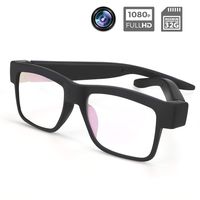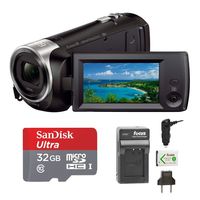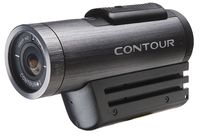
Specifications:
Lens: Fixed lens F / 3.2mm, f = 7.36mm
Focus range: 1.0m to infinity
Image Format: JPEG Resolution
Video Format: MOV Resolution
Beauty photo features: YES
Anti-shake function: YES
LED fill light: <1.0m range Photo: on / off Video: on / off
White Balance: Auto / Daylight / Cloudy / Tungsten / Fluorescent
Exposure compensation: -3.0EV ~ + 3.0EV
Selfie: off / 2 seconds / 10 seconds
USB port: USB2.0 (high speed)
Automatic shutdown: Off / 60 seconds / 180 seconds / 300 seconds / 600 seconds
HD output: HD output interface
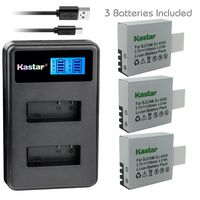
Video output format: NTSC / PAL Power supply: Lithium-ion battery NP-40
The camera use of detailed instructions:
1.How to format the memory card: Please press the "MENU" button, then use the "W/T "button to go to the right menu. (press the"DOWN"button) Go down all the way on the menu, there is a "Format" option, press the "OK" button to choose"Yes".
2.How to return or delete the photos: Please press the "MODE" button. When you want to switch modes (Take photo mode,Record video mode,Playback Mode), press the "MODE"button continuously. When you want to delete the photos or videos, press the "MENU" button, then press the "OK" button to delete.
3.Record video mode: Please press the "MODE" button go into the "record video mode", then press the "red dot record button" to start to record videos.When you want to pause the recording videos, press the "OK" button to pause it, press the "OK" button again to continue to record. Finally, press the "red dot record button" again to end the recording videos.
4.Take photo mode: Please press the "MODE" button go into the"take photo mode", then press the "PHOTO" button.
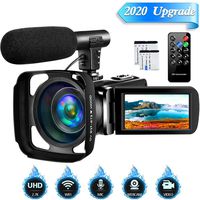
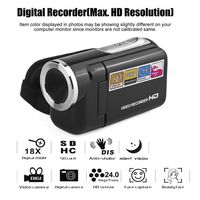
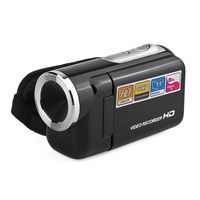
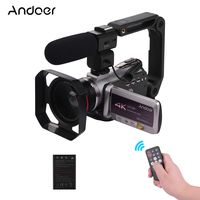
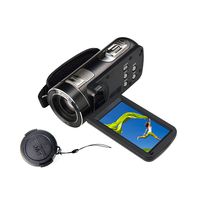
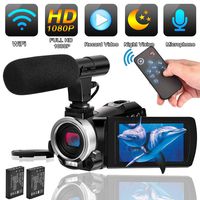
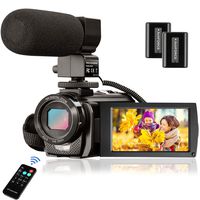
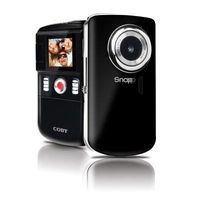
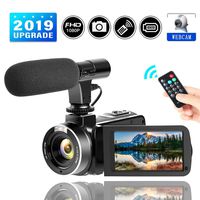
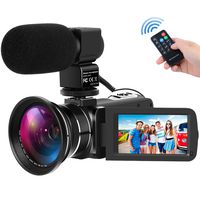
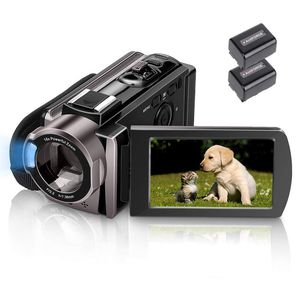
Video Camera Camcorder MELCAM HD 1080P 24.0MP, 3.0 inch LCD 270 Degrees Rotatable Screen, Smile Capture (auto Capture), Small YouTube Vlogging Camera, 16X Digital Zoom Camera Recorder and 2 Batteries
Specifications:
Lens: Fixed lens F / 3.2mm, f = 7.36mm
Focus range: 1.0m to infinity
Image Format: JPEG Resolution
Video Format: MOV Resolution
Beauty photo features: YES
Anti-shake function: YES
LED fill light: <1.0m range Photo: on / off Video: on / off
White Balance: Auto / Daylight / Cloudy / Tungsten / Fluorescent
Exposure compensation: -3.0EV ~ + 3.0EV
Selfie: off / 2 seconds / 10 seconds
USB port: USB2.0 (high speed)
Automatic shutdown: Off / 60 seconds / 180 seconds / 300 seconds / 600 seconds
HD output: HD output interface
Video output format: NTSC / PAL Power supply: Lithium-ion battery NP-40
The camera use of detailed instructions:
1.How to format the memory card: Please press the "MENU" button, then use the "W/T "button to go to the right menu. (press the"DOWN"button) Go down all the way on the menu, there is a "Format" option, press the "OK" button to choose"Yes".
2.How to return or delete the photos: Please press the "MODE" button. When you want to switch modes (Take photo mode,Record video mode,Playback Mode), press the "MODE"button continuously. When you want to delete the photos or videos, press the "MENU" button, then press the "OK" button to delete.
3.Record video mode: Please press the "MODE" button go into the "record video mode", then press the "red dot record button" to start to record videos.When you want to pause the recording videos, press the "OK" button to pause it, press the "OK" button again to continue to record. Finally, press the "red dot record button" again to end the recording videos.
4.Take photo mode: Please press the "MODE" button go into the"take photo mode", then press the "PHOTO" button.
in next 2 weeks