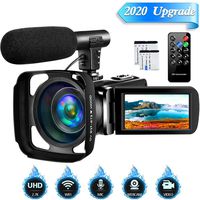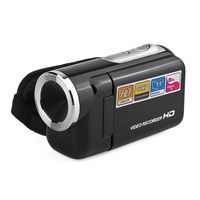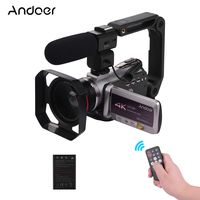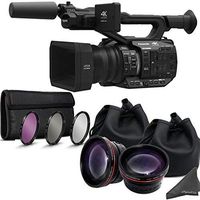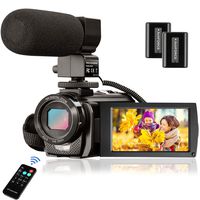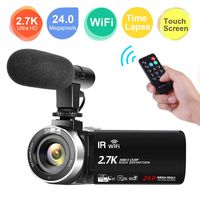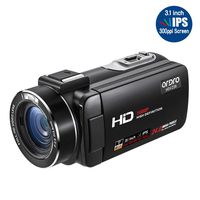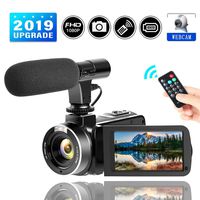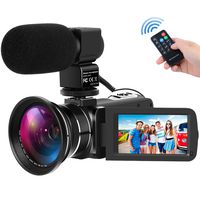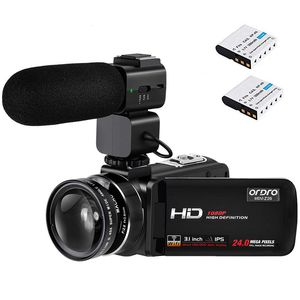
♥ORDRO WiFi Camcorder with External Microphone and Wide Angle Lens
♥Useful Tips:
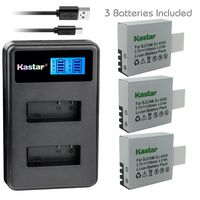
♥1. Equipped with 2 batteries, please be sure to remove the protective tape on the battery contacts or they will not charge or work.
♥2. Put the battery into the camera in the direction of the arrow, and use the USB cable to charge the camera up to 3 hours.
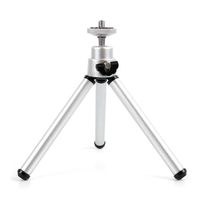
♥3. The camcorder's tripod mount threads are plastic, not metal, please use standard tripod with inch screw to attach the camcorder.
♥4. Please pay attention to fixed focus range: Normal 1.5m to infinity, and hold the camcorder stably when you take pictures or videos.
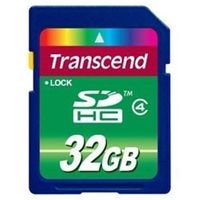
♥5. Please purchase a new Class 10 SD/SDHC card (up to 64 GB) first and insert into the camcorder, format the SD card and restore camcorder default settings.
♥6. This camcorder is designed for amateurs and is a non-professional camcorder, it is a good gift for your family and friends.
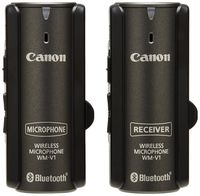
♥External Microphone:
♥1. Mount the microphone on the camera's hot shoe position, insert the 3.5mm mic cable into the camera.
♥2. External microphone switch: "OFF" is for power off, "0dB" is for normal pickup, "+10dB" is for sensitivity enhancement pickup, it is suitable for long distance pickup.
♥3. When you switch from "OFF to "0dB" or "+10dB" on the microphone, the light will turn green. When battery is low power, the green light will flash, please charging.
♥4. When installing the shotgun microphone, please slide the microphone slowly into the camera's hot shoe connector and then tighten the screws. If you want to remove the shotgun microphone, please be gentle to slowly slide it out and do not pull hard.
Note:
⚠This camcorder is designed for amateurs and is a non-professional camcorder, it is a good gift for your family and friends.
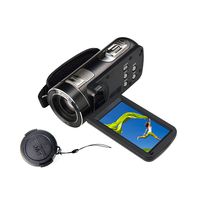
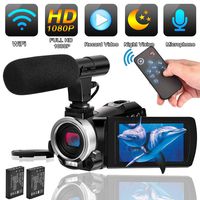
Video Camera Camcorder ORDRO 3.1'' IPS Touch Screen WiFi Camcorders FHD 1080P 30FPS Digital Video Camera Recorder with Microphone
♥ORDRO WiFi Camcorder with External Microphone and Wide Angle Lens
♥Useful Tips:
♥1. Equipped with 2 batteries, please be sure to remove the protective tape on the battery contacts or they will not charge or work.
♥2. Put the battery into the camera in the direction of the arrow, and use the USB cable to charge the camera up to 3 hours.
♥3. The camcorder's tripod mount threads are plastic, not metal, please use standard tripod with inch screw to attach the camcorder.
♥4. Please pay attention to fixed focus range: Normal 1.5m to infinity, and hold the camcorder stably when you take pictures or videos.
♥5. Please purchase a new Class 10 SD/SDHC card (up to 64 GB) first and insert into the camcorder, format the SD card and restore camcorder default settings.
♥6. This camcorder is designed for amateurs and is a non-professional camcorder, it is a good gift for your family and friends.
♥External Microphone:
♥1. Mount the microphone on the camera's hot shoe position, insert the 3.5mm mic cable into the camera.
♥2. External microphone switch: "OFF" is for power off, "0dB" is for normal pickup, "+10dB" is for sensitivity enhancement pickup, it is suitable for long distance pickup.
♥3. When you switch from "OFF to "0dB" or "+10dB" on the microphone, the light will turn green. When battery is low power, the green light will flash, please charging.
♥4. When installing the shotgun microphone, please slide the microphone slowly into the camera's hot shoe connector and then tighten the screws. If you want to remove the shotgun microphone, please be gentle to slowly slide it out and do not pull hard.
Note:
⚠This camcorder is designed for amateurs and is a non-professional camcorder, it is a good gift for your family and friends.
in next 2 weeks