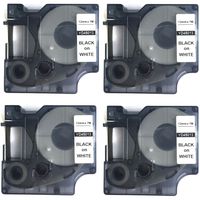
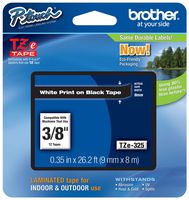
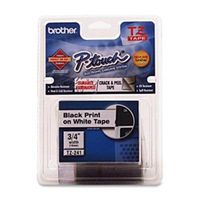
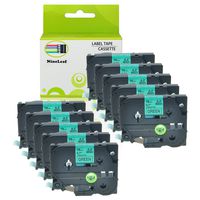
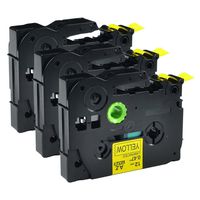
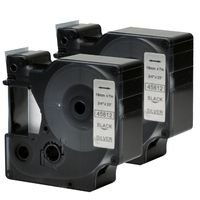
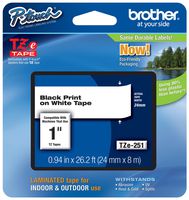
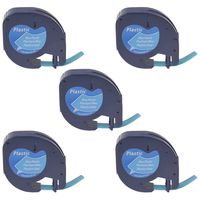
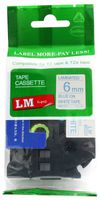
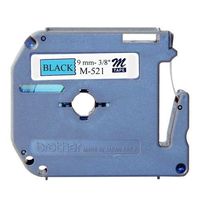
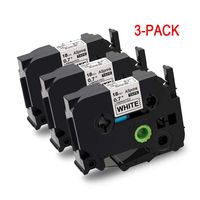
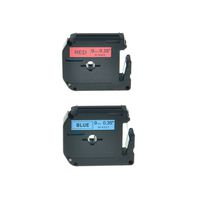
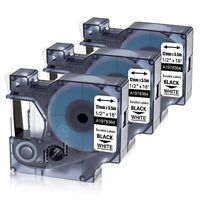
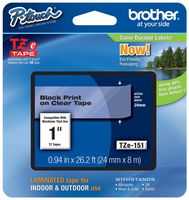
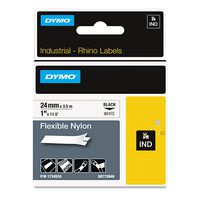
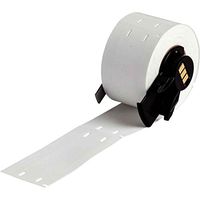
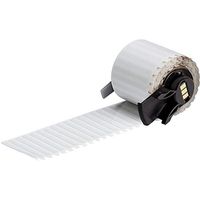
Compatible with the following Brother P-Touch Label Printers:
1.PTD400AD,PT1230PC,PTD600VP,PT2730VP,PTD450,PTH500LI,PT2730,PT1890W,PT2430PC,PT1280SR
2.PT2030AD,PT1500PC,PT1600,PT1700,PT1750,PT750SC,PT1830,PT1830C,PT1830SC,PT1830VP,PT1880CT
3.PT1880SC,PT1890SC,PT18RKT,PT2030VP,PT2110,PT2200,PT2210,PT2310,PT2400,PT2410,PT2470,PT2500PC
4.PT2600,PT2610,PT2710,PT300,PT320,PT330,PT340,PT350,PT3600,PT4000,PT520,PT530,PT540,PT550
5.PT580C,PT6100,PT7500,PTD200LB,PTD20ORK,PTD2O0SN,PTD210BK,PTD400VP,PTE100,PTE300,PTE300VP
6.PTE500,PTE500VP,PTE550W,PTE550WVP,PTH105,PTH300,GL100,GLH100,PT1000,PT1000BM,PT1010B
7.PT1090BK,PT1100,PT1120,PT1130,PT1160,PT1170,PT1170S,PT1180,PT1180SC,PT1180SP,PT1190,PT1200,PT1280,PT128AF,PT129
Tips:
1,Before printing finished, please don't touch the label machine cutter to avoid any error, neither pull the tapes to avoid damaging the label tape;
2,The label tapes may become loose during the shipping. Before installing, please turn the gear in the direction by the arrow and tighten the label to avoid jams;
3,Extend some of the label to though the outlet before printing;
4,To avoid wastage, you can print all words in one label, then cut them into individual label.
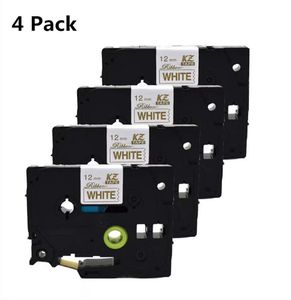
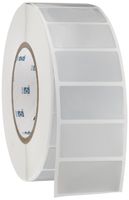
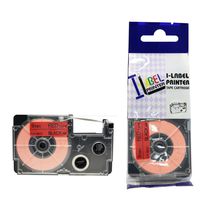
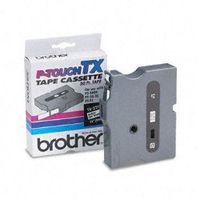
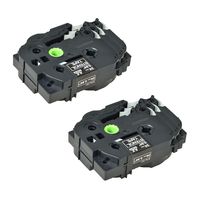
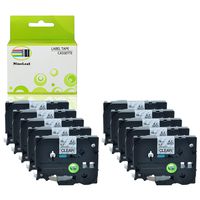
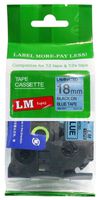
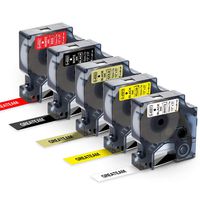
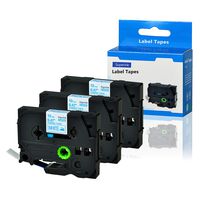
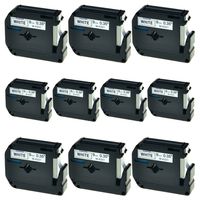
wangsale 4X Compatibel for Brother P-Touch Embellish Gold Print on White Satin Ribbon TZEe Label Tape TZE R234-1/2" inch Wide x 13.1ft Long (12mm x 4m)
Compatible with the following Brother P-Touch Label Printers:
1.PTD400AD,PT1230PC,PTD600VP,PT2730VP,PTD450,PTH500LI,PT2730,PT1890W,PT2430PC,PT1280SR
2.PT2030AD,PT1500PC,PT1600,PT1700,PT1750,PT750SC,PT1830,PT1830C,PT1830SC,PT1830VP,PT1880CT
3.PT1880SC,PT1890SC,PT18RKT,PT2030VP,PT2110,PT2200,PT2210,PT2310,PT2400,PT2410,PT2470,PT2500PC
4.PT2600,PT2610,PT2710,PT300,PT320,PT330,PT340,PT350,PT3600,PT4000,PT520,PT530,PT540,PT550
5.PT580C,PT6100,PT7500,PTD200LB,PTD20ORK,PTD2O0SN,PTD210BK,PTD400VP,PTE100,PTE300,PTE300VP
6.PTE500,PTE500VP,PTE550W,PTE550WVP,PTH105,PTH300,GL100,GLH100,PT1000,PT1000BM,PT1010B
7.PT1090BK,PT1100,PT1120,PT1130,PT1160,PT1170,PT1170S,PT1180,PT1180SC,PT1180SP,PT1190,PT1200,PT1280,PT128AF,PT129
Tips:
1,Before printing finished, please don't touch the label machine cutter to avoid any error, neither pull the tapes to avoid damaging the label tape;
2,The label tapes may become loose during the shipping. Before installing, please turn the gear in the direction by the arrow and tighten the label to avoid jams;
3,Extend some of the label to though the outlet before printing;
4,To avoid wastage, you can print all words in one label, then cut them into individual label.
in next 2 weeks