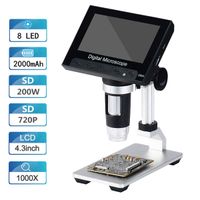
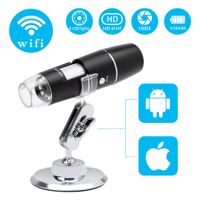
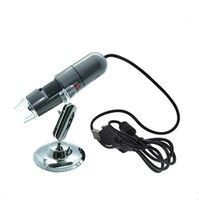
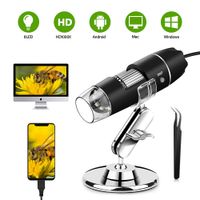
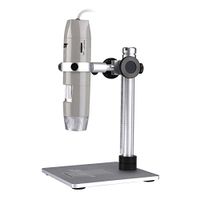
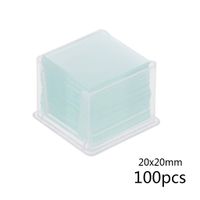
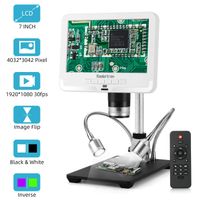
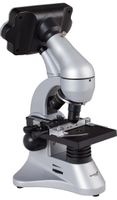
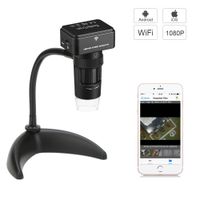
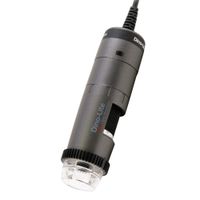
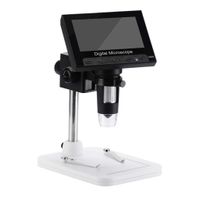
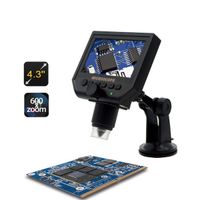
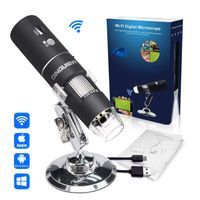
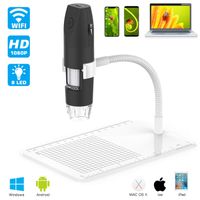
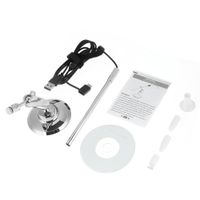
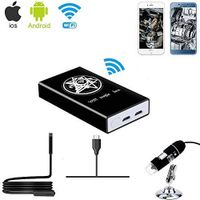
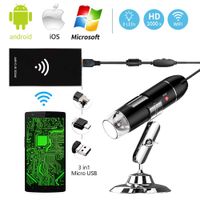
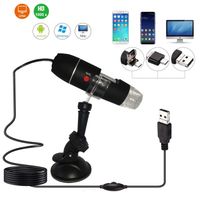
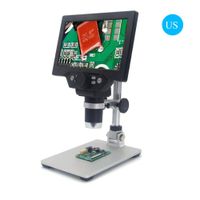
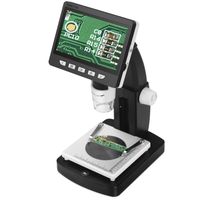
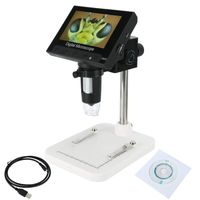
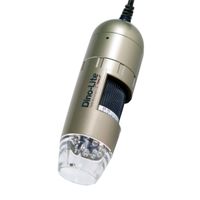
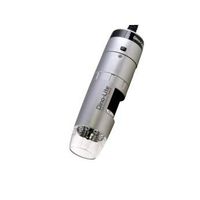
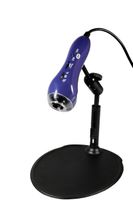
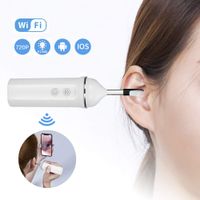
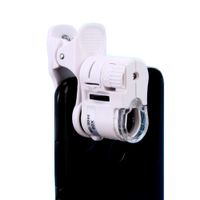
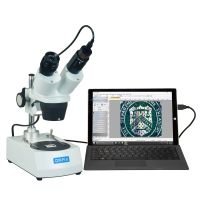
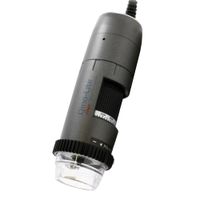
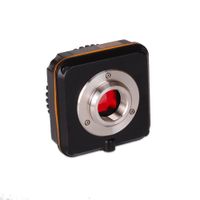
This WiFi digital microscope has surpassed the traditional microscope 's using limitation for iPhone user.It can work perfectly with Android / IOS systerm phones and Tablets. What's more, the microscope also supports USB interface to connect computers.
Specification:
-Resolution: 2MP
-Magnification Ratio: 50X - 1000X
-Wifi Transmission range:33ft/10m
-Resolution: 1920 x 1080P
-Image Format: JPG
-Image Distance: Manual adjustment(3-60mm)
-WiFi connection: 10m
-Power Supply: USB(5V DC)
-PC Interface: USB2.0
-Operating System: IOS 8.0 or later, Windows XP/Vista/7/8/10, Mac OS X 10.8 & up, Android 4.3 or later.
Battery Tips
900mA capacity lithium polymer battery. When it is full, it can be used continuously for about 3 hours and the charging process takes 2.5 hours.
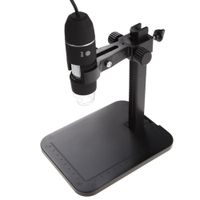
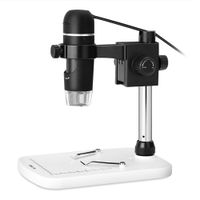
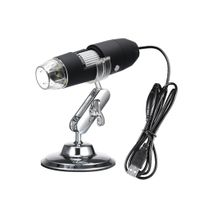
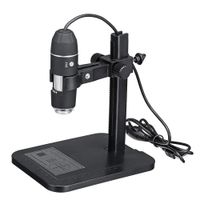
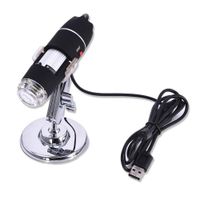
With built-in white light 8-LED light,the microscope comes with a metal stand,a 360 degree microscope holder with a 360 degree rotatable round objective plate offering the most possible flexibility.
How to use it on PC
WIFI connection for Android and IOS
1. Download the software "Max-see" from Google Play or APP Store.
2. Long press power button to turn on the microscope.
3. Connect the wifi "Max-see"(no password) which emits from the microscope.
4. Run the app and it is easy to use.
For Windows system, and For MAC system
1.For Windows system: download the"Camera" app from link www.inskam.com/download/camera.zip, and install it to your PC.
For MAC system: Open the "Photo Booth" software in the Apple App.
2.Connect the microscope to your computer with the equipped USB cable.
3.Turn on the microscope.
4.For Windows system: Run the "Camera" app and ready to observe object.
For MAC system: Click the "Camera" button of the Photo Booth, select the GENERAL-UVC#2(default) setting
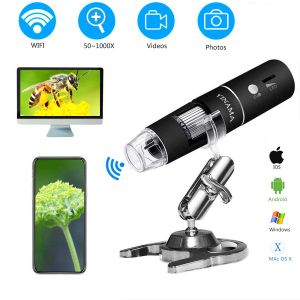
Wireless Digital Microscope,YINAMA 50x to 1000x Magnification Microscope Camera,8 LED Mini Pocket Handheld Microscopes with 1080P 2MP, Compatible with iPhone Android, iPad MAC Windows
This WiFi digital microscope has surpassed the traditional microscope 's using limitation for iPhone user.It can work perfectly with Android / IOS systerm phones and Tablets. What's more, the microscope also supports USB interface to connect computers.
Specification:
-Resolution: 2MP
-Magnification Ratio: 50X - 1000X
-Wifi Transmission range:33ft/10m
-Resolution: 1920 x 1080P
-Image Format: JPG
-Image Distance: Manual adjustment(3-60mm)
-WiFi connection: 10m
-Power Supply: USB(5V DC)
-PC Interface: USB2.0
-Operating System: IOS 8.0 or later, Windows XP/Vista/7/8/10, Mac OS X 10.8 & up, Android 4.3 or later.
Battery Tips
900mA capacity lithium polymer battery. When it is full, it can be used continuously for about 3 hours and the charging process takes 2.5 hours.
With built-in white light 8-LED light,the microscope comes with a metal stand,a 360 degree microscope holder with a 360 degree rotatable round objective plate offering the most possible flexibility.
How to use it on PC
WIFI connection for Android and IOS
1. Download the software "Max-see" from Google Play or APP Store.
2. Long press power button to turn on the microscope.
3. Connect the wifi "Max-see"(no password) which emits from the microscope.
4. Run the app and it is easy to use.
For Windows system, and For MAC system
1.For Windows system: download the"Camera" app from link www.inskam.com/download/camera.zip, and install it to your PC.
For MAC system: Open the "Photo Booth" software in the Apple App.
2.Connect the microscope to your computer with the equipped USB cable.
3.Turn on the microscope.
4.For Windows system: Run the "Camera" app and ready to observe object.
For MAC system: Click the "Camera" button of the Photo Booth, select the GENERAL-UVC#2(default) setting
in next 2 weeks