Description
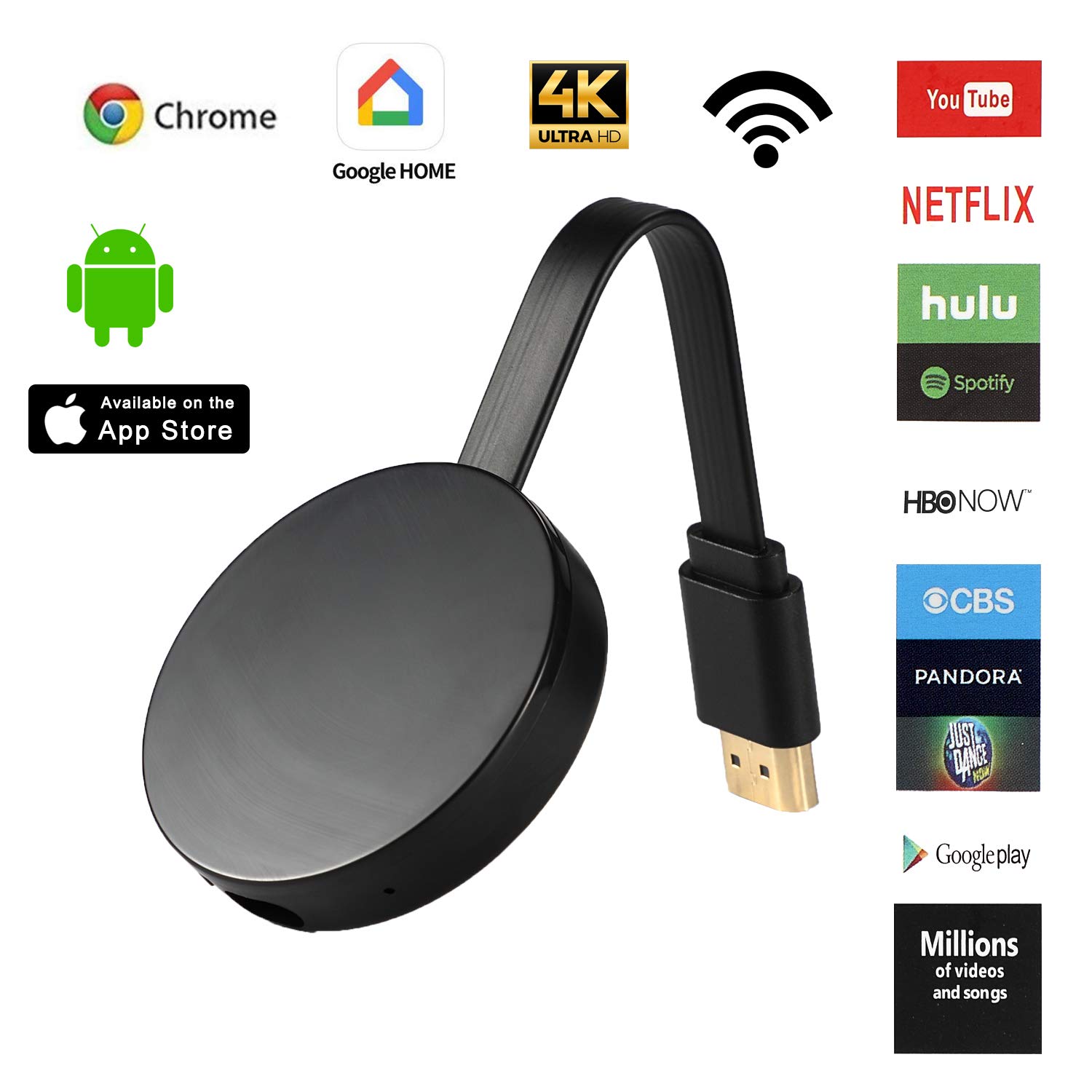
OHNICE【NEW】QR Code - Wireless Display Receiver ★ - Specifications: ★ - Power: 5V/500MA ★ - Wi-Fi: 802.11b/g/n 150Mbps 2.5Ghz ★ - METHOD OF USE The TV hdmi Dongle is mainly used to cast the small screen to big screen it can synchronously push the videos,musics,photos,documents and games to TV and projector,suitable for home entertainment,business meetings,education,training and etc. ★ - SUPPORT Airplay (for iOS/Mac) and Miracast (for Android/Windows) to synchronously cast photos / videos / office files / web browser / live camera / APPs from Smart phone and laptop to large screen of TV & Projector. ★ - IOS & ANDROID USAGE 1. Connect the HDMI port dongle to the HDMI port on your TV, monitor or projector. 2. Plug the USB port into the dongle's USB port and the other end's USB port to the power source (recommended to connect to the 5V1A). 3. When the power is turned on, the dongle page will appear on the screen. A QR Code will appear on the page. 4. Turn on your phone and scan the QR code on the screen. A pop-up window will appear on the phone and click inside. 5. After clicking the pop-up window, it will automatically connect to the dongle's wireless network. 6. Exit the phone page just now and scan the QR code on the screen again. 7. Click on the phone pop-up window again to enter the browser page. Find your home wireless network and enter your password to connect. ★ - SYSTEM REQUIREMENTS iPhone:IOS Android:Android 4.2+ model with 1GB RAM MAC:MAC10.8+ ★ - PRODUCT LIST 1 x Mirroring Dongle 1 x HDMI to HDMI Cable 1 x USB Power Cable 1 x Manual
Wireless Display Dongle 4K WiFi 1080P HDMI Digital TV Adapter and Streaming Receiver Support DLNA Airplay Miracast Chrome cast Mirror for Laptop iPhone Smartphones Mac to TV Monitor Projector PC
Current Price
$28.98
Average
$28.98
Min Price
$28.98
Max Price
$28.98
Price dynamics
0%
Description
OHNICE【NEW】QR Code - Wireless Display Receiver ★ - Specifications: ★ - Power: 5V/500MA ★ - Wi-Fi: 802.11b/g/n 150Mbps 2.5Ghz ★ - METHOD OF USE The TV hdmi Dongle is mainly used to cast the small screen to big screen it can synchronously push the videos,musics,photos,documents and games to TV and projector,suitable for home entertainment,business meetings,education,training and etc. ★ - SUPPORT Airplay (for iOS/Mac) and Miracast (for Android/Windows) to synchronously cast photos / videos / office files / web browser / live camera / APPs from Smart phone and laptop to large screen of TV & Projector. ★ - IOS & ANDROID USAGE 1. Connect the HDMI port dongle to the HDMI port on your TV, monitor or projector. 2. Plug the USB port into the dongle's USB port and the other end's USB port to the power source (recommended to connect to the 5V1A). 3. When the power is turned on, the dongle page will appear on the screen. A QR Code will appear on the page. 4. Turn on your phone and scan the QR code on the screen. A pop-up window will appear on the phone and click inside. 5. After clicking the pop-up window, it will automatically connect to the dongle's wireless network. 6. Exit the phone page just now and scan the QR code on the screen again. 7. Click on the phone pop-up window again to enter the browser page. Find your home wireless network and enter your password to connect. ★ - SYSTEM REQUIREMENTS iPhone:IOS Android:Android 4.2+ model with 1GB RAM MAC:MAC10.8+ ★ - PRODUCT LIST 1 x Mirroring Dongle 1 x HDMI to HDMI Cable 1 x USB Power Cable 1 x Manual
Price will be lower
in next 2 weeks
in next 2 weeks
According to the data, price will be lower in next two weeks, so not waste your money and track better price!
Product review & video
[Music] hello guys uh we are back with one of our new product and today we are going to check this ez chromecast it's a mirror cast device you can easily mirror with your phone to your tv wireless so let's see what we get inside first of all user manual we have main device it's uh actually my phone over here here you can see there is a power port and a reset button and here we can get one wireless receiver power adapter micro usb and usb port you can plug back to your tv or you can use uh adapter 5 volt adapter so it will be easy to get constant 5 for 5.0 volt power you can use this kind of adapter over here just plug it this way it's easy and connect this device to your easier cast and this one goes back to your tv and you can mirror from your phone directly to your tv okay guys so here we have a hdmi cable from back to our tv okay so what we're going to do we just connect it this devi


Similar products