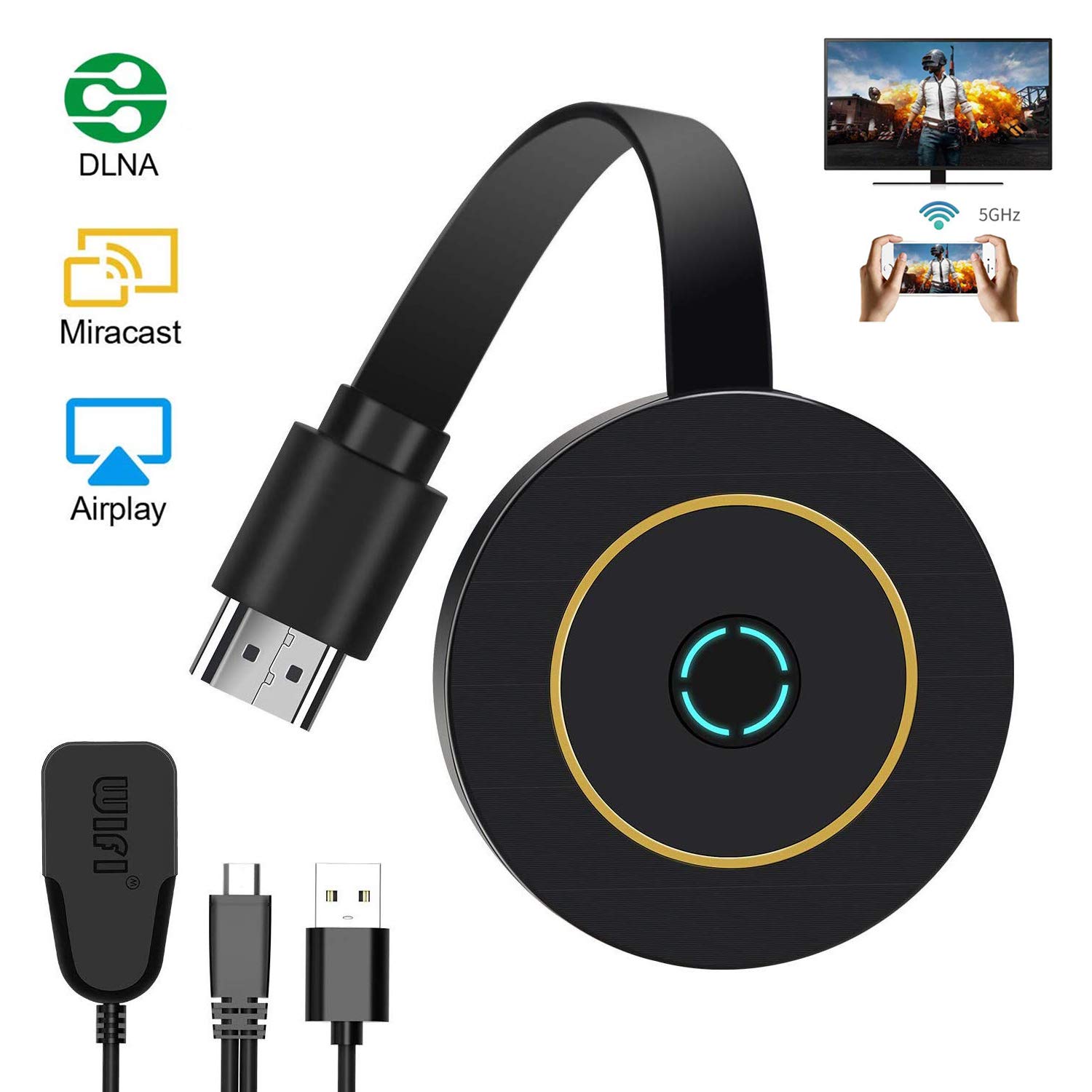
Description
Stunning Picture Quality
Playing games from small screen to big screen, wifi display dongle offers better enjoyable experience.
4K Ultra HD Large Screen
The wifi dongle supports 4K video output and high-quality audio output. HDMI Adapter bring you a great HD large screen experience.
Supports Multi-system
Wifi display dongle Compatible with Android 4.2, iOS 8.1, Mac OS X 10.9, Windows 8.1 and above.
📱How to operate?
📍Setup for iOS(iPhone/iPad)
Step 1.Connect your iPhone/iPad with MiraScreen XXXXXX on screen,then enter the password: 12345678;
Step 2.Open arbitrarily browser page on your iPhone/iPad then access the IP address: http://192.168.203.1;
Step 3. Find the WiFi belong to your home/company in the browser then set it up;
Step 4. Switch the original WiFi of the iPhone/iPad to the home/or company WiFi set by yourself and open the AirPlay Mirroring,then cast the screen successfully.
📍Setup for Android
Step 1. Wait for MiraScreen main screen after power on;
Step 2. Turn on your phone setting and find the Miracast function(such as Smart Multi-screen/Smart View/Miracast);
Step 3. Select MiraScreen as target and wait for connection;
Step 4. Your Android screen will be shown on your TV/Projector.
Mac's operation steps are basically the same as iOS. For the operation of Windows(8.1 & 10) and other devices, please refer to the instruction.
Important Notes:
▸Please keep the power(at least 5V/1A) connected during use.
▸Please make sure your smartphone or tablet Miracast / DLNA is compatible before buying the dongle.
▸Please refer to the instruction when operation.
▸Android system does support all Apps, But iOS does NOT support Netflix, Amazon Prime videos, Hulu, Comcast tv, DIRECTV, etc.
Packing included:
WiFi display receiver X 1
Micro USB 2 in 1 cable X 1
Instruction manual X 1
Playing games from small screen to big screen, wifi display dongle offers better enjoyable experience.
4K Ultra HD Large Screen
The wifi dongle supports 4K video output and high-quality audio output. HDMI Adapter bring you a great HD large screen experience.
Supports Multi-system
Wifi display dongle Compatible with Android 4.2, iOS 8.1, Mac OS X 10.9, Windows 8.1 and above.
📱How to operate?
📍Setup for iOS(iPhone/iPad)
Step 1.Connect your iPhone/iPad with MiraScreen XXXXXX on screen,then enter the password: 12345678;
Step 2.Open arbitrarily browser page on your iPhone/iPad then access the IP address: http://192.168.203.1;
Step 3. Find the WiFi belong to your home/company in the browser then set it up;
Step 4. Switch the original WiFi of the iPhone/iPad to the home/or company WiFi set by yourself and open the AirPlay Mirroring,then cast the screen successfully.
📍Setup for Android
Step 1. Wait for MiraScreen main screen after power on;
Step 2. Turn on your phone setting and find the Miracast function(such as Smart Multi-screen/Smart View/Miracast);
Step 3. Select MiraScreen as target and wait for connection;
Step 4. Your Android screen will be shown on your TV/Projector.
Mac's operation steps are basically the same as iOS. For the operation of Windows(8.1 & 10) and other devices, please refer to the instruction.
Important Notes:
▸Please keep the power(at least 5V/1A) connected during use.
▸Please make sure your smartphone or tablet Miracast / DLNA is compatible before buying the dongle.
▸Please refer to the instruction when operation.
▸Android system does support all Apps, But iOS does NOT support Netflix, Amazon Prime videos, Hulu, Comcast tv, DIRECTV, etc.
Packing included:
WiFi display receiver X 1
Micro USB 2 in 1 cable X 1
Instruction manual X 1
Wireless Display Dongle, 4K WiFi Portable Display Receiver 1080P HDMI Screen Mirroring Compatible with iPhone Mac iOS Android to TV Projector Support Miracast Airplay DLNA No Switching (5G+2.4G)
Current Price
$25.99
Average
$25.99
Min Price
$25.99
Max Price
$25.99
Description
Stunning Picture Quality
Playing games from small screen to big screen, wifi display dongle offers better enjoyable experience.
4K Ultra HD Large Screen
The wifi dongle supports 4K video output and high-quality audio output. HDMI Adapter bring you a great HD large screen experience.
Supports Multi-system
Wifi display dongle Compatible with Android 4.2, iOS 8.1, Mac OS X 10.9, Windows 8.1 and above.
📱How to operate?
📍Setup for iOS(iPhone/iPad)
Step 1.Connect your iPhone/iPad with MiraScreen XXXXXX on screen,then enter the password: 12345678;
Step 2.Open arbitrarily browser page on your iPhone/iPad then access the IP address: http://192.168.203.1;
Step 3. Find the WiFi belong to your home/company in the browser then set it up;
Step 4. Switch the original WiFi of the iPhone/iPad to the home/or company WiFi set by yourself and open the AirPlay Mirroring,then cast the screen successfully.
📍Setup for Android
Step 1. Wait for MiraScreen main screen after power on;
Step 2. Turn on your phone setting and find the Miracast function(such as Smart Multi-screen/Smart View/Miracast);
Step 3. Select MiraScreen as target and wait for connection;
Step 4. Your Android screen will be shown on your TV/Projector.
Mac's operation steps are basically the same as iOS. For the operation of Windows(8.1 & 10) and other devices, please refer to the instruction.
Important Notes:
▸Please keep the power(at least 5V/1A) connected during use.
▸Please make sure your smartphone or tablet Miracast / DLNA is compatible before buying the dongle.
▸Please refer to the instruction when operation.
▸Android system does support all Apps, But iOS does NOT support Netflix, Amazon Prime videos, Hulu, Comcast tv, DIRECTV, etc.
Packing included:
WiFi display receiver X 1
Micro USB 2 in 1 cable X 1
Instruction manual X 1
Playing games from small screen to big screen, wifi display dongle offers better enjoyable experience.
4K Ultra HD Large Screen
The wifi dongle supports 4K video output and high-quality audio output. HDMI Adapter bring you a great HD large screen experience.
Supports Multi-system
Wifi display dongle Compatible with Android 4.2, iOS 8.1, Mac OS X 10.9, Windows 8.1 and above.
📱How to operate?
📍Setup for iOS(iPhone/iPad)
Step 1.Connect your iPhone/iPad with MiraScreen XXXXXX on screen,then enter the password: 12345678;
Step 2.Open arbitrarily browser page on your iPhone/iPad then access the IP address: http://192.168.203.1;
Step 3. Find the WiFi belong to your home/company in the browser then set it up;
Step 4. Switch the original WiFi of the iPhone/iPad to the home/or company WiFi set by yourself and open the AirPlay Mirroring,then cast the screen successfully.
📍Setup for Android
Step 1. Wait for MiraScreen main screen after power on;
Step 2. Turn on your phone setting and find the Miracast function(such as Smart Multi-screen/Smart View/Miracast);
Step 3. Select MiraScreen as target and wait for connection;
Step 4. Your Android screen will be shown on your TV/Projector.
Mac's operation steps are basically the same as iOS. For the operation of Windows(8.1 & 10) and other devices, please refer to the instruction.
Important Notes:
▸Please keep the power(at least 5V/1A) connected during use.
▸Please make sure your smartphone or tablet Miracast / DLNA is compatible before buying the dongle.
▸Please refer to the instruction when operation.
▸Android system does support all Apps, But iOS does NOT support Netflix, Amazon Prime videos, Hulu, Comcast tv, DIRECTV, etc.
Packing included:
WiFi display receiver X 1
Micro USB 2 in 1 cable X 1
Instruction manual X 1
Price will be lower
in next 2 weeks
in next 2 weeks
According to the data, price will be lower in next two weeks, so not waste your money and track better price!
Product review & video
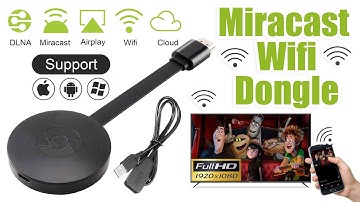
[Music] hello guys uh we are back with one of our new product and today we are going to check this ez chromecast it's a mirror cast device you can easily mirror with your phone to your tv wireless so let's see what we get inside first of all user manual we have main device it's uh actually my phone over here here you can see there is a power port and a reset button and here we can get one wireless receiver power adapter micro usb and usb port you can plug back to your tv or you can use uh adapter 5 volt adapter so it will be easy to get constant 5 for 5.0 volt power you can use this kind of adapter over here just plug it this way it's easy and connect this device to your easier cast and this one goes back to your tv and you can mirror from your phone directly to your tv okay guys so here we have a hdmi cable from back to our tv okay so what we're going to do we just connect it this devi


Similar products