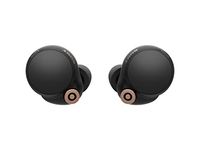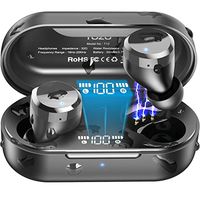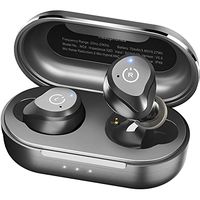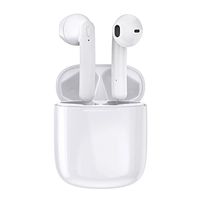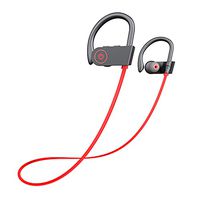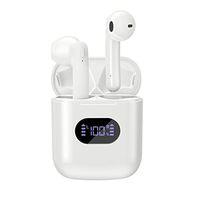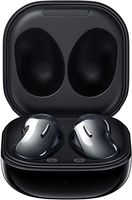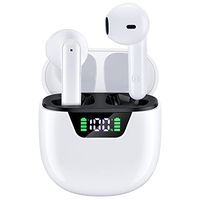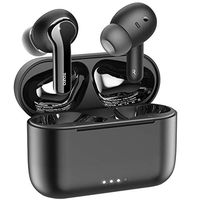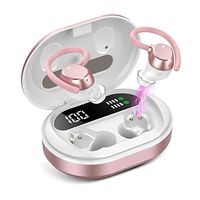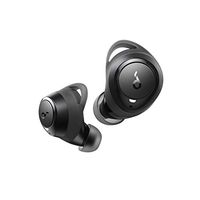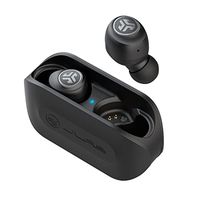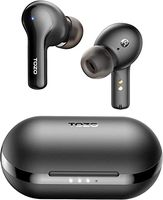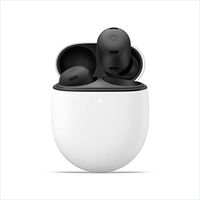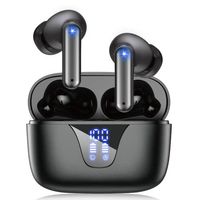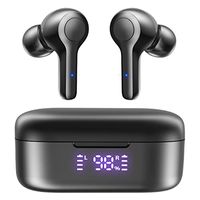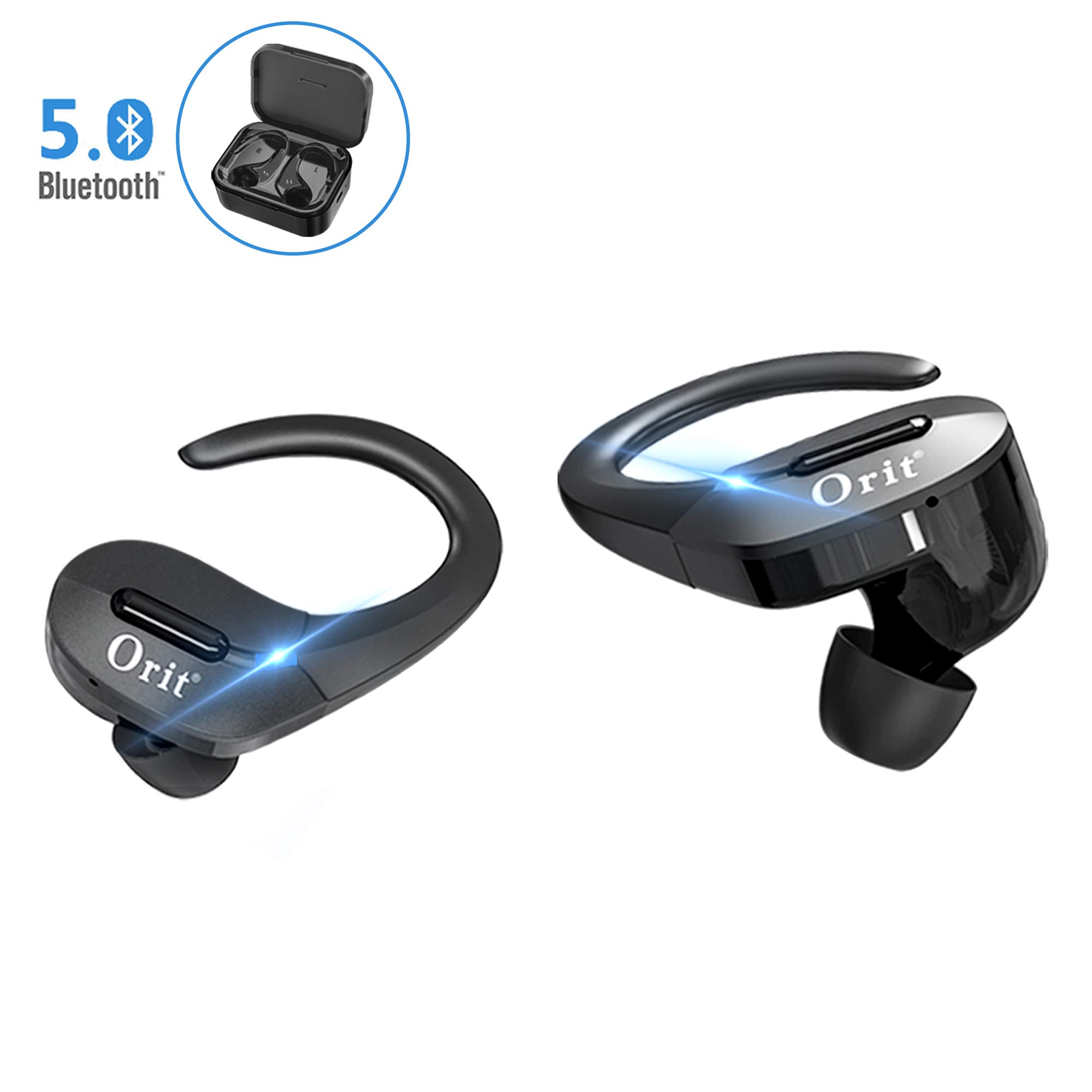
Description
Notes:
1. Please keep or use it under normal temperature.
2. Do not throw it away casually or put it into t fire.
3. Do not disassemble, repair or modify it by your yourself.
4. Do not use harsh chemicals strong detergents to clean the earphone. 5. Do not use the earphone during a thunderstorm.
I、Stereo Mode:
The earphones can be automatically power on and paired when they are taken out of the charging box(Voice prompt # Power on, Ready to pair, Paring completed #). At this time, activate the mobile phone Bluetooth to search #GL019#(Voice prompt # Device connected #).
II、Mono Mode:
The earphone can be automatically power on and paired when it is taken out of the charging box(Voice prompt # Power on, Ready to pair, Paring completed #). At this time, activate the mobile phone Bluetooth to search #GL019 #(Voice prompt # Device connected #)
Notes:
If the earphone is not taken out from the charging box, long-press the MFB button for about 3 seconds to power on, and then activate the mobile phone Bluetooth to search #GL019 #.
If the earphones cannot pair each other:
In power-off mode, press and hold the two earphones MFB button for about 12 seconds simultaneously (At the same time, the light indicates: blue light on - red and blue lights are alternately flashing- red light on). Then put the earphones to the charging box, they can pair each other when taken out.
1. Please keep or use it under normal temperature.
2. Do not throw it away casually or put it into t fire.
3. Do not disassemble, repair or modify it by your yourself.
4. Do not use harsh chemicals strong detergents to clean the earphone. 5. Do not use the earphone during a thunderstorm.
I、Stereo Mode:
The earphones can be automatically power on and paired when they are taken out of the charging box(Voice prompt # Power on, Ready to pair, Paring completed #). At this time, activate the mobile phone Bluetooth to search #GL019#(Voice prompt # Device connected #).
II、Mono Mode:
The earphone can be automatically power on and paired when it is taken out of the charging box(Voice prompt # Power on, Ready to pair, Paring completed #). At this time, activate the mobile phone Bluetooth to search #GL019 #(Voice prompt # Device connected #)
Notes:
If the earphone is not taken out from the charging box, long-press the MFB button for about 3 seconds to power on, and then activate the mobile phone Bluetooth to search #GL019 #.
If the earphones cannot pair each other:
In power-off mode, press and hold the two earphones MFB button for about 12 seconds simultaneously (At the same time, the light indicates: blue light on - red and blue lights are alternately flashing- red light on). Then put the earphones to the charging box, they can pair each other when taken out.
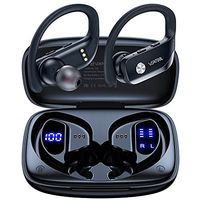
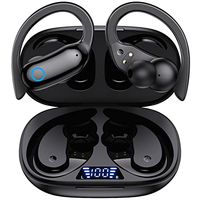
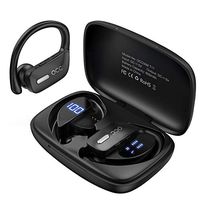
Wireless Earbuds Bluetooth 5.0, Sports Bluetooth Headphones 50H Playtime in-Ear TWS Stereo HiFi Sound Bluetooth Earbuds Wireless Earphones with Charging Case (Black)
Current Price
$53.99
Average
$53.99
Min Price
$53.99
Max Price
$53.99
Description
Notes:
1. Please keep or use it under normal temperature.
2. Do not throw it away casually or put it into t fire.
3. Do not disassemble, repair or modify it by your yourself.
4. Do not use harsh chemicals strong detergents to clean the earphone. 5. Do not use the earphone during a thunderstorm.
I、Stereo Mode:
The earphones can be automatically power on and paired when they are taken out of the charging box(Voice prompt # Power on, Ready to pair, Paring completed #). At this time, activate the mobile phone Bluetooth to search #GL019#(Voice prompt # Device connected #).
II、Mono Mode:
The earphone can be automatically power on and paired when it is taken out of the charging box(Voice prompt # Power on, Ready to pair, Paring completed #). At this time, activate the mobile phone Bluetooth to search #GL019 #(Voice prompt # Device connected #)
Notes:
If the earphone is not taken out from the charging box, long-press the MFB button for about 3 seconds to power on, and then activate the mobile phone Bluetooth to search #GL019 #.
If the earphones cannot pair each other:
In power-off mode, press and hold the two earphones MFB button for about 12 seconds simultaneously (At the same time, the light indicates: blue light on - red and blue lights are alternately flashing- red light on). Then put the earphones to the charging box, they can pair each other when taken out.
1. Please keep or use it under normal temperature.
2. Do not throw it away casually or put it into t fire.
3. Do not disassemble, repair or modify it by your yourself.
4. Do not use harsh chemicals strong detergents to clean the earphone. 5. Do not use the earphone during a thunderstorm.
I、Stereo Mode:
The earphones can be automatically power on and paired when they are taken out of the charging box(Voice prompt # Power on, Ready to pair, Paring completed #). At this time, activate the mobile phone Bluetooth to search #GL019#(Voice prompt # Device connected #).
II、Mono Mode:
The earphone can be automatically power on and paired when it is taken out of the charging box(Voice prompt # Power on, Ready to pair, Paring completed #). At this time, activate the mobile phone Bluetooth to search #GL019 #(Voice prompt # Device connected #)
Notes:
If the earphone is not taken out from the charging box, long-press the MFB button for about 3 seconds to power on, and then activate the mobile phone Bluetooth to search #GL019 #.
If the earphones cannot pair each other:
In power-off mode, press and hold the two earphones MFB button for about 12 seconds simultaneously (At the same time, the light indicates: blue light on - red and blue lights are alternately flashing- red light on). Then put the earphones to the charging box, they can pair each other when taken out.
Price will be lower
in next 2 weeks
in next 2 weeks
According to the data, price will be lower in next two weeks, so not waste your money and track better price!
Product review & video
yo sup guys this is going to be a quick review on this wireless earbuds a part from Amazon now the name-brand on this aha I have to go back to my order again the name-brand of this is called let's look at this kiss role and this earbuds are very nice I've been using it for a while now he actually supports Bluetooth 5.0 so if you have like a new smartphone you're gonna notice the quality of those airports being like ridiculously better and also there could like connect on and off significantly faster than an old 4.0 bluetooth now this one has 3000 milliamp our charging battery which is like insane we gotta talk about that soon which equivalents to 90 hours of a plate at 90 hours of playtime in your ear I mean we're gonna talk about all that all I could tell you is 90 hours is ridiculously high in comparison apples have Apple earbud I believe to only has 24 hours of playback time which is

Similar products