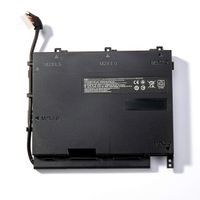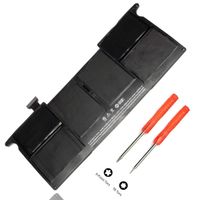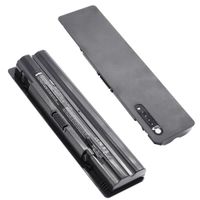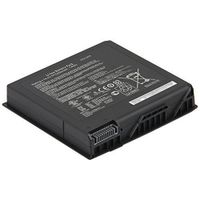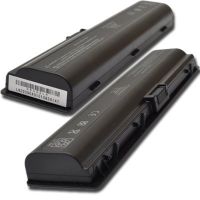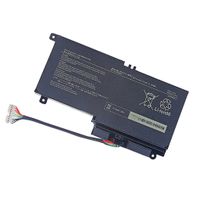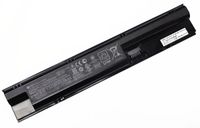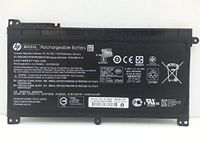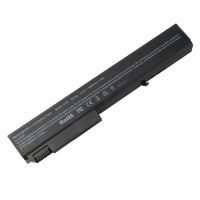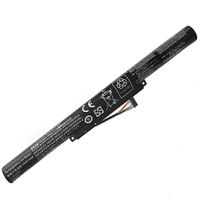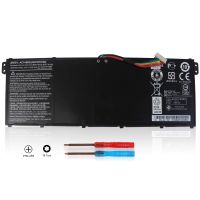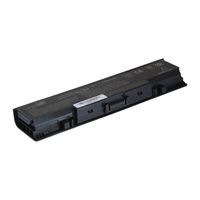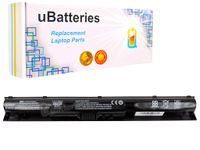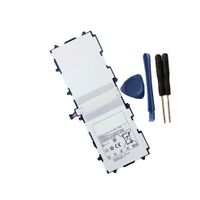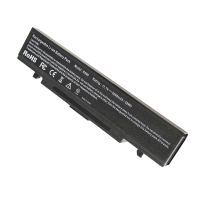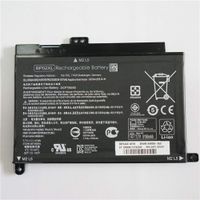
Description
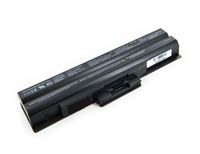
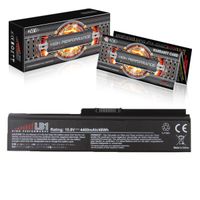
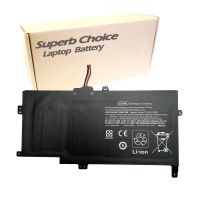
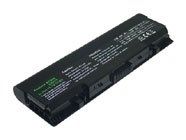
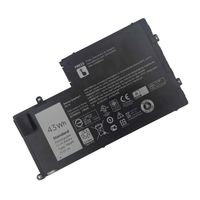
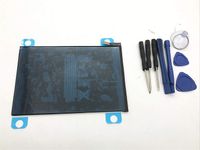
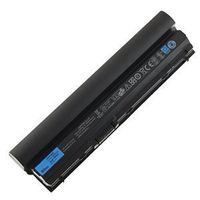
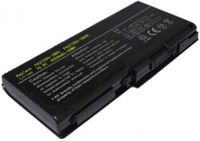
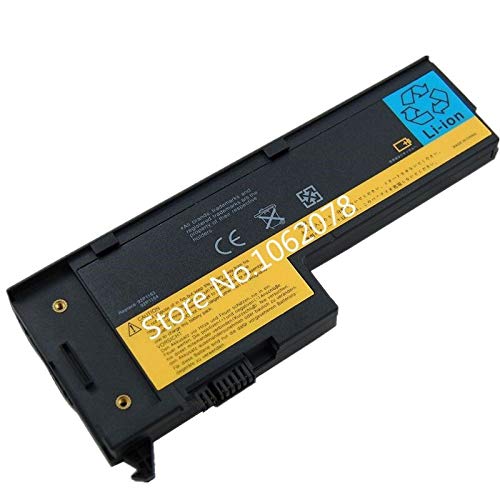
Package : Yes Battery Voltage : 14.4V Battery Cells : 4 Cells Model Number : x60 Compatible Brand : Lenovo Type : Li-Ion
Thank you very much for your choice. Please read the following instructions carefully before using the battery:
1. When using the notebook battery for the first time, please discharge to 8% and recharge.
2. When the battery is used for the first time, if the following two problems occur: when the power supply is plugged in for charging, 100% of the battery is fully charged or when the battery is fully charged, 0% of the battery is discharged. You can cover the computer cover and wait for the discharge, and charge it after the power is discharged and turned off. If you cannot solve the problem, you should contact your provider immediately.
3. When the battery works normally, if the battery discharge is as low as 8%, it must be shut down or recharged. Discharging the battery to 0% is strictly prohibited. In this way, the battery will be easily damaged and decay will be accelerated.
4. When the battery is turned off for the first time, if the power is charged from 0% to 1%, it may take 10-40 minutes, which is a normal phenomenon. Please feel free to use it.
5. If the battery is discharged, please recharge it within two days, otherwise the battery will be easily damaged and may not be charged.
6. If the battery is to be stored for a long period of time and is temporarily unused (for more than 3 months), the battery must be charged to more than 80%, and the battery must not be stored for a long period of time under 60%, otherwise the battery is easy to damage and may not be charged.
7. The battery should be recycled frequently. It is recommended that the battery should be used at least once every two months in order to achieve the best performance. The battery should be discharged to 8% before being fully charged.
Thank you very much for your choice. Please read the following instructions carefully before using the battery:
1. When using the notebook battery for the first time, please discharge to 8% and recharge.
2. When the battery is used for the first time, if the following two problems occur: when the power supply is plugged in for charging, 100% of the battery is fully charged or when the battery is fully charged, 0% of the battery is discharged. You can cover the computer cover and wait for the discharge, and charge it after the power is discharged and turned off. If you cannot solve the problem, you should contact your provider immediately.
3. When the battery works normally, if the battery discharge is as low as 8%, it must be shut down or recharged. Discharging the battery to 0% is strictly prohibited. In this way, the battery will be easily damaged and decay will be accelerated.
4. When the battery is turned off for the first time, if the power is charged from 0% to 1%, it may take 10-40 minutes, which is a normal phenomenon. Please feel free to use it.
5. If the battery is discharged, please recharge it within two days, otherwise the battery will be easily damaged and may not be charged.
6. If the battery is to be stored for a long period of time and is temporarily unused (for more than 3 months), the battery must be charged to more than 80%, and the battery must not be stored for a long period of time under 60%, otherwise the battery is easy to damage and may not be charged.
7. The battery should be recycled frequently. It is recommended that the battery should be used at least once every two months in order to achieve the best performance. The battery should be discharged to 8% before being fully charged.
Xinpar 14.4V FRU 92P1171 42T4505 92P1163 Battery for IBM ThinkPad X61 X61s X60 X60s Series 40Y6999 40Y7001 40Y7003 ASM 92P1170
Current Price
$34.74
Average
$31.74
Min Price
$28.74
Max Price
$34.74
Price dynamics
9%
Description
Package : Yes Battery Voltage : 14.4V Battery Cells : 4 Cells Model Number : x60 Compatible Brand : Lenovo Type : Li-Ion
Thank you very much for your choice. Please read the following instructions carefully before using the battery:
1. When using the notebook battery for the first time, please discharge to 8% and recharge.
2. When the battery is used for the first time, if the following two problems occur: when the power supply is plugged in for charging, 100% of the battery is fully charged or when the battery is fully charged, 0% of the battery is discharged. You can cover the computer cover and wait for the discharge, and charge it after the power is discharged and turned off. If you cannot solve the problem, you should contact your provider immediately.
3. When the battery works normally, if the battery discharge is as low as 8%, it must be shut down or recharged. Discharging the battery to 0% is strictly prohibited. In this way, the battery will be easily damaged and decay will be accelerated.
4. When the battery is turned off for the first time, if the power is charged from 0% to 1%, it may take 10-40 minutes, which is a normal phenomenon. Please feel free to use it.
5. If the battery is discharged, please recharge it within two days, otherwise the battery will be easily damaged and may not be charged.
6. If the battery is to be stored for a long period of time and is temporarily unused (for more than 3 months), the battery must be charged to more than 80%, and the battery must not be stored for a long period of time under 60%, otherwise the battery is easy to damage and may not be charged.
7. The battery should be recycled frequently. It is recommended that the battery should be used at least once every two months in order to achieve the best performance. The battery should be discharged to 8% before being fully charged.
Thank you very much for your choice. Please read the following instructions carefully before using the battery:
1. When using the notebook battery for the first time, please discharge to 8% and recharge.
2. When the battery is used for the first time, if the following two problems occur: when the power supply is plugged in for charging, 100% of the battery is fully charged or when the battery is fully charged, 0% of the battery is discharged. You can cover the computer cover and wait for the discharge, and charge it after the power is discharged and turned off. If you cannot solve the problem, you should contact your provider immediately.
3. When the battery works normally, if the battery discharge is as low as 8%, it must be shut down or recharged. Discharging the battery to 0% is strictly prohibited. In this way, the battery will be easily damaged and decay will be accelerated.
4. When the battery is turned off for the first time, if the power is charged from 0% to 1%, it may take 10-40 minutes, which is a normal phenomenon. Please feel free to use it.
5. If the battery is discharged, please recharge it within two days, otherwise the battery will be easily damaged and may not be charged.
6. If the battery is to be stored for a long period of time and is temporarily unused (for more than 3 months), the battery must be charged to more than 80%, and the battery must not be stored for a long period of time under 60%, otherwise the battery is easy to damage and may not be charged.
7. The battery should be recycled frequently. It is recommended that the battery should be used at least once every two months in order to achieve the best performance. The battery should be discharged to 8% before being fully charged.
Price will be lower
in next 2 weeks
in next 2 weeks
According to the data, price will be lower in next two weeks, so not waste your money and track better price!

Similar products