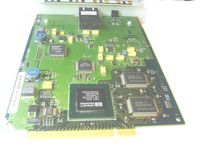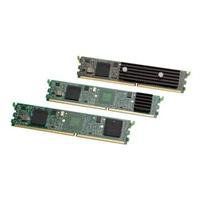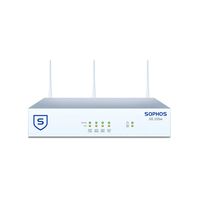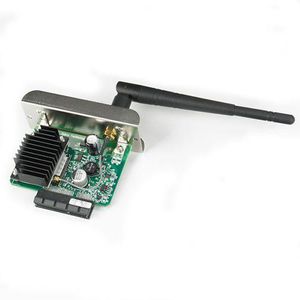
ZEBRA WIRELESS 802.11 A/B/G/N WIFI CARD FOR ZT SERIES
Current Price
$700
Average
$480.29
Min Price
$441.19
Max Price
$700
Price dynamics
31%
Price will be lower
in next 2 weeks
in next 2 weeks
According to the data, price will be lower in next two weeks, so not waste your money and track better price!
Product review & video
to configure the wireless settings for a zebra printer using the zebra setup utilities double click the icon select your printer and click on configure printer connectivity select wireless and click Next you can enter a static IP subnet and Gateway or choose DHCP to get all the settings automatically for this video we'll select DHCP click Next you will now see ESS ID this is the name of your network that you want to connect to type the name of your network and select the security mode that your access point uses click Next and for some configurations you may need advanced settings but for the majority of users it's not needed click OK click Next and it will show you the code that is being sent to the printer that will configure the wireless print server installed on your printer click Next you can choose to select to send it to the printer or to save it to the file select printer and hi