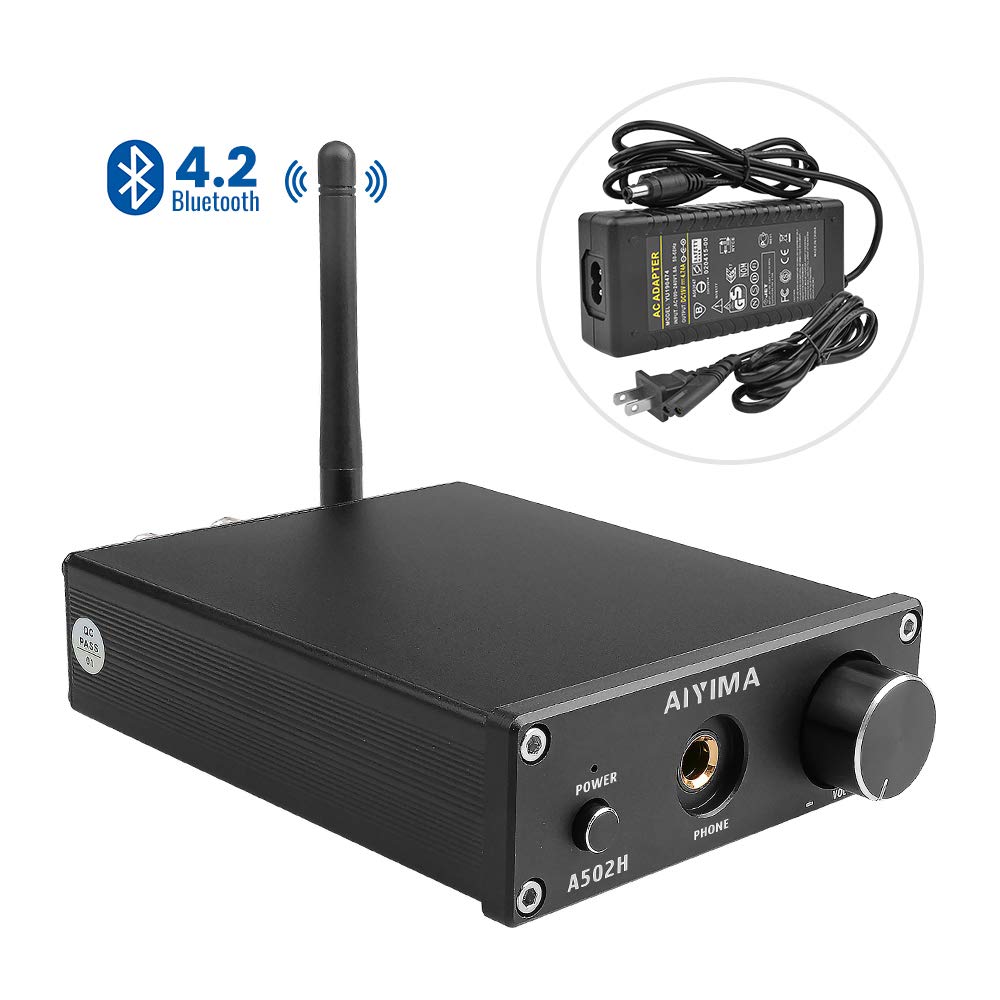
Description
Operation Steps:
1. Make sure the VOL buttonto the minimum.
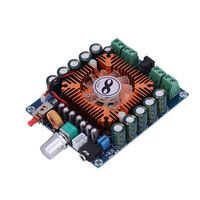
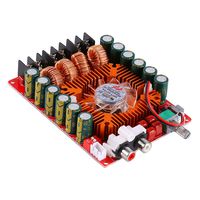
2. Connect the left and right speakers according to the interface instruction of the rear surface, and pay attention to distinguish positive and negative.
3. Connect the sound source that needs to be used(Use bluetooth transmission to refer to the next step)
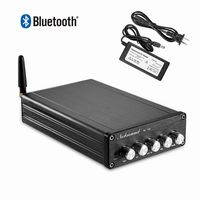
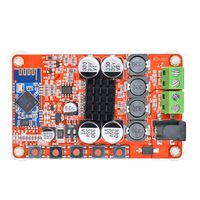
4.Switch to bluetooth for bluetooth input when using bluetooth input, the blue light of bluetooth indicator flickers, and the blue light remains on after the phone is connected successfully
5.Connect to power.
6. Press the power switch.
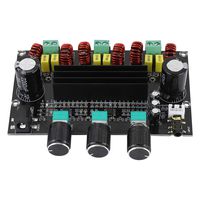
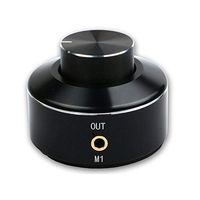
7. Turn the VOL button clockwise to select the desired volume. 8.The version with volume adjustment can choose reasonable EQ through rotating potentiometer
9. After connecting the earphone output, the speaker will automatically disconnect
1. Make sure the VOL buttonto the minimum.
2. Connect the left and right speakers according to the interface instruction of the rear surface, and pay attention to distinguish positive and negative.
3. Connect the sound source that needs to be used(Use bluetooth transmission to refer to the next step)
4.Switch to bluetooth for bluetooth input when using bluetooth input, the blue light of bluetooth indicator flickers, and the blue light remains on after the phone is connected successfully
5.Connect to power.
6. Press the power switch.
7. Turn the VOL button clockwise to select the desired volume. 8.The version with volume adjustment can choose reasonable EQ through rotating potentiometer
9. After connecting the earphone output, the speaker will automatically disconnect
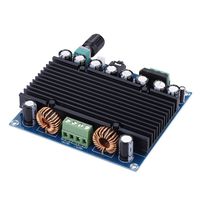
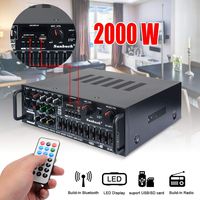
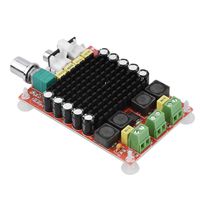
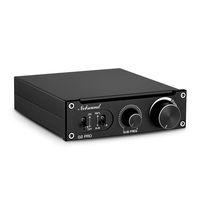
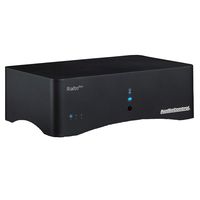
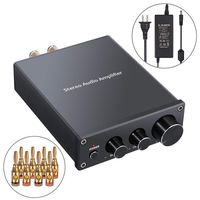
AIYIMA 2.0 Channel HiFi Stereo Audio Amplifier with Bluetooth 4.2& Headphone Amplifier & Class D Integrated Digital Amp Receiver for Home Desktop Speakers Headphones with Power (Black)
Price is below average
Current Price
$59.99
Average
$62.97
Min Price
$59.99
Max Price
$65.95
Price dynamics
5%
Description
Operation Steps:
1. Make sure the VOL buttonto the minimum.
2. Connect the left and right speakers according to the interface instruction of the rear surface, and pay attention to distinguish positive and negative.
3. Connect the sound source that needs to be used(Use bluetooth transmission to refer to the next step)
4.Switch to bluetooth for bluetooth input when using bluetooth input, the blue light of bluetooth indicator flickers, and the blue light remains on after the phone is connected successfully
5.Connect to power.
6. Press the power switch.
7. Turn the VOL button clockwise to select the desired volume. 8.The version with volume adjustment can choose reasonable EQ through rotating potentiometer
9. After connecting the earphone output, the speaker will automatically disconnect
1. Make sure the VOL buttonto the minimum.
2. Connect the left and right speakers according to the interface instruction of the rear surface, and pay attention to distinguish positive and negative.
3. Connect the sound source that needs to be used(Use bluetooth transmission to refer to the next step)
4.Switch to bluetooth for bluetooth input when using bluetooth input, the blue light of bluetooth indicator flickers, and the blue light remains on after the phone is connected successfully
5.Connect to power.
6. Press the power switch.
7. Turn the VOL button clockwise to select the desired volume. 8.The version with volume adjustment can choose reasonable EQ through rotating potentiometer
9. After connecting the earphone output, the speaker will automatically disconnect
Price will be lower
in next 2 weeks
in next 2 weeks
According to the data, price will be lower in next two weeks, so not waste your money and track better price!