Tech specs

...
Processor: Intel Celeron N4000 1.10 GHz up to 2.60 GHz
Memory: 4GB Ram
Hard drive Size: 64GB eMMC
Operating system: Windows 10 Home in S mode
Media drive: 4-in-1 card reader
Audio: Dolby Audio Premium
Video: Intel UHD Graphics 600
Ports: 1 USB Type-C, 1 USB 3.0 with Always-On Charging, 1 USB 2.0, HDMI, Headphone output/mic input combo jack
Battery: 3-cell lithium-polymer (6 hours battery life)
Camera: 720p webcam
Wireless: 802.11ac
Bluetooth: Bluetooth 4.1
Dimensions: 11.57 x 8.03 x 0.70 in
Weight: 2.75 lbs
Switching out of S mode in Windows 10
Windows 10 in S mode is designed for security and performance, exclusively running apps from the Microsoft Store. If you want to install an app that isn't available in the Microsoft Store,
- On your PC running Windows 10 in S mode, open Settings> Update & Security> Activation.
- In the Switch to Windows 10 Home or Switch to Windows 10 Pro section, select Go to the Store. (If you also see an "Upgrade your edition of Windows" section, be careful not to click the "Go to the Store" link that appears there.)
- On the Switch out of S mode (or similar) page that appears in the Microsoft Store, select the Get button. After you see a confirmation message on the page, you'll be able to install apps from outside of the Microsoft Store.
If 64GB storage does not meet your requirement, please purchase extra microsd card to extend your storage for system updating and running.
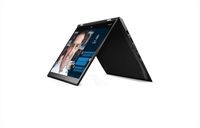
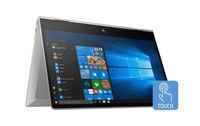
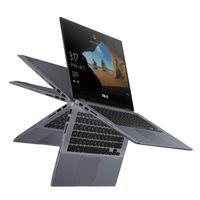
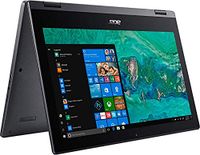
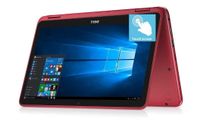
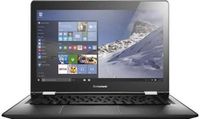
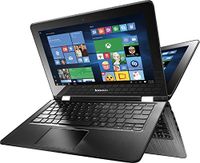
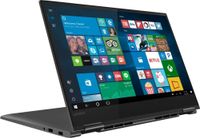
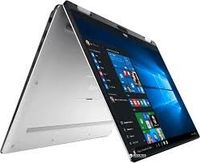
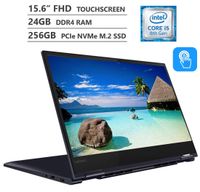
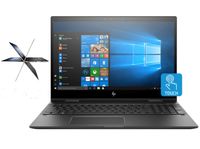
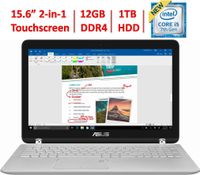
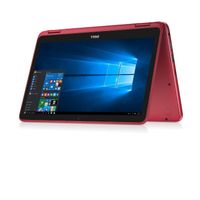
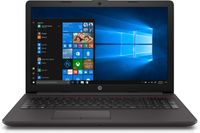
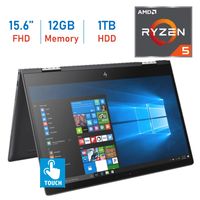
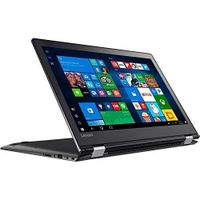
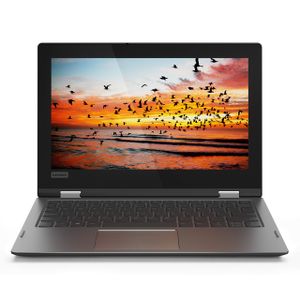
2019 Newest Lenovo Flex 11 2 in 1 Convertible Laptop, 11.6 Inch HD Touchscreen Display, Intel Celeron N4000 Processor, 4GB Ram, 64GB EMMC, 1yr-Office 365, Dolby Audio, Windows 10 in S Mode
Tech specs
...
Processor: Intel Celeron N4000 1.10 GHz up to 2.60 GHz
Memory: 4GB Ram
Hard drive Size: 64GB eMMC
Operating system: Windows 10 Home in S mode
Media drive: 4-in-1 card reader
Audio: Dolby Audio Premium
Video: Intel UHD Graphics 600
Ports: 1 USB Type-C, 1 USB 3.0 with Always-On Charging, 1 USB 2.0, HDMI, Headphone output/mic input combo jack
Battery: 3-cell lithium-polymer (6 hours battery life)
Camera: 720p webcam
Wireless: 802.11ac
Bluetooth: Bluetooth 4.1
Dimensions: 11.57 x 8.03 x 0.70 in
Weight: 2.75 lbs
Switching out of S mode in Windows 10
Windows 10 in S mode is designed for security and performance, exclusively running apps from the Microsoft Store. If you want to install an app that isn't available in the Microsoft Store,
- On your PC running Windows 10 in S mode, open Settings> Update & Security> Activation.
- In the Switch to Windows 10 Home or Switch to Windows 10 Pro section, select Go to the Store. (If you also see an "Upgrade your edition of Windows" section, be careful not to click the "Go to the Store" link that appears there.)
- On the Switch out of S mode (or similar) page that appears in the Microsoft Store, select the Get button. After you see a confirmation message on the page, you'll be able to install apps from outside of the Microsoft Store.
If 64GB storage does not meet your requirement, please purchase extra microsd card to extend your storage for system updating and running.
in next 2 weeks