Description
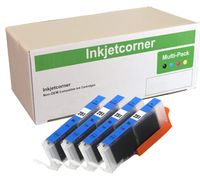
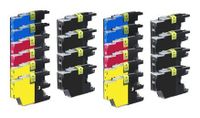
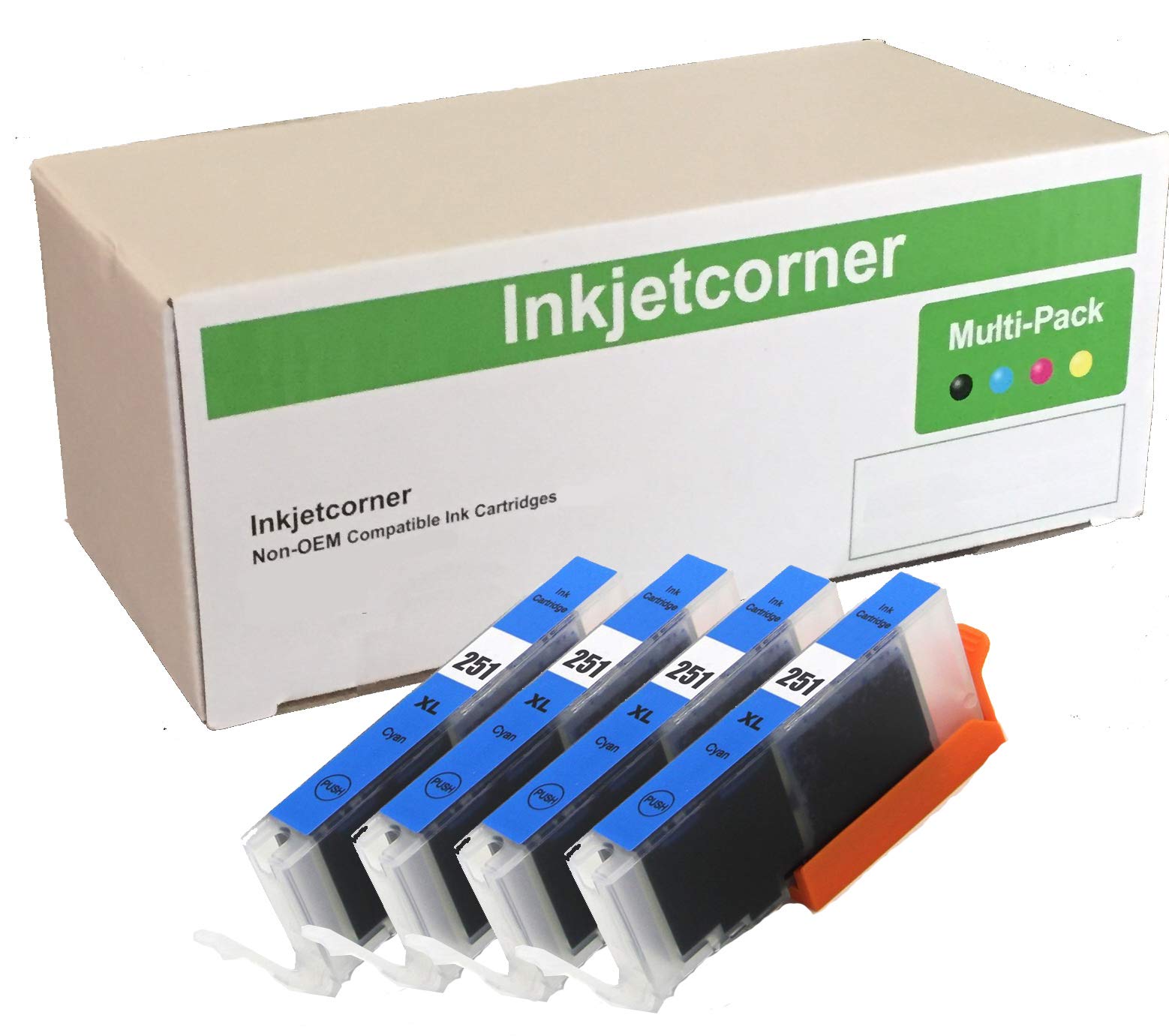
Inkjetcorner inkjet cartridges for your printers are built to meet the same original specifications and performance standards as the OEM cartridges. Compatible with the following printers: Pixma MG5420, MG5422, MG5520, MG5522, MX722, MX922, MG7120, MG6320, MG6420
How to install / Replace new ink cartridge:
Step 1: Pull off tape (if any) the yellow/clear sealing tape on top of the cartridge. If there are no tape on the top, proceed to Step 2
Step 2: Turn cartridge upside down and remove the orange cap/bracket off the cartridge
Step 3: Insert the cartridge into the corresponding slot and push down on the cartridge until you hear a click sound
Step 4: This Step is optional. Run a Printhead clean on the cartridge. this will flush out residue leftover from previous use
How to install / Replace new ink cartridge:
Step 1: Pull off tape (if any) the yellow/clear sealing tape on top of the cartridge. If there are no tape on the top, proceed to Step 2
Step 2: Turn cartridge upside down and remove the orange cap/bracket off the cartridge
Step 3: Insert the cartridge into the corresponding slot and push down on the cartridge until you hear a click sound
Step 4: This Step is optional. Run a Printhead clean on the cartridge. this will flush out residue leftover from previous use
Inkjetcorner Compatible Ink Cartridge Replacement for CLI-251XL CLI-251 CLI-251C for use with MX922 MX722 MG5620 MG5520 MG6620 MG6420 MG5420 MG5522 MG7120 MG7520 iX6820 MG6320 (Cyan, 4-Pack)
Price is below average
Current Price
$7.5
Average
$7.6
Min Price
$6.51
Max Price
$8.29
Price dynamics
1%
Description
Inkjetcorner inkjet cartridges for your printers are built to meet the same original specifications and performance standards as the OEM cartridges. Compatible with the following printers: Pixma MG5420, MG5422, MG5520, MG5522, MX722, MX922, MG7120, MG6320, MG6420
How to install / Replace new ink cartridge:
Step 1: Pull off tape (if any) the yellow/clear sealing tape on top of the cartridge. If there are no tape on the top, proceed to Step 2
Step 2: Turn cartridge upside down and remove the orange cap/bracket off the cartridge
Step 3: Insert the cartridge into the corresponding slot and push down on the cartridge until you hear a click sound
Step 4: This Step is optional. Run a Printhead clean on the cartridge. this will flush out residue leftover from previous use
How to install / Replace new ink cartridge:
Step 1: Pull off tape (if any) the yellow/clear sealing tape on top of the cartridge. If there are no tape on the top, proceed to Step 2
Step 2: Turn cartridge upside down and remove the orange cap/bracket off the cartridge
Step 3: Insert the cartridge into the corresponding slot and push down on the cartridge until you hear a click sound
Step 4: This Step is optional. Run a Printhead clean on the cartridge. this will flush out residue leftover from previous use
Price will be lower
in next 2 weeks
in next 2 weeks
According to the data, price will be lower in next two weeks, so not waste your money and track better price!
Similar products