- HomeElectronicsComputers & AccessoriesComputer Accessories & PeripheralsCleaning & RepairRepair Kits
Description
Part Specifications
- Color: Black
- Compatible with: iPad Pro 12.9 version (A1584 and A1652)
- This screen does not come with the LCD Flex Cable. Micro-soldering is required.
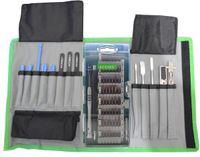
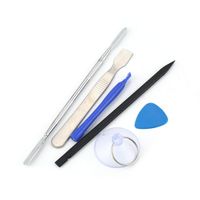
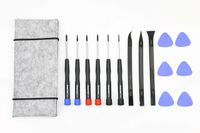
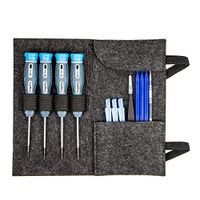
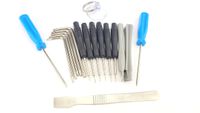
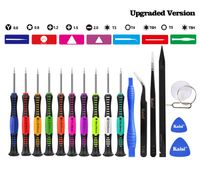
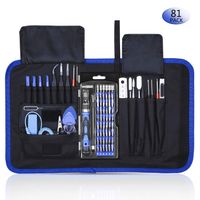
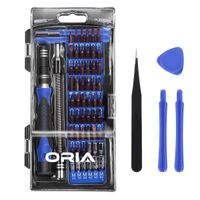
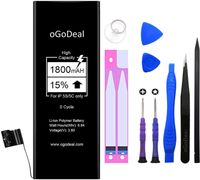
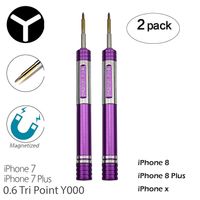
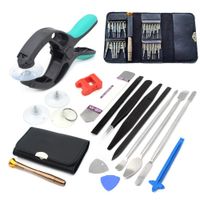
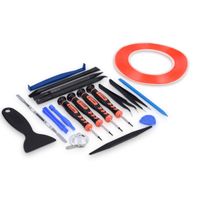
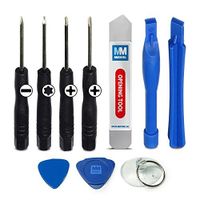
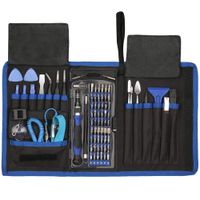
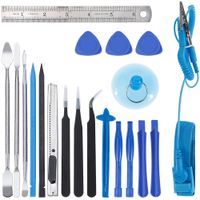
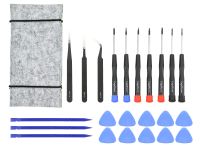
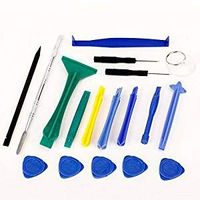
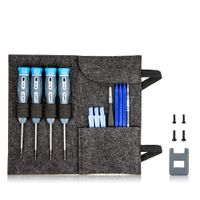
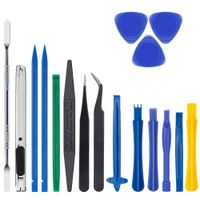
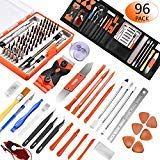
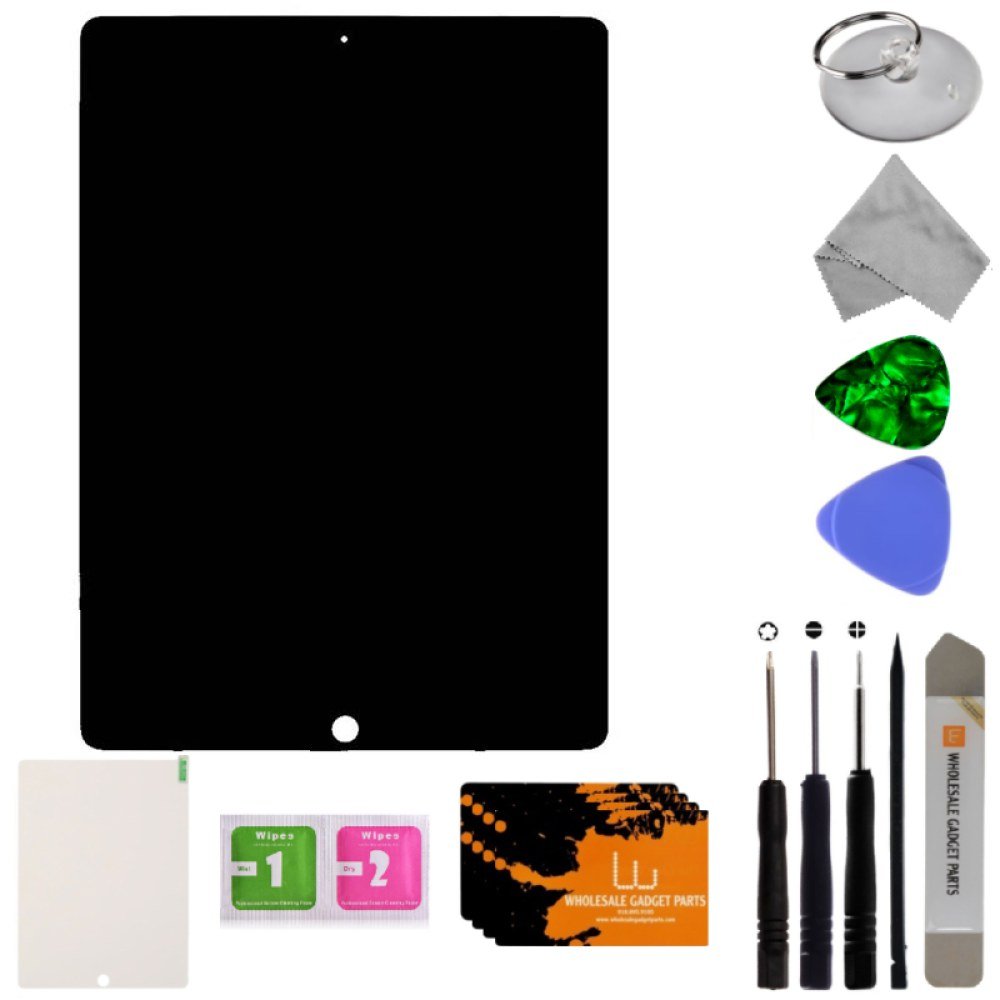
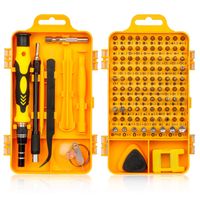
Complimentary Tool Kit
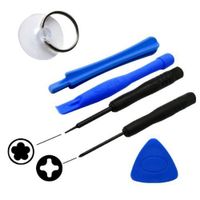
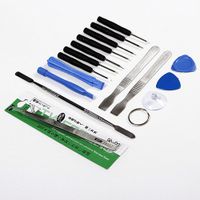
1x Suction Cup
4x Glue Card
1x Guitar Pick
1x Triangle Pry Tool
1x Microfiber Cloth
1x Phillips Head Screwdriver
1x Pentalobe Screwdriver
1x Flat-Head Screw Driver
1x iSesamo
1x Tempered Glass Screen Protector
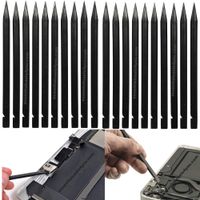
1x Spudger
Instructions for Installation
We recommend taking the broken iPad and the replacement part to an expert in order to repair the device.
If you choose to repair the iPad yourself, please watch several instructional videos that are for your iPad model before attempting the repair.
Warning
- Make sure your iPad is powered off first before installing.
- Disconnect the battery BEFORE replacing the screen.
- Be cautions and organized. Because there are different screw sizes, make sure you do not insert the screw into the wrong location or it will cause damage.
- Do not bend the cable the wrong way.
- Make sure your iPad IOS is upgraded to the latest version.
- Please check carefully for any possible defects the screen could have received during shipment.
- Please feel free to contact us if you have any problems, questions, or concerns.
LCD & Digitizer Assembly for Apple iPad Pro 12.9 First Edition (Black) with Tool Kit
Current Price
$120.99
Average
$117.06
Min Price
$103.97
Max Price
$131.79
Price dynamics
3%
Description
Part Specifications
- Color: Black
- Compatible with: iPad Pro 12.9 version (A1584 and A1652)
- This screen does not come with the LCD Flex Cable. Micro-soldering is required.
Complimentary Tool Kit
1x Suction Cup
4x Glue Card
1x Guitar Pick
1x Triangle Pry Tool
1x Microfiber Cloth
1x Phillips Head Screwdriver
1x Pentalobe Screwdriver
1x Flat-Head Screw Driver
1x iSesamo
1x Tempered Glass Screen Protector
1x Spudger
Instructions for Installation
We recommend taking the broken iPad and the replacement part to an expert in order to repair the device.
If you choose to repair the iPad yourself, please watch several instructional videos that are for your iPad model before attempting the repair.
Warning
- Make sure your iPad is powered off first before installing.
- Disconnect the battery BEFORE replacing the screen.
- Be cautions and organized. Because there are different screw sizes, make sure you do not insert the screw into the wrong location or it will cause damage.
- Do not bend the cable the wrong way.
- Make sure your iPad IOS is upgraded to the latest version.
- Please check carefully for any possible defects the screen could have received during shipment.
- Please feel free to contact us if you have any problems, questions, or concerns.
Price will be lower
in next 2 weeks
in next 2 weeks
According to the data, price will be lower in next two weeks, so not waste your money and track better price!
Product review & video
hi John with fix-it planet here today we've got an iPad pro 12.9 and this one's going to be tough for me to show everything I'm going to do the best I can we've got a dented corner here we'll have to work that out and it's cracked there's the corner stand it in pretty good and we warm it up on a hot plate in advance and we're going to go ahead and cut through the adhesive on three of the four sides and then we'll work on the bottom not a sink careful light so like I said this one here is going to be a little hard for me to show every detail of the repair I'm going to do the best I can to show as much of it as possible it doesn't fit it's really hard to get up close and have it fit in the frame because it's pretty large and I don't have a microscope camera yet so I'm not going to be able to to really show percent of the micro Soaring involved I'm going to at least try to show a little bi


Similar products