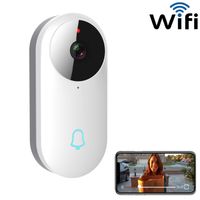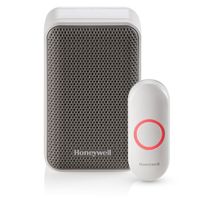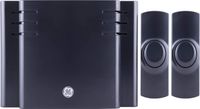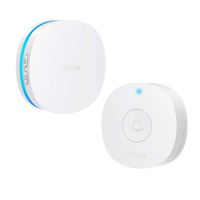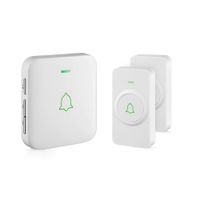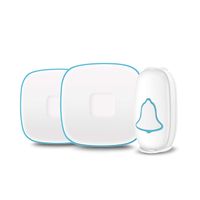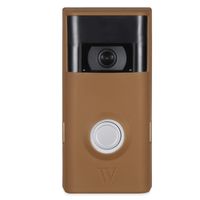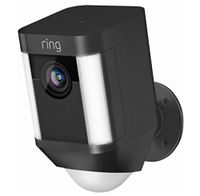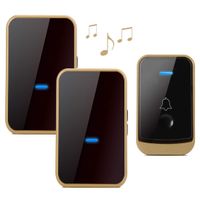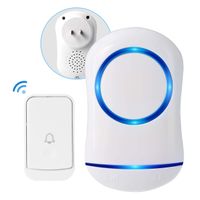
Description
💎 Features
- Ultra low power design, power saving and long-lasting use, 52 optional ringtones. 4 adjustable volume levels, long working distance.
- One chime can connect to at most 12 doorbell cameras; one doorbell camera can connect with unlimited chimes.
- The wireless Wi-Fi doorbell camera and Arroux chime combined together, will be the perfect accessories for home, office, store and more to ensure security of your life and to make more convenience.
💎 It can notify you when
- Thief breaks-in your home or garage
- Customer visits your shop
- Kids open the door or window
- Pets come or leave their house
💎 Instructions to pair
- Setup your video doorbell (KZV5) first, and power on the (KZV5) doorbell;
- Press and hold the volume button on the chime for 3 seconds until the LED indicator lights up, the chime will enter into paring status;
- Press the ring button on the (KZV5) doorbell within 5 seconds after step 2.
- The pairing is complete once the LED indicator on the chime is blinking.
💎 How to select different music for chime ringtone?
- Press up or down to select the desired ringtone;
- If you would like to switch, hold the top volume key for 3 seconds until the blue LED lights up constantly without blinking;
- Immediately press the ring button on the wireless video doorbell, the new ringtone is set when you see the blue LED blinks.
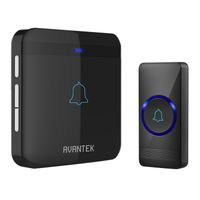
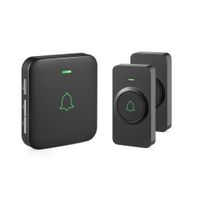
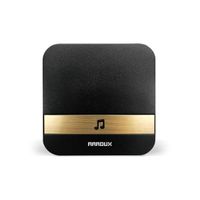
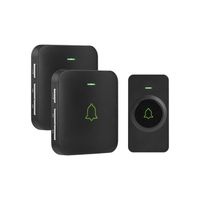
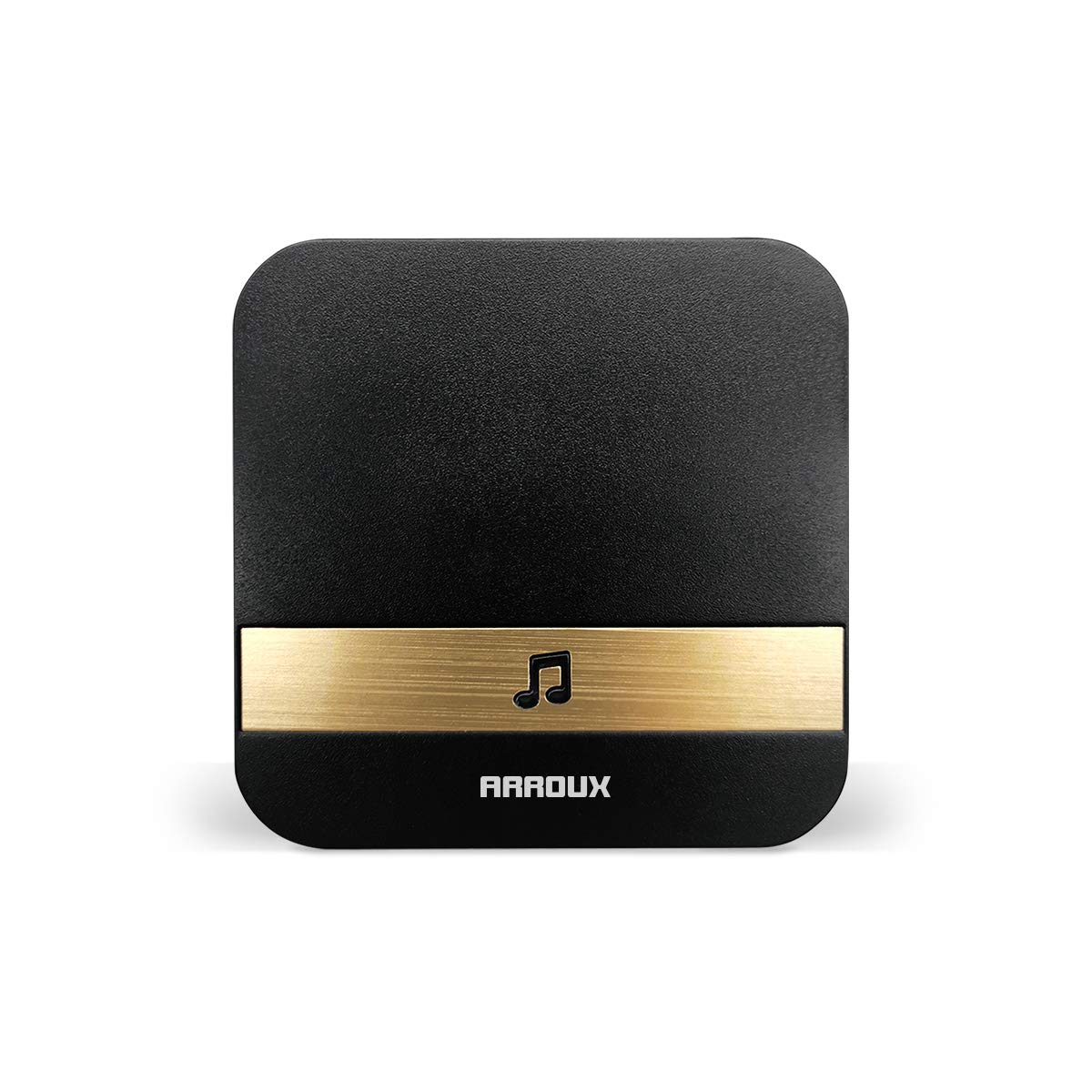
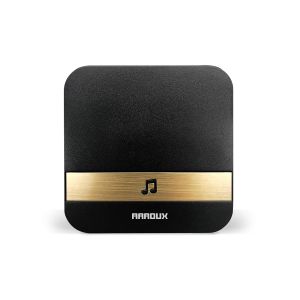
Arroux Wireless Doorbell Chime Plug & Play 250m (800ft) Wirelss Connection to Doorbells Input (Black)
Price is below average
Current Price
$9.99
Average
$10.49
Min Price
$9.99
Max Price
$10.99
Price dynamics
5%
Description
💎 Features
- Ultra low power design, power saving and long-lasting use, 52 optional ringtones. 4 adjustable volume levels, long working distance.
- One chime can connect to at most 12 doorbell cameras; one doorbell camera can connect with unlimited chimes.
- The wireless Wi-Fi doorbell camera and Arroux chime combined together, will be the perfect accessories for home, office, store and more to ensure security of your life and to make more convenience.
💎 It can notify you when
- Thief breaks-in your home or garage
- Customer visits your shop
- Kids open the door or window
- Pets come or leave their house
💎 Instructions to pair
- Setup your video doorbell (KZV5) first, and power on the (KZV5) doorbell;
- Press and hold the volume button on the chime for 3 seconds until the LED indicator lights up, the chime will enter into paring status;
- Press the ring button on the (KZV5) doorbell within 5 seconds after step 2.
- The pairing is complete once the LED indicator on the chime is blinking.
💎 How to select different music for chime ringtone?
- Press up or down to select the desired ringtone;
- If you would like to switch, hold the top volume key for 3 seconds until the blue LED lights up constantly without blinking;
- Immediately press the ring button on the wireless video doorbell, the new ringtone is set when you see the blue LED blinks.
Price will be lower
in next 2 weeks
in next 2 weeks
According to the data, price will be lower in next two weeks, so not waste your money and track better price!

Similar products