Description
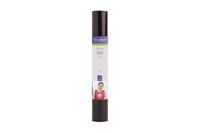
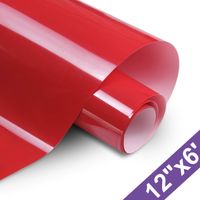
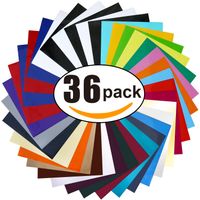
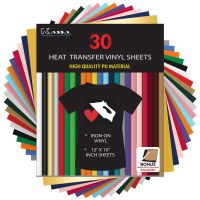
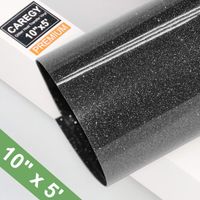
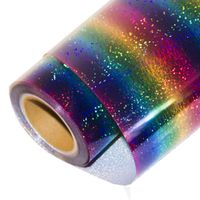
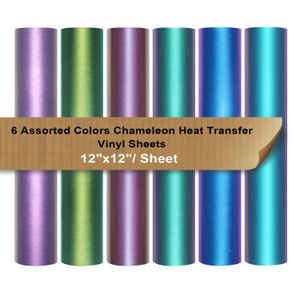
Chameleon HTV Packs
Product Details:
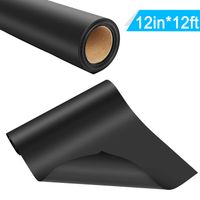
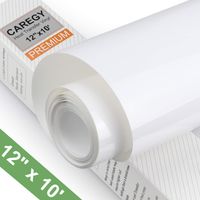
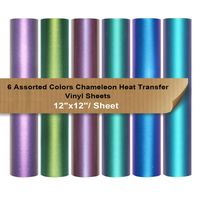
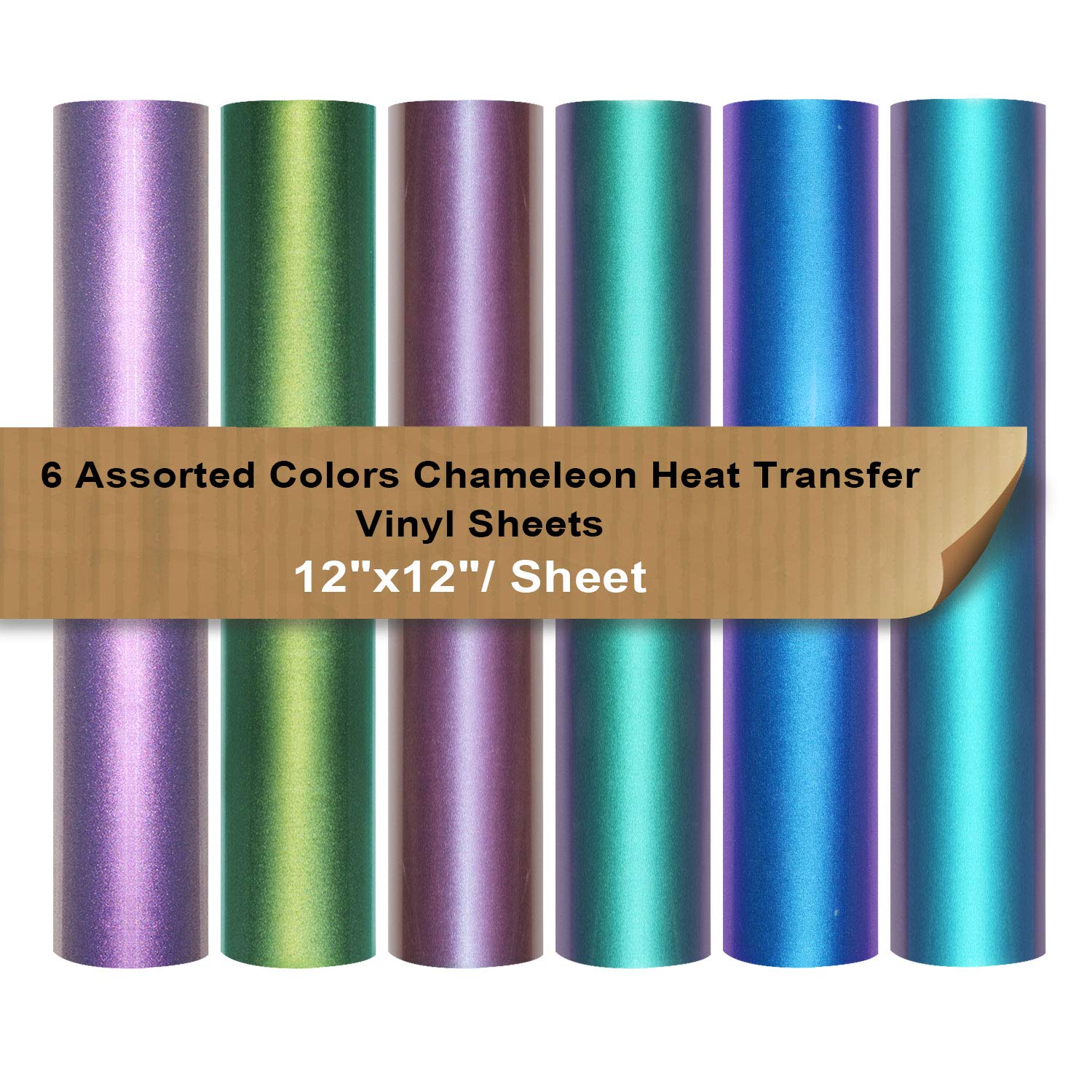
1.12" x 12" Chameleon Iron on Vinyl 6 Assorted bundle
COLORS INCLUDE
1x Purple to Green
1x Purple to Blue 1x Gold to Green
1x Gold to Purple
1x Purple to Cyan
1x Gold to Red
2.Peel Method: Cool Peel
3.Adheres to: Cotton,Uncoated Polyester,Cotton Blends Fabric
Do not use nylon, velvet, acrylic fabrics, leather, vinyl which will melt and ruin the material.
4.Perfectly transfer your favorite design images to T-shirts,DIY party clothing,garments, bags and other fabrics.
How to use:
1.Compatible with Pazzles, Craft ROBO, QuicKutz, Brother ScanNCut, Craft Cutters, Die Cutters, Sign Plotters,etc.
2.Mirror/Reverse your image design.
3.Place vinyl (gloss side) onto cutting mat
4.For this chameleon vinyl, we recommend to set 1 level blade to cutting.
5.Weed all of the excess slowly, leave the delicate design letters or graphics.
6.Make sure the finished product facing the right way once ironed onto your fabric.
7.Lay out the fabric.Place the t-shirt or fabric on a hard, flat clean dry surface.
8.Place a cardboard to protect transferred image onto both sides of t-shirt.
9.Set a heat press machine from 140-150 Degrees Celsius (305-320 Fahrenheit)
10.Press it only for 8-12 seconds at medium pressure.
11.Iron on the vinyl gloss side. Do not use steam iron.
12.Disperse the heat of iron evenly.Consistently apply pressure so the whole image is fully attached and prevent image lifting or bubbling up and cracking.
13. Wait for the vinyl to cool and gently peel off backing after few minutes.
Care Instructions:
Hand wash your fabric gently with mild detergent
Wait 24 hours after application to wash
Turn the article of clothing inside before you wash it.
No bleach
Tips:
Be careful not to burn yourself with the iron, and never leave an iron on unattended.
We recom
Product Details:
1.12" x 12" Chameleon Iron on Vinyl 6 Assorted bundle
COLORS INCLUDE
1x Purple to Green
1x Purple to Blue 1x Gold to Green
1x Gold to Purple
1x Purple to Cyan
1x Gold to Red
2.Peel Method: Cool Peel
3.Adheres to: Cotton,Uncoated Polyester,Cotton Blends Fabric
Do not use nylon, velvet, acrylic fabrics, leather, vinyl which will melt and ruin the material.
4.Perfectly transfer your favorite design images to T-shirts,DIY party clothing,garments, bags and other fabrics.
How to use:
1.Compatible with Pazzles, Craft ROBO, QuicKutz, Brother ScanNCut, Craft Cutters, Die Cutters, Sign Plotters,etc.
2.Mirror/Reverse your image design.
3.Place vinyl (gloss side) onto cutting mat
4.For this chameleon vinyl, we recommend to set 1 level blade to cutting.
5.Weed all of the excess slowly, leave the delicate design letters or graphics.
6.Make sure the finished product facing the right way once ironed onto your fabric.
7.Lay out the fabric.Place the t-shirt or fabric on a hard, flat clean dry surface.
8.Place a cardboard to protect transferred image onto both sides of t-shirt.
9.Set a heat press machine from 140-150 Degrees Celsius (305-320 Fahrenheit)
10.Press it only for 8-12 seconds at medium pressure.
11.Iron on the vinyl gloss side. Do not use steam iron.
12.Disperse the heat of iron evenly.Consistently apply pressure so the whole image is fully attached and prevent image lifting or bubbling up and cracking.
13. Wait for the vinyl to cool and gently peel off backing after few minutes.
Care Instructions:
Hand wash your fabric gently with mild detergent
Wait 24 hours after application to wash
Turn the article of clothing inside before you wash it.
No bleach
Tips:
Be careful not to burn yourself with the iron, and never leave an iron on unattended.
We recom
Chameleon Heat Transfer Vinyl Sheets HTV 6 Packs 12"x12" Iron On Vinyl for Cameo 6 Assorted Gradient Change Color HTV Bundle for Fabric
Price is below average
Current Price
$17.99
Average
$18.11
Min Price
$17.99
Max Price
$18.99
Price dynamics
1%
Description
Chameleon HTV Packs
Product Details:
1.12" x 12" Chameleon Iron on Vinyl 6 Assorted bundle
COLORS INCLUDE
1x Purple to Green
1x Purple to Blue 1x Gold to Green
1x Gold to Purple
1x Purple to Cyan
1x Gold to Red
2.Peel Method: Cool Peel
3.Adheres to: Cotton,Uncoated Polyester,Cotton Blends Fabric
Do not use nylon, velvet, acrylic fabrics, leather, vinyl which will melt and ruin the material.
4.Perfectly transfer your favorite design images to T-shirts,DIY party clothing,garments, bags and other fabrics.
How to use:
1.Compatible with Pazzles, Craft ROBO, QuicKutz, Brother ScanNCut, Craft Cutters, Die Cutters, Sign Plotters,etc.
2.Mirror/Reverse your image design.
3.Place vinyl (gloss side) onto cutting mat
4.For this chameleon vinyl, we recommend to set 1 level blade to cutting.
5.Weed all of the excess slowly, leave the delicate design letters or graphics.
6.Make sure the finished product facing the right way once ironed onto your fabric.
7.Lay out the fabric.Place the t-shirt or fabric on a hard, flat clean dry surface.
8.Place a cardboard to protect transferred image onto both sides of t-shirt.
9.Set a heat press machine from 140-150 Degrees Celsius (305-320 Fahrenheit)
10.Press it only for 8-12 seconds at medium pressure.
11.Iron on the vinyl gloss side. Do not use steam iron.
12.Disperse the heat of iron evenly.Consistently apply pressure so the whole image is fully attached and prevent image lifting or bubbling up and cracking.
13. Wait for the vinyl to cool and gently peel off backing after few minutes.
Care Instructions:
Hand wash your fabric gently with mild detergent
Wait 24 hours after application to wash
Turn the article of clothing inside before you wash it.
No bleach
Tips:
Be careful not to burn yourself with the iron, and never leave an iron on unattended.
We recom
Product Details:
1.12" x 12" Chameleon Iron on Vinyl 6 Assorted bundle
COLORS INCLUDE
1x Purple to Green
1x Purple to Blue 1x Gold to Green
1x Gold to Purple
1x Purple to Cyan
1x Gold to Red
2.Peel Method: Cool Peel
3.Adheres to: Cotton,Uncoated Polyester,Cotton Blends Fabric
Do not use nylon, velvet, acrylic fabrics, leather, vinyl which will melt and ruin the material.
4.Perfectly transfer your favorite design images to T-shirts,DIY party clothing,garments, bags and other fabrics.
How to use:
1.Compatible with Pazzles, Craft ROBO, QuicKutz, Brother ScanNCut, Craft Cutters, Die Cutters, Sign Plotters,etc.
2.Mirror/Reverse your image design.
3.Place vinyl (gloss side) onto cutting mat
4.For this chameleon vinyl, we recommend to set 1 level blade to cutting.
5.Weed all of the excess slowly, leave the delicate design letters or graphics.
6.Make sure the finished product facing the right way once ironed onto your fabric.
7.Lay out the fabric.Place the t-shirt or fabric on a hard, flat clean dry surface.
8.Place a cardboard to protect transferred image onto both sides of t-shirt.
9.Set a heat press machine from 140-150 Degrees Celsius (305-320 Fahrenheit)
10.Press it only for 8-12 seconds at medium pressure.
11.Iron on the vinyl gloss side. Do not use steam iron.
12.Disperse the heat of iron evenly.Consistently apply pressure so the whole image is fully attached and prevent image lifting or bubbling up and cracking.
13. Wait for the vinyl to cool and gently peel off backing after few minutes.
Care Instructions:
Hand wash your fabric gently with mild detergent
Wait 24 hours after application to wash
Turn the article of clothing inside before you wash it.
No bleach
Tips:
Be careful not to burn yourself with the iron, and never leave an iron on unattended.
We recom
Price will be lower
in next 2 weeks
in next 2 weeks
According to the data, price will be lower in next two weeks, so not waste your money and track better price!
Similar products