Description
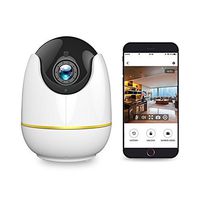
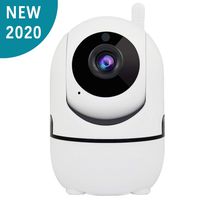
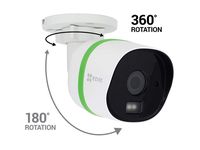
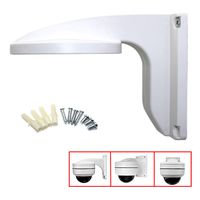
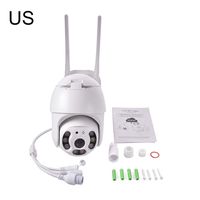
5 easy steps to start your Drill Top camera 1. Make sure your Wi-Fi router is on and running; It need to support 2. 4 GHz network. 2. Install 163eye application to your device (scan the QR code from the manual inserted into the package or search for "163eye" Application on app Store for iOS, play market for Android). 3. Start 163eye application and have your account registered with an e-mail. 4. Connect camera to the power with USB cable (and plug, if necessary); wait for "Bip" Sound. 5. Press "+" on the 163eye application interface and choose one of the camera connection options: "AP connect" Or "smart Link". Follow the instructions on your screen. If one option does not work switch to another. Now hopefully the camera is connected to your device and you can use all of its functions via the app. Keep an eye on what you love supports the following: AP hot spot setup (using the camera without internet connection); motion detection - CAMERA will send a snapshot with alarm to your phone APP when a motion is detected; multiple recording modes - manual recording, alarm triggered recording and timer recording; storage up to 128GB - can record 1080P quality video continuously for around 528hrs /22days. Loop recording will be initiated automatically once the SD card is full. Package content: 1x camera, 1x power cord, 1x power adapter, 1x mounting, 1x User Manual, 3x screws.
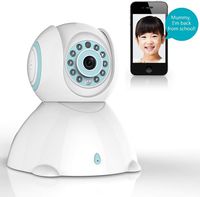
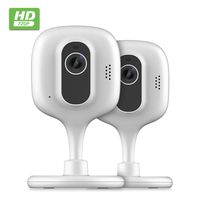
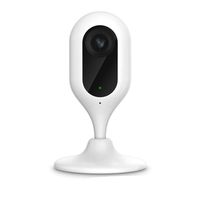
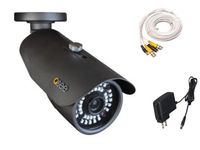
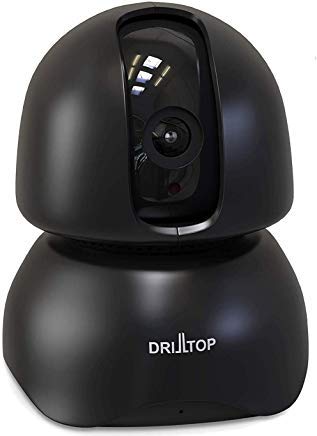
DrillTop Wireless IP Surveillance Camera w/Night Vision - Baby Monitor or Security Camera - 1080p, Activity Detection - 2 Way Audio - Remote Monitor with iOS, Android App - Cloud Service Avail, Black
Price is below average
Current Price
$25.3
Average
$37.17
Min Price
$25.3
Max Price
$99.95
Price dynamics
32%
Description
5 easy steps to start your Drill Top camera 1. Make sure your Wi-Fi router is on and running; It need to support 2. 4 GHz network. 2. Install 163eye application to your device (scan the QR code from the manual inserted into the package or search for "163eye" Application on app Store for iOS, play market for Android). 3. Start 163eye application and have your account registered with an e-mail. 4. Connect camera to the power with USB cable (and plug, if necessary); wait for "Bip" Sound. 5. Press "+" on the 163eye application interface and choose one of the camera connection options: "AP connect" Or "smart Link". Follow the instructions on your screen. If one option does not work switch to another. Now hopefully the camera is connected to your device and you can use all of its functions via the app. Keep an eye on what you love supports the following: AP hot spot setup (using the camera without internet connection); motion detection - CAMERA will send a snapshot with alarm to your phone APP when a motion is detected; multiple recording modes - manual recording, alarm triggered recording and timer recording; storage up to 128GB - can record 1080P quality video continuously for around 528hrs /22days. Loop recording will be initiated automatically once the SD card is full. Package content: 1x camera, 1x power cord, 1x power adapter, 1x mounting, 1x User Manual, 3x screws.
Price will be lower
in next 2 weeks
in next 2 weeks
According to the data, price will be lower in next two weeks, so not waste your money and track better price!

Similar products