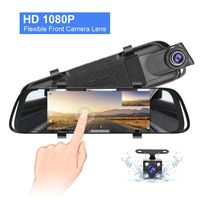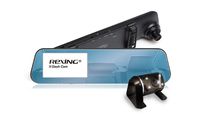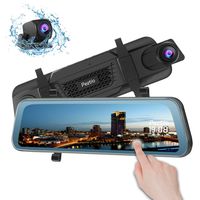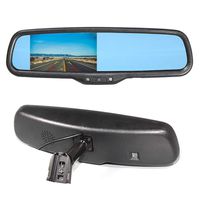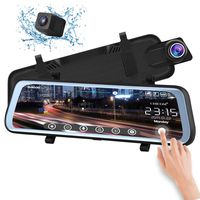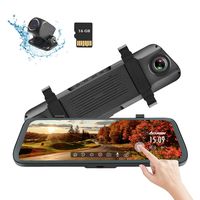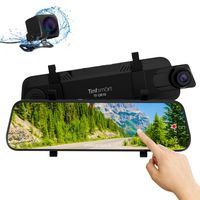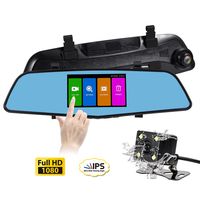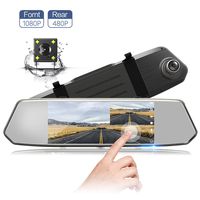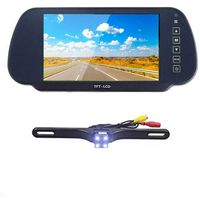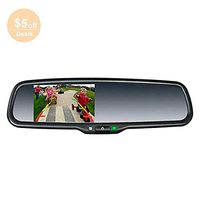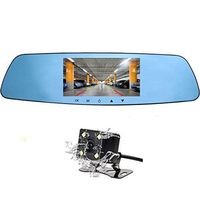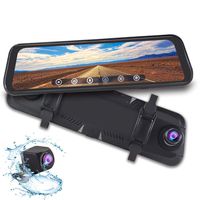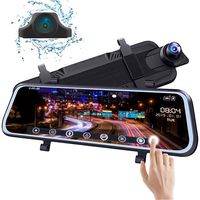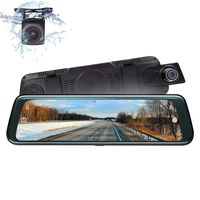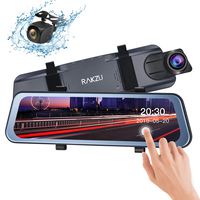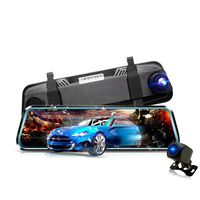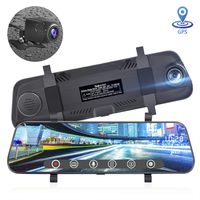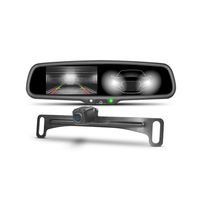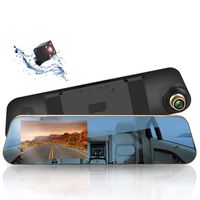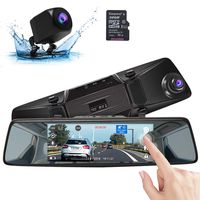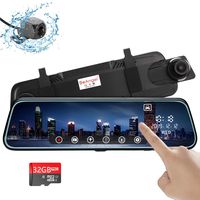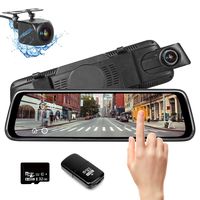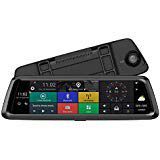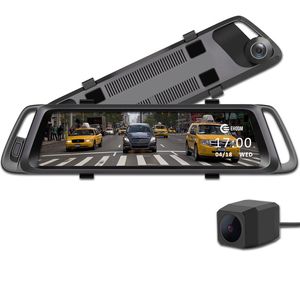
Description
Note
1. Please do use the included 5V/ 2.5A Car Charger to support the camera. Other low electrical current car charger will cause functional problems for the camera.
2. Please do help to peel off the mirror display screen protector, front camera screen protector, rear camera screen protector during installation.
3. We adopt AHD technology for the rear camera. Please do NOT cut the rear camera cable and connect it to use afterwards. It will damage or kill the rear camera.
4. After installation, please help to click Setting to setup the Date/ Time, Auto Screen Off, G-Sensor and Parking Monitor functions according to the manual guided and your preferences.
5. The included rear camera cable is 19.7ft. If the cable is not long enough for your vehicle, please do help to contact us via support@ehoomofficial.com and we could provide a solution accordingly.
6. You will need to insert a memory card before you can begin recording. Do not insert or remove a memory card while the device is powered on. The EHOOM A10 supports Micro SD cards up to 32GB in size. For reliable operation, we recommend using a High Endurance Micro SD card. SD card is not included in the package. Please format the card the first time after inserted into the card slot and we recommend to format the SD card per month.
7. The camera will be power on soon after the car started the engine. Please press the Power Button for 3 secs to power off the camera and charge the internal battery. We may recommend to charge for half an hour at the first time to prolong the battery life.
8. If the device receives an unstable power supply while charging, the screen may not function properly. If this happens, unplug the charger from the device.
9. The device and the car charger may heat up while in working mode. This is normal and should not affect the device's performance or lifespan. Operating Temperature: -4 to 149 deg. F.
1. Please do use the included 5V/ 2.5A Car Charger to support the camera. Other low electrical current car charger will cause functional problems for the camera.
2. Please do help to peel off the mirror display screen protector, front camera screen protector, rear camera screen protector during installation.
3. We adopt AHD technology for the rear camera. Please do NOT cut the rear camera cable and connect it to use afterwards. It will damage or kill the rear camera.
4. After installation, please help to click Setting to setup the Date/ Time, Auto Screen Off, G-Sensor and Parking Monitor functions according to the manual guided and your preferences.
5. The included rear camera cable is 19.7ft. If the cable is not long enough for your vehicle, please do help to contact us via support@ehoomofficial.com and we could provide a solution accordingly.
6. You will need to insert a memory card before you can begin recording. Do not insert or remove a memory card while the device is powered on. The EHOOM A10 supports Micro SD cards up to 32GB in size. For reliable operation, we recommend using a High Endurance Micro SD card. SD card is not included in the package. Please format the card the first time after inserted into the card slot and we recommend to format the SD card per month.
7. The camera will be power on soon after the car started the engine. Please press the Power Button for 3 secs to power off the camera and charge the internal battery. We may recommend to charge for half an hour at the first time to prolong the battery life.
8. If the device receives an unstable power supply while charging, the screen may not function properly. If this happens, unplug the charger from the device.
9. The device and the car charger may heat up while in working mode. This is normal and should not affect the device's performance or lifespan. Operating Temperature: -4 to 149 deg. F.
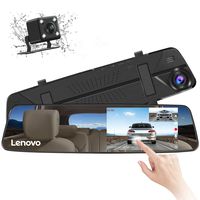
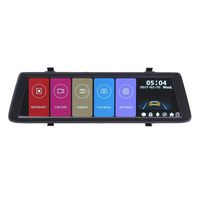
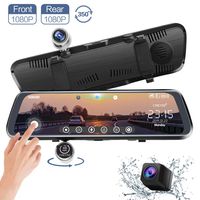
EHOOM A10 9.88" Full Touch Screen HD Mirror Dash Camera, Dual Lens Reversing Backup Cam, Car DVR with FHD 1080P Front Cam and HD 720P Rear Cam, Super Night Vision, WDR, HDR, Zero Blind Area - Grey
Price is below average
Current Price
$99.77
Average
$155.3
Min Price
$99.77
Max Price
$159
Price dynamics
36%
Description
Note
1. Please do use the included 5V/ 2.5A Car Charger to support the camera. Other low electrical current car charger will cause functional problems for the camera.
2. Please do help to peel off the mirror display screen protector, front camera screen protector, rear camera screen protector during installation.
3. We adopt AHD technology for the rear camera. Please do NOT cut the rear camera cable and connect it to use afterwards. It will damage or kill the rear camera.
4. After installation, please help to click Setting to setup the Date/ Time, Auto Screen Off, G-Sensor and Parking Monitor functions according to the manual guided and your preferences.
5. The included rear camera cable is 19.7ft. If the cable is not long enough for your vehicle, please do help to contact us via support@ehoomofficial.com and we could provide a solution accordingly.
6. You will need to insert a memory card before you can begin recording. Do not insert or remove a memory card while the device is powered on. The EHOOM A10 supports Micro SD cards up to 32GB in size. For reliable operation, we recommend using a High Endurance Micro SD card. SD card is not included in the package. Please format the card the first time after inserted into the card slot and we recommend to format the SD card per month.
7. The camera will be power on soon after the car started the engine. Please press the Power Button for 3 secs to power off the camera and charge the internal battery. We may recommend to charge for half an hour at the first time to prolong the battery life.
8. If the device receives an unstable power supply while charging, the screen may not function properly. If this happens, unplug the charger from the device.
9. The device and the car charger may heat up while in working mode. This is normal and should not affect the device's performance or lifespan. Operating Temperature: -4 to 149 deg. F.
1. Please do use the included 5V/ 2.5A Car Charger to support the camera. Other low electrical current car charger will cause functional problems for the camera.
2. Please do help to peel off the mirror display screen protector, front camera screen protector, rear camera screen protector during installation.
3. We adopt AHD technology for the rear camera. Please do NOT cut the rear camera cable and connect it to use afterwards. It will damage or kill the rear camera.
4. After installation, please help to click Setting to setup the Date/ Time, Auto Screen Off, G-Sensor and Parking Monitor functions according to the manual guided and your preferences.
5. The included rear camera cable is 19.7ft. If the cable is not long enough for your vehicle, please do help to contact us via support@ehoomofficial.com and we could provide a solution accordingly.
6. You will need to insert a memory card before you can begin recording. Do not insert or remove a memory card while the device is powered on. The EHOOM A10 supports Micro SD cards up to 32GB in size. For reliable operation, we recommend using a High Endurance Micro SD card. SD card is not included in the package. Please format the card the first time after inserted into the card slot and we recommend to format the SD card per month.
7. The camera will be power on soon after the car started the engine. Please press the Power Button for 3 secs to power off the camera and charge the internal battery. We may recommend to charge for half an hour at the first time to prolong the battery life.
8. If the device receives an unstable power supply while charging, the screen may not function properly. If this happens, unplug the charger from the device.
9. The device and the car charger may heat up while in working mode. This is normal and should not affect the device's performance or lifespan. Operating Temperature: -4 to 149 deg. F.
Price will be lower
in next 2 weeks
in next 2 weeks
According to the data, price will be lower in next two weeks, so not waste your money and track better price!
Product review & video
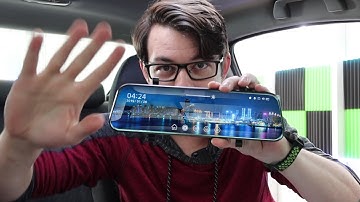
if you've ever browsed the weird electronics that are on Amazon you might come across something like this this is the acaso dl9 10 inch rear view mirror dashcam all in one combo thingy together this is not a video that I normally do of course but they reached out to me asking me to just review it they're not paying to sponsor this video and I actually needed one for this car so it's like yeah sure why not cool company company recognized me sent me something so we're gonna go ahead and open this set it up and just do a quick little review i've already unbox this like four or five times now i just keep messing up the recording so this is this is what it looks like is what all the garbage stuff in the background looks like and we've got a nifty little camera on the back so this will sit on the mirror up here itself it just attaches to whatever mirror you got which you know i wasn't looking

Similar products