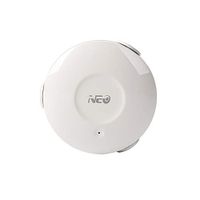
Description
How it works
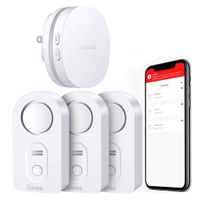
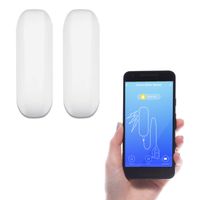
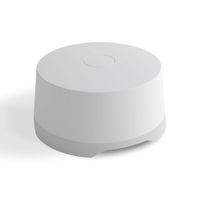
1: Plug the Wifi gateway into socket, pull out the water sensors battery insulating tab.
2: Download 'Govee Home' on App Store or Google Play to your cellphone.
3: Open the app and sign up with your email account.
4: Click the icon '+' at the top right corner and select H5040 device.
5: Follow the app prompt to connect your wifi Gateway with your router(not support 5G wifi).
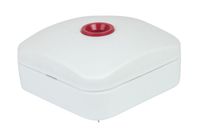
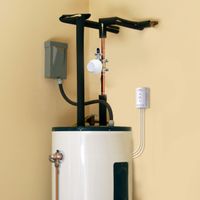
6: Name each sensor like Basements, Kitchen Sinks, Water Heaters and put the water sensors on the detecting location.
7:Get email, Push notifications and alert on your smartphone when leak happened
1: Plug the Wifi gateway into socket, pull out the water sensors battery insulating tab.
2: Download 'Govee Home' on App Store or Google Play to your cellphone.
3: Open the app and sign up with your email account.
4: Click the icon '+' at the top right corner and select H5040 device.
5: Follow the app prompt to connect your wifi Gateway with your router(not support 5G wifi).
6: Name each sensor like Basements, Kitchen Sinks, Water Heaters and put the water sensors on the detecting location.
7:Get email, Push notifications and alert on your smartphone when leak happened
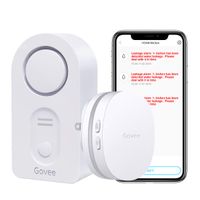
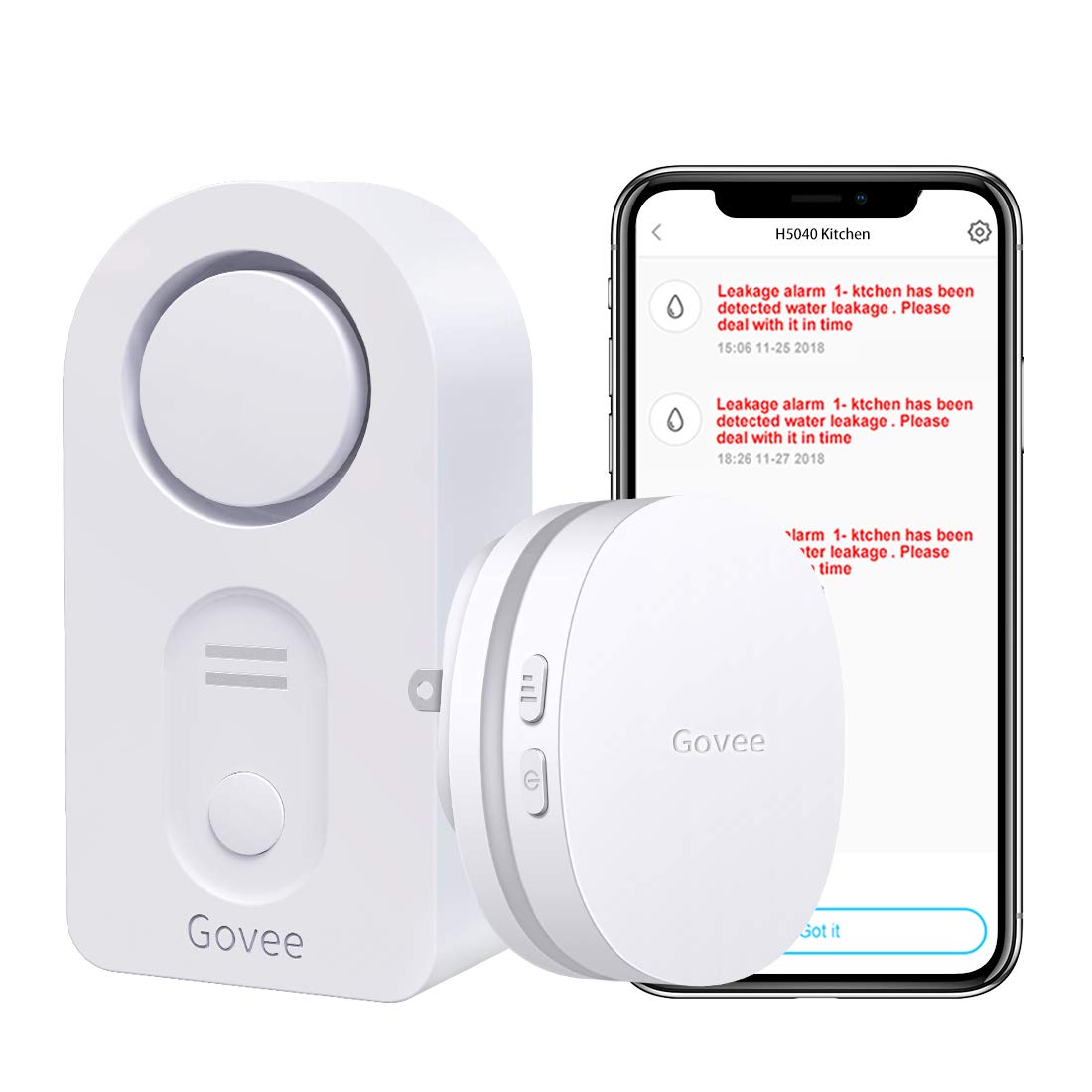
Govee WiFi Water Leak Detector, Smart APP Leak Alert, Wireless Water Sensor and Alarm with Email, Notification, App Alerts, Remote Monitor Leak for Home Security Basement (Don't Support 5G WiFi)
Price is below average
Current Price
$19.99
Average
$25.69
Min Price
$18.59
Max Price
$39.99
Price dynamics
22%
Description
How it works
1: Plug the Wifi gateway into socket, pull out the water sensors battery insulating tab.
2: Download 'Govee Home' on App Store or Google Play to your cellphone.
3: Open the app and sign up with your email account.
4: Click the icon '+' at the top right corner and select H5040 device.
5: Follow the app prompt to connect your wifi Gateway with your router(not support 5G wifi).
6: Name each sensor like Basements, Kitchen Sinks, Water Heaters and put the water sensors on the detecting location.
7:Get email, Push notifications and alert on your smartphone when leak happened
1: Plug the Wifi gateway into socket, pull out the water sensors battery insulating tab.
2: Download 'Govee Home' on App Store or Google Play to your cellphone.
3: Open the app and sign up with your email account.
4: Click the icon '+' at the top right corner and select H5040 device.
5: Follow the app prompt to connect your wifi Gateway with your router(not support 5G wifi).
6: Name each sensor like Basements, Kitchen Sinks, Water Heaters and put the water sensors on the detecting location.
7:Get email, Push notifications and alert on your smartphone when leak happened
Price will be lower
in next 2 weeks
in next 2 weeks
According to the data, price will be lower in next two weeks, so not waste your money and track better price!
Similar products