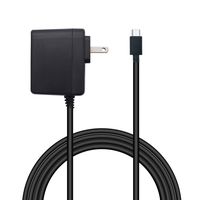
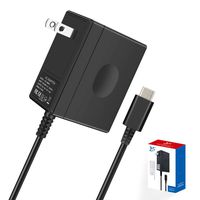
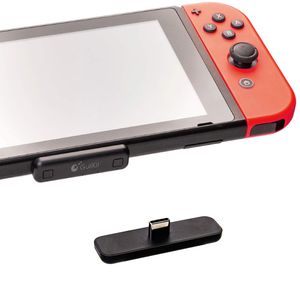
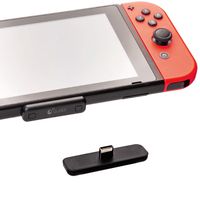
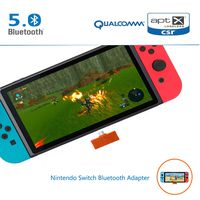
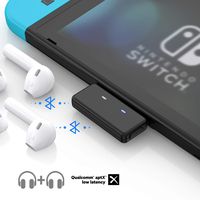
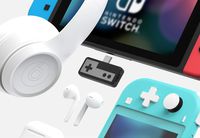
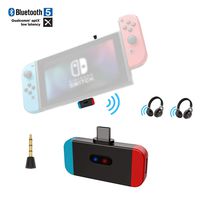
The thinnest Wireless Bluetooth adapter for Nintendo Switch, Switch Lite, PS4 and PC. Easily connect your devices to your Bluetooth Headsets.
Specification
Model: Route Air Bluetooth Audio Transmitter
Material: PC
Color: Black
Input port:USB Type C/ USB A
Transmission distance:10m/ 33ft
Frequency range:2.402GHZ - 2.480GHZ
Bluetooth version:Bluetooth 3.0 + EDR
Product Size: 48mm x 14mm x 6.5mm
Platforms: Nintendo Switch, PS4, PC
Supported protocols: Qualcomm aptX LL, aptX, SBC, A2DP, AFH, HFP, HSP
Packaging:
1x Route Air Bluetooth Audio Adapter
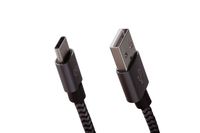
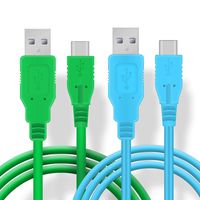
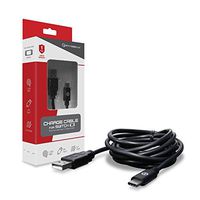
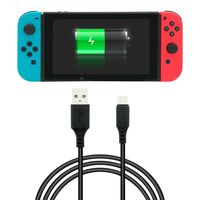
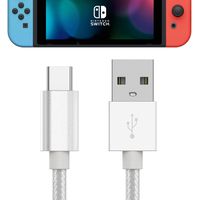
1x USB C to USB A cable
Note: Low latency transfers are only available when both the Bluetooth adapter and the headset support aptX LL or aptX. For music games, it is recommended to use a Bluetooth headset with aptX LL or aptX technology.
If you want to unpair your Bluetooth adapter from your headphones, please follow these steps:
First, turn off the Bluetooth headset;
Second, long press the previous pairing button to re-enter the Bluetooth adapter into pairing mode.
As long as the adapter is in pairing mode while your headset is not, their previous pairing will be lifted.
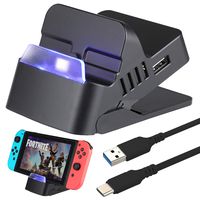

![Nintendo Switch AC Adapter - CTPOWER [ENHANCED VERSION] Nintendo Switch Charger with Type C Fast Charging kit(5 FT/1.5M)](https://use4coins.com/thumbs/unsafe/fit-in/200x200/https://images-na.ssl-images-amazon.com/images/I/71D%2BHxmMEwL.jpg)