Description
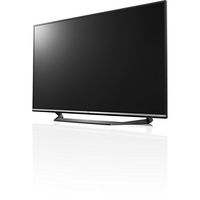
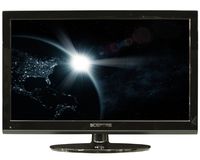
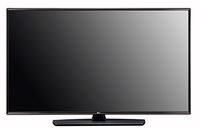
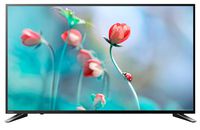
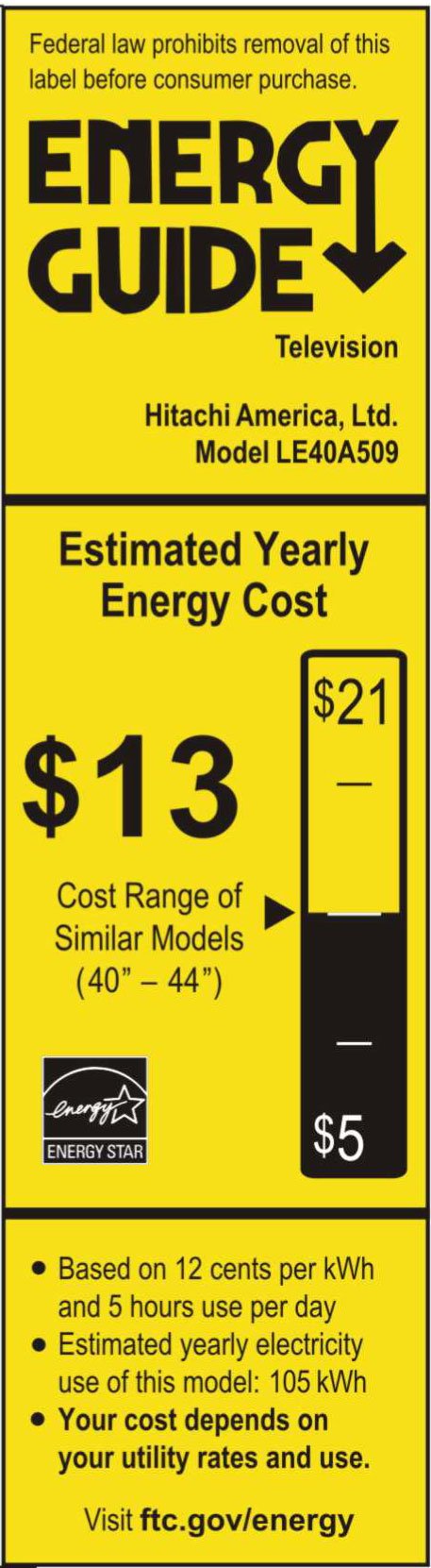
Hitachi's new Alpha Series delivers a tremendous viewing experience at an affordable price. With a beautiful gloss black bezel. Full HD 1080p resolution and a high efficiency LED backlight, the Alpha Series gives you all the features you expect from Hitachi at prices that respond to today's demand for luxury and valu. the Eco-Friendly Alpha Series HDTV's are Energy Star qualified, and come with all the required features to enjoy the latest in entertainment. 1920 x 1080 Full HD for A Captivating Image. With a Full HD Alpha Series TV, you can enjoy movies, sports, and more with crystal-clear picture that gives you a resolution twice as high as an HDTV. Watch TV the way it was meant to be seen 3 HDMI Ports. The Hitachi Alpha Series TV can connect up to 3 HD devices via the HDMI ports. HDMI ports give you the ability of connecting multiple high definition components to your TV. Connect your cable box, blu-ray player, gaming systems and much more. Enjoy your movies and TV with FHD 1080p resolution! Energy Star Qualified This energy efficient HD TV prevent greenhouse gas emissions by meeting energy efficiency guidelines. MHL (Mobile High-Definition Link) allows you to connect your mobile devices and other portable consumer electronics to your Hitachi TV. Simply connect your MHL compatible device to the MHL port on your TV and enjoy! 120 Backlight Frequency delivers sports and games with remarkable sharpness and clarity and lets you enjoy your favorite sports and action movies without the blur. A wide screen television with a 16:9 aspect ratio. Watch movies and TV programming the way they were meant to be enjoyed
Hitachi 40" Class 1080p LED HDTV - LE40A509
Current Price
$329.97
Average
$282.93
Min Price
$220
Max Price
$419
Price dynamics
14%
Description
Hitachi's new Alpha Series delivers a tremendous viewing experience at an affordable price. With a beautiful gloss black bezel. Full HD 1080p resolution and a high efficiency LED backlight, the Alpha Series gives you all the features you expect from Hitachi at prices that respond to today's demand for luxury and valu. the Eco-Friendly Alpha Series HDTV's are Energy Star qualified, and come with all the required features to enjoy the latest in entertainment. 1920 x 1080 Full HD for A Captivating Image. With a Full HD Alpha Series TV, you can enjoy movies, sports, and more with crystal-clear picture that gives you a resolution twice as high as an HDTV. Watch TV the way it was meant to be seen 3 HDMI Ports. The Hitachi Alpha Series TV can connect up to 3 HD devices via the HDMI ports. HDMI ports give you the ability of connecting multiple high definition components to your TV. Connect your cable box, blu-ray player, gaming systems and much more. Enjoy your movies and TV with FHD 1080p resolution! Energy Star Qualified This energy efficient HD TV prevent greenhouse gas emissions by meeting energy efficiency guidelines. MHL (Mobile High-Definition Link) allows you to connect your mobile devices and other portable consumer electronics to your Hitachi TV. Simply connect your MHL compatible device to the MHL port on your TV and enjoy! 120 Backlight Frequency delivers sports and games with remarkable sharpness and clarity and lets you enjoy your favorite sports and action movies without the blur. A wide screen television with a 16:9 aspect ratio. Watch movies and TV programming the way they were meant to be enjoyed
Price will be lower
in next 2 weeks
in next 2 weeks
According to the data, price will be lower in next two weeks, so not waste your money and track better price!
Product review & video
in this Argos support video we will show you how to carry out a first time installation on your Hitachi smart TV firstly switch on your television and choose your language then press ok proceed to pick your country on the next page on the TV operation mode ensure home mode is selected and press ok to access all of the smart functionality on your Hitachi TV you need to confirm all of the terms and conditions if you skip any of these you will not be able to access certain internet and smart services we strongly recommend you read through all of the privacy settings for the purpose of this video we will quickly go through the options then on the network and internet settings page scroll up to network type and scroll left to pick wireless device scroll back down and press next [Music] find your Wi-Fi network on the list then highlight it and press ok proceed to type in the password of your