About us:
JCO electronics is experted in security surveillance field for 16 years.We have a complete set of departments of production, research and development, design and so on. We hear ideas from our customers, swiftly response to customize our product. Welcome to start your wonderful trail from using our smart home camera. Carry your home on your smartphone! If you have any good idea or question in using our camera, please just contact us by email: support@jcocn.com, we’ll do our best to help you.
Note:
* 2.4Ghz network is required, If you use 5G Wi-Fi router, make sure you never close 2.4Ghz band manually, our camera will automatically connect 2.4GHZ band.
* Mobile OS: iOS 7.0+ (iPhone, iPad), Android 4.0+
* High-Speed Internet Connection (1.5Mbps+)
* This camera have to connect the power when you use it. Cause there is not built-in rechargeable battery supply in the camera.
* This camera doesn’t support special character in your Wi-Fi password or Wi-Fi name, please change it and re-connect.
* Following conditions please reset the camera: A) When the first installation failed B)change the Wi-Fi name or password ;C)replace the router ;D)change the admin user(The previous user needs to remove the camera from App)
Steps:
1)Download “Danale“ APP from App Store (iOS) or Google Play (Android)
2)Power for Camera near your router ( Once the camera is connected with WiFi, and shows "online" on Danale app, you can move it to other places where has a good wifi signal.)
3)Creat an account on "Danale" App,then follow steps in app.
4) If failed, please try to hold down the"Reset" button around 8 seconds until you hear a reminding "reset successfully". Then repeat the above steps to setup again (try to configure more times if fails connection or email customer service:support@jcocn.com).
Troubleshooting
1. Camera can’t connect Wifi whe
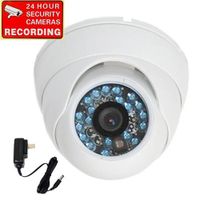
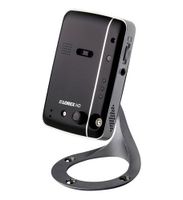
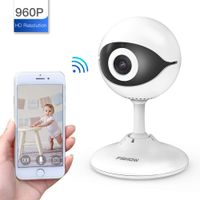
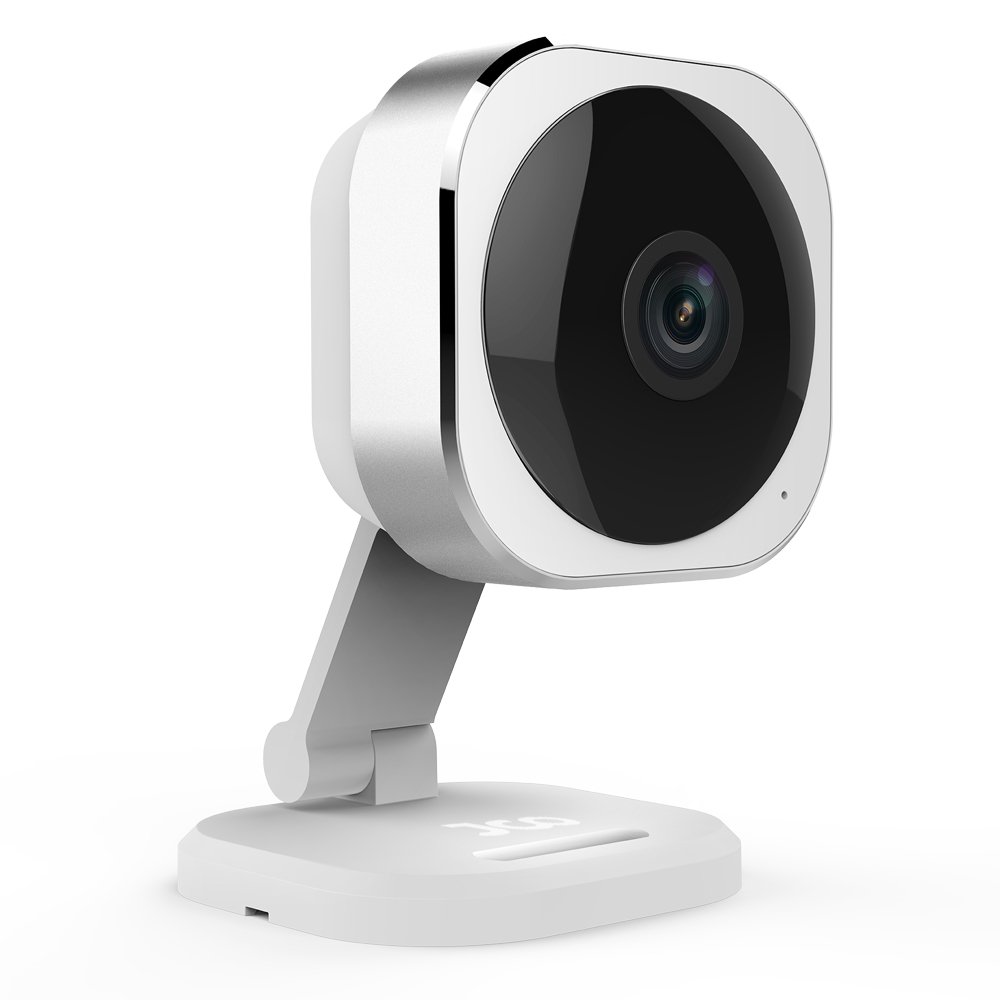
JCO 1080P HD Panoramic Indoor Camera, Wireless Wifi IP Security Surveillance System for Home/ Store/ Baby/ Pet Monitor
About us:
JCO electronics is experted in security surveillance field for 16 years.We have a complete set of departments of production, research and development, design and so on. We hear ideas from our customers, swiftly response to customize our product. Welcome to start your wonderful trail from using our smart home camera. Carry your home on your smartphone! If you have any good idea or question in using our camera, please just contact us by email: support@jcocn.com, we’ll do our best to help you.
Note:
* 2.4Ghz network is required, If you use 5G Wi-Fi router, make sure you never close 2.4Ghz band manually, our camera will automatically connect 2.4GHZ band.
* Mobile OS: iOS 7.0+ (iPhone, iPad), Android 4.0+
* High-Speed Internet Connection (1.5Mbps+)
* This camera have to connect the power when you use it. Cause there is not built-in rechargeable battery supply in the camera.
* This camera doesn’t support special character in your Wi-Fi password or Wi-Fi name, please change it and re-connect.
* Following conditions please reset the camera: A) When the first installation failed B)change the Wi-Fi name or password ;C)replace the router ;D)change the admin user(The previous user needs to remove the camera from App)
Steps:
1)Download “Danale“ APP from App Store (iOS) or Google Play (Android)
2)Power for Camera near your router ( Once the camera is connected with WiFi, and shows "online" on Danale app, you can move it to other places where has a good wifi signal.)
3)Creat an account on "Danale" App,then follow steps in app.
4) If failed, please try to hold down the"Reset" button around 8 seconds until you hear a reminding "reset successfully". Then repeat the above steps to setup again (try to configure more times if fails connection or email customer service:support@jcocn.com).
Troubleshooting
1. Camera can’t connect Wifi whe
in next 2 weeks