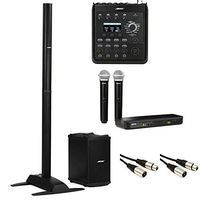
Description
What You Get
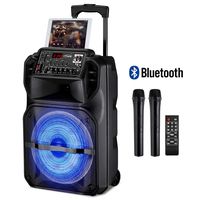
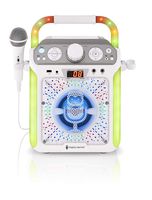
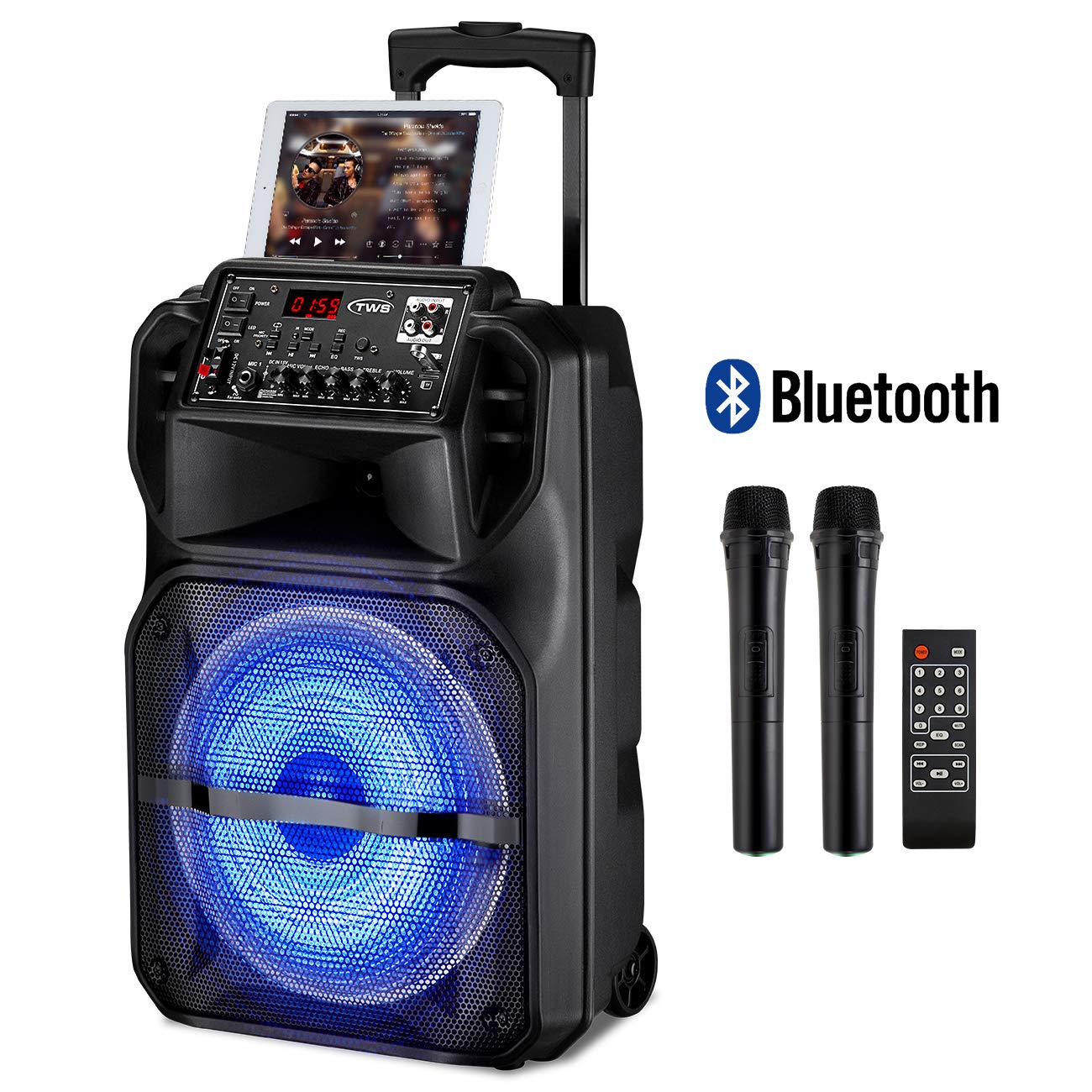
1 * Karaoke Speaker
1 * Remote Control
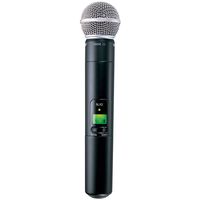
2 * Wireless Microphones
1 * Instruction Manual
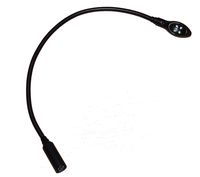
1 * Cable DC 12V
1 * AC Charging Cable
Bluetooth Connect Steps
-Firstly, turn on the power of the Karaoke speaker and the Bluetooth setting of your Phone. Secondly, press the "Mode" button to the "Bluetooth Connection" Mode. Thirdly, choose the Bluetooth which named "ENKLOV" on your phone to connect. Finally, connect successfully.
Usage Notice
- After the first connect successfully, two devices will be matched connected automatically when the Karaoke speaker Bluetooth function is turned on.
- If the speaker cannot play sounds after connecting with the phone successfully. First, please check the volume of the machine or the volume on the source is it off. Second, please restart the phone and the speaker.
- The SD card and the USB device only can be inserted in accordance with the card slot, do not force, or it could be damaged.
- The speaker only supports to play with files which are FAT 32, it can accommodate a TF card with max memory of 32GB.
- If the music formats cannot be changed to a compatible format, would not able to play via the speaker. The default is MP3 format.
- Turn off the speaker before removing the TF card, or it could be damaged.
- The USB working mode will not be available if you don't insert a TF card or USB into the Speaker. And the USB mode only supports one device at a time. To get the USB mode works, please remove the TF card first.
- Suggest charge the Karaoke Speaker every 3 months for protecting the battery if you don't use it for a long time, thereby avoiding the internal rechargeable battery goes wrong.
1 * Karaoke Speaker
1 * Remote Control
2 * Wireless Microphones
1 * Instruction Manual
1 * Cable DC 12V
1 * AC Charging Cable
Bluetooth Connect Steps
-Firstly, turn on the power of the Karaoke speaker and the Bluetooth setting of your Phone. Secondly, press the "Mode" button to the "Bluetooth Connection" Mode. Thirdly, choose the Bluetooth which named "ENKLOV" on your phone to connect. Finally, connect successfully.
Usage Notice
- After the first connect successfully, two devices will be matched connected automatically when the Karaoke speaker Bluetooth function is turned on.
- If the speaker cannot play sounds after connecting with the phone successfully. First, please check the volume of the machine or the volume on the source is it off. Second, please restart the phone and the speaker.
- The SD card and the USB device only can be inserted in accordance with the card slot, do not force, or it could be damaged.
- The speaker only supports to play with files which are FAT 32, it can accommodate a TF card with max memory of 32GB.
- If the music formats cannot be changed to a compatible format, would not able to play via the speaker. The default is MP3 format.
- Turn off the speaker before removing the TF card, or it could be damaged.
- The USB working mode will not be available if you don't insert a TF card or USB into the Speaker. And the USB mode only supports one device at a time. To get the USB mode works, please remove the TF card first.
- Suggest charge the Karaoke Speaker every 3 months for protecting the battery if you don't use it for a long time, thereby avoiding the internal rechargeable battery goes wrong.
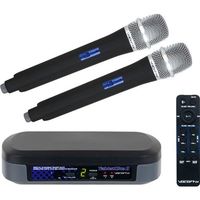
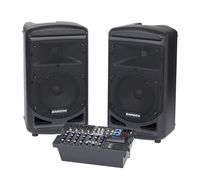
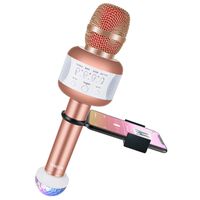
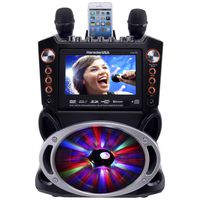
Karaoke Machine, ENKLOV Portable Wireless Karaoke Bluetooth Speaker System with 2 Wireless Microphones, Built-In Retractable Handle, Sing Karaoke Machine for Kids & Adults
Current Price
$209.89
Average
$209.89
Min Price
$209.89
Max Price
$209.89
Description
What You Get
1 * Karaoke Speaker
1 * Remote Control
2 * Wireless Microphones
1 * Instruction Manual
1 * Cable DC 12V
1 * AC Charging Cable
Bluetooth Connect Steps
-Firstly, turn on the power of the Karaoke speaker and the Bluetooth setting of your Phone. Secondly, press the "Mode" button to the "Bluetooth Connection" Mode. Thirdly, choose the Bluetooth which named "ENKLOV" on your phone to connect. Finally, connect successfully.
Usage Notice
- After the first connect successfully, two devices will be matched connected automatically when the Karaoke speaker Bluetooth function is turned on.
- If the speaker cannot play sounds after connecting with the phone successfully. First, please check the volume of the machine or the volume on the source is it off. Second, please restart the phone and the speaker.
- The SD card and the USB device only can be inserted in accordance with the card slot, do not force, or it could be damaged.
- The speaker only supports to play with files which are FAT 32, it can accommodate a TF card with max memory of 32GB.
- If the music formats cannot be changed to a compatible format, would not able to play via the speaker. The default is MP3 format.
- Turn off the speaker before removing the TF card, or it could be damaged.
- The USB working mode will not be available if you don't insert a TF card or USB into the Speaker. And the USB mode only supports one device at a time. To get the USB mode works, please remove the TF card first.
- Suggest charge the Karaoke Speaker every 3 months for protecting the battery if you don't use it for a long time, thereby avoiding the internal rechargeable battery goes wrong.
1 * Karaoke Speaker
1 * Remote Control
2 * Wireless Microphones
1 * Instruction Manual
1 * Cable DC 12V
1 * AC Charging Cable
Bluetooth Connect Steps
-Firstly, turn on the power of the Karaoke speaker and the Bluetooth setting of your Phone. Secondly, press the "Mode" button to the "Bluetooth Connection" Mode. Thirdly, choose the Bluetooth which named "ENKLOV" on your phone to connect. Finally, connect successfully.
Usage Notice
- After the first connect successfully, two devices will be matched connected automatically when the Karaoke speaker Bluetooth function is turned on.
- If the speaker cannot play sounds after connecting with the phone successfully. First, please check the volume of the machine or the volume on the source is it off. Second, please restart the phone and the speaker.
- The SD card and the USB device only can be inserted in accordance with the card slot, do not force, or it could be damaged.
- The speaker only supports to play with files which are FAT 32, it can accommodate a TF card with max memory of 32GB.
- If the music formats cannot be changed to a compatible format, would not able to play via the speaker. The default is MP3 format.
- Turn off the speaker before removing the TF card, or it could be damaged.
- The USB working mode will not be available if you don't insert a TF card or USB into the Speaker. And the USB mode only supports one device at a time. To get the USB mode works, please remove the TF card first.
- Suggest charge the Karaoke Speaker every 3 months for protecting the battery if you don't use it for a long time, thereby avoiding the internal rechargeable battery goes wrong.
Price will be lower
in next 2 weeks
in next 2 weeks
According to the data, price will be lower in next two weeks, so not waste your money and track better price!
Similar products