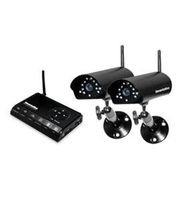
LawMate PV-1000 DVR w/Screen & HDD
Current Price
$629
Average
$621
Min Price
$399
Max Price
$749
Price dynamics
1%
Price will be lower
in next 2 weeks
in next 2 weeks
According to the data, price will be lower in next two weeks, so not waste your money and track better price!
Product review & video
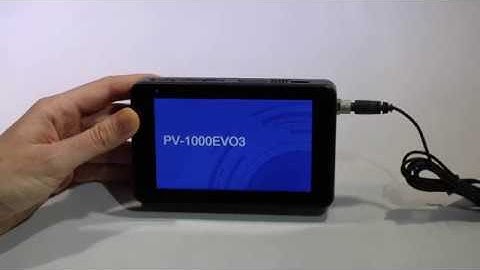
Hello, this is Alex from Beling and here we have the PV-1000EV03 DVR. In this video I'm going to show you how to
connect the DVR via the app and your router so you can monitor the live feed from anywhere in the world where you access to Wi-Fi (or Internet in any way) via your smartphone. The first thing we have to do is to take off the lid of the DVR take out the battery and write down the ID and code of the DVR (or just scan the code). You will need a bit later in
the application in order to connect the DVR to the app. After you have done that place the battery back inside the lid also and you can power on the DVR. Here we are in the main menu. In order to set up the Wi-Fi an IP connection you have to go here in the IP settings and you see that's the Wi-Fi is turned off. Here you can push the switch and now the Wi-Fi is enabled. Now we wait a bit. And we have our network. Here we are