Description
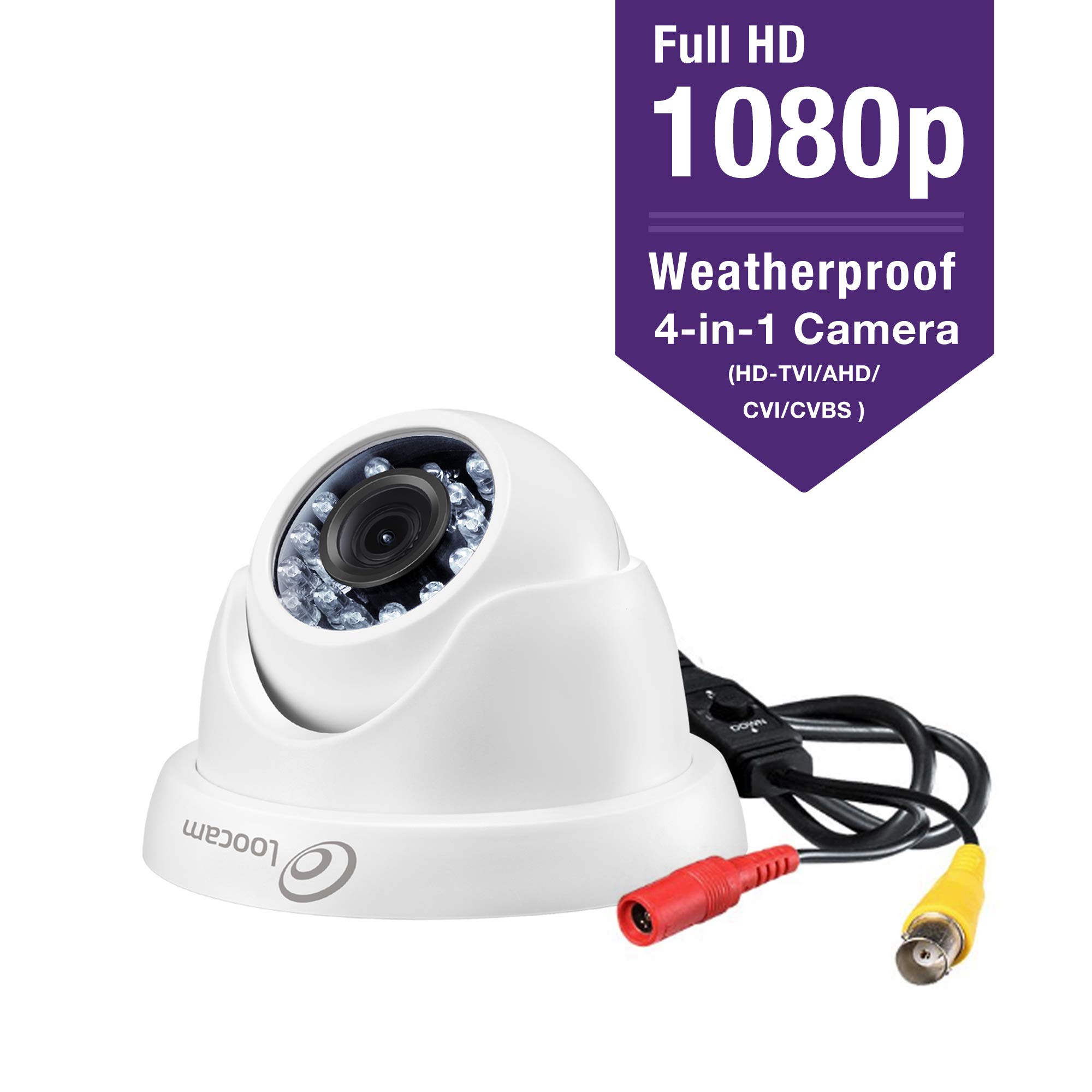
1.This 1080p Full HD camera has a built-in OSD menu that can change the 4 different video outputs HD-TVI, AHD, CVI, and CVBS(960H) and adjust the video settings. Operation Mode Switch from AHD: Press Leftward for 5 Seconds Switch from TVI: Press Rightward for 5 Seconds Switch from CVBS: Press Upward for 5 Seconds Switch from CVI: Press Downward for 5 Seconds 2.This 4-in1 camera is fully compatible for the following HD DVRS: Zosi, Hikvision, Dahua, GW, LTS, Q-see, Swann, Samsung, Night Owl, Best Vision, HD View, HQ-CAM, Annke, Aposonic, I-DVR Pro, Vonnic, Digital Watchdog, Logisaf, Sannce, Venetech, Speco, Alibi, KT&C, Cantek, loocam and many more. 3.Contact us by email(loocare@loocam.com)or telephone(1-213-810-3834) if needed,our customer service phone number is available from Monday to Friday 9am-5pm EST.Email Service within 24 hours. Troubleshooting Q: Video Loss appears where the image from my camera should be displaying on my DVR? A: 1.Check the extension cable (power and video) is securely connected to the camera. 2.Check the video output from the camera is securely connected to a video input channel on the DVR. 3.Check the power from the camera is securely connected to a power supply. 4. The camera mode do not match your DVR.there is 2 ways to setup . (1) Press OSD Joystick "DOWN" 5 seconds,if still no picture come, try to press "LEFT" "RIGHT""UP" for 5 second, till the signal matching your DVR. (2) Make sure the signal of your DVR, Use OSD Joystick to change the mode of the camera according to your DVRs video Mode.
Loocam 1080p FHD Outdoor Indoor 1920TVL Hybrid 4-in-1 Security Camera, Surveillance CCTV Dome Metal and Plastic Camera with 100ft Night Vision for HD-TVI, AHD, CVI, and CVBS/960H Analog DVR
Current Price
$25.99
Average
$23.39
Min Price
$14.99
Max Price
$29.99
Price dynamics
10%
Description
1.This 1080p Full HD camera has a built-in OSD menu that can change the 4 different video outputs HD-TVI, AHD, CVI, and CVBS(960H) and adjust the video settings. Operation Mode Switch from AHD: Press Leftward for 5 Seconds Switch from TVI: Press Rightward for 5 Seconds Switch from CVBS: Press Upward for 5 Seconds Switch from CVI: Press Downward for 5 Seconds 2.This 4-in1 camera is fully compatible for the following HD DVRS: Zosi, Hikvision, Dahua, GW, LTS, Q-see, Swann, Samsung, Night Owl, Best Vision, HD View, HQ-CAM, Annke, Aposonic, I-DVR Pro, Vonnic, Digital Watchdog, Logisaf, Sannce, Venetech, Speco, Alibi, KT&C, Cantek, loocam and many more. 3.Contact us by email(loocare@loocam.com)or telephone(1-213-810-3834) if needed,our customer service phone number is available from Monday to Friday 9am-5pm EST.Email Service within 24 hours. Troubleshooting Q: Video Loss appears where the image from my camera should be displaying on my DVR? A: 1.Check the extension cable (power and video) is securely connected to the camera. 2.Check the video output from the camera is securely connected to a video input channel on the DVR. 3.Check the power from the camera is securely connected to a power supply. 4. The camera mode do not match your DVR.there is 2 ways to setup . (1) Press OSD Joystick "DOWN" 5 seconds,if still no picture come, try to press "LEFT" "RIGHT""UP" for 5 second, till the signal matching your DVR. (2) Make sure the signal of your DVR, Use OSD Joystick to change the mode of the camera according to your DVRs video Mode.
Price will be lower
in next 2 weeks
in next 2 weeks
According to the data, price will be lower in next two weeks, so not waste your money and track better price!
Product review & video
TVI vs AHD. Which HD security camera type is best? This is a common question that we receive
at CCTV Camera Pros. This video will compare TVI vs AHD by looking
at normal light and infrared video surveillance captured by 2 cameras with identical specs. Here are the 2 cameras that we use for our
test. The 2 cameras are virtually identical. Both capture 1080p HD video over coax cable. They are both enclosed in the same IP68 weatherproof
housing. They have the same number of infrared LEDs,
and they both have a 2.8 to 12 millimeter varifocal lens. The only difference is that one uses a TVI
processor and firmware, and the other uses AHD. You can learn more about each camera by clicking
on or visiting these URLs. Here's the video surveillance footage captured
by the TVI camera. I have all the lights on in the warehouse
initially, so that you can see the color daytime mode. Next I turn all the


Similar products