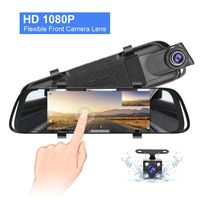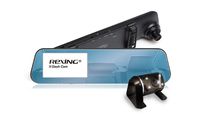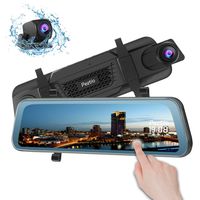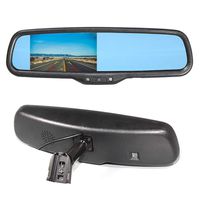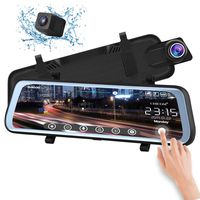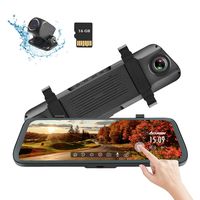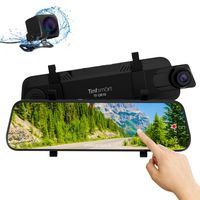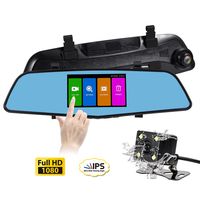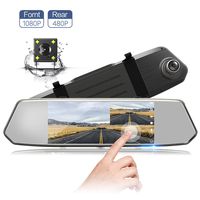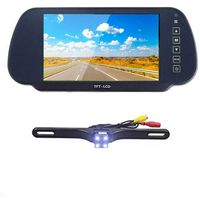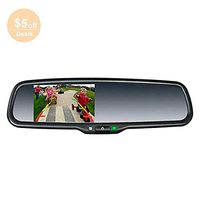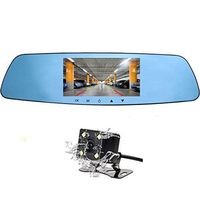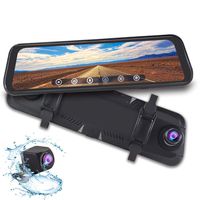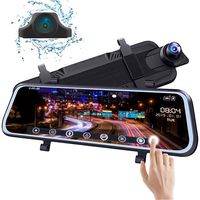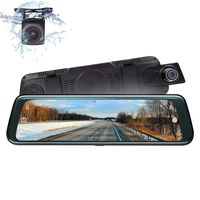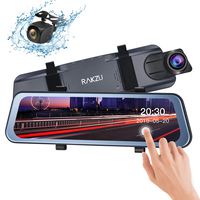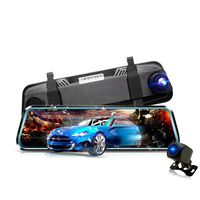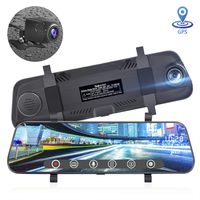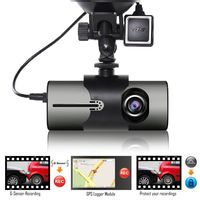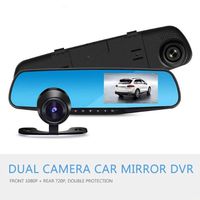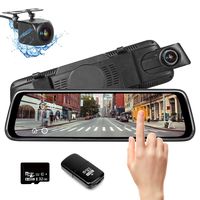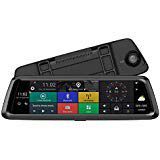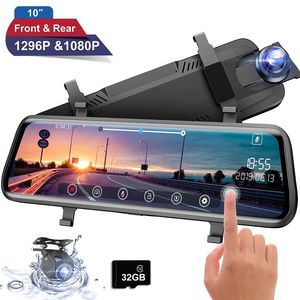
Description
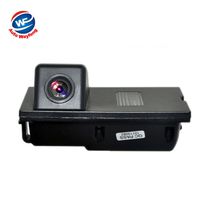
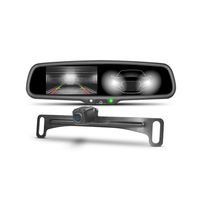
★★★ Rear camera installation, please check the NO.8 main image.
Questions & Answers
Q: Why the DVR displays that the SD card is full?
A: 1. If a new TF card insert to DVR first, it will be reminded be formatted.
A: 2. Check if the G-sensor sensitivity set as high. If it set too high, the files might be easily locked due to road bumps. If too many files are locked, the memory of TF card could be full and loop videos can't be recorded. You can set the G-sensor from high to medium or low.
Q: Why the loop videos could not be recorded?
A: Check loop video settings. The options include 1 minute / 3 minutes / 5 minutes / off. If it is set as off, then loop videos could not be recorded.
Q: Why the DVR is turned on or off automatically?
A: Please check if the park mode is turned on. If this function is on, the DVR will be turned on automatically and record video when collision or vibration is detected. It is designed for parking safety. You could set the parking mode after you installed in the car.
Q: Why the time settings could not be saved?
A: 1. After time setting, exit the setting screen and manually turn off the DVR; then the time setting could be saved.
A: 2. When abnormal power failure occurs, the current settings could not be saved timely.
Q: Why the image is not smooth or the button is slow to react during video recording?
A: Please check if the TF card is a high speed card Class 10. If it is not a high speed card, choppy images during video playback, blurred screen. Please purchase a card under a famous brand.
Q: Why the videos showing on the mirror is very light?
A: Please charge the camera before you turn on, then the screen will be brighter when you charge the dash cam.
Questions & Answers
Q: Why the DVR displays that the SD card is full?
A: 1. If a new TF card insert to DVR first, it will be reminded be formatted.
A: 2. Check if the G-sensor sensitivity set as high. If it set too high, the files might be easily locked due to road bumps. If too many files are locked, the memory of TF card could be full and loop videos can't be recorded. You can set the G-sensor from high to medium or low.
Q: Why the loop videos could not be recorded?
A: Check loop video settings. The options include 1 minute / 3 minutes / 5 minutes / off. If it is set as off, then loop videos could not be recorded.
Q: Why the DVR is turned on or off automatically?
A: Please check if the park mode is turned on. If this function is on, the DVR will be turned on automatically and record video when collision or vibration is detected. It is designed for parking safety. You could set the parking mode after you installed in the car.
Q: Why the time settings could not be saved?
A: 1. After time setting, exit the setting screen and manually turn off the DVR; then the time setting could be saved.
A: 2. When abnormal power failure occurs, the current settings could not be saved timely.
Q: Why the image is not smooth or the button is slow to react during video recording?
A: Please check if the TF card is a high speed card Class 10. If it is not a high speed card, choppy images during video playback, blurred screen. Please purchase a card under a famous brand.
Q: Why the videos showing on the mirror is very light?
A: Please charge the camera before you turn on, then the screen will be brighter when you charge the dash cam.
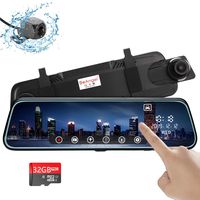
Moucit Dual Dash Cam, Dash Cam for Car, 10" FHD IPS Touch Screen Mirror Dash Cam 170° 1296P Front and 150°1080P Rear View Camera Dual Lens with G-Sensor Night Vision Parking Monitor Free 32GB SD Card
Price is below average
Current Price
$99.99
Average
$117.6
Min Price
$83.71
Max Price
$159.99
Price dynamics
15%
Description
★★★ Rear camera installation, please check the NO.8 main image.
Questions & Answers
Q: Why the DVR displays that the SD card is full?
A: 1. If a new TF card insert to DVR first, it will be reminded be formatted.
A: 2. Check if the G-sensor sensitivity set as high. If it set too high, the files might be easily locked due to road bumps. If too many files are locked, the memory of TF card could be full and loop videos can't be recorded. You can set the G-sensor from high to medium or low.
Q: Why the loop videos could not be recorded?
A: Check loop video settings. The options include 1 minute / 3 minutes / 5 minutes / off. If it is set as off, then loop videos could not be recorded.
Q: Why the DVR is turned on or off automatically?
A: Please check if the park mode is turned on. If this function is on, the DVR will be turned on automatically and record video when collision or vibration is detected. It is designed for parking safety. You could set the parking mode after you installed in the car.
Q: Why the time settings could not be saved?
A: 1. After time setting, exit the setting screen and manually turn off the DVR; then the time setting could be saved.
A: 2. When abnormal power failure occurs, the current settings could not be saved timely.
Q: Why the image is not smooth or the button is slow to react during video recording?
A: Please check if the TF card is a high speed card Class 10. If it is not a high speed card, choppy images during video playback, blurred screen. Please purchase a card under a famous brand.
Q: Why the videos showing on the mirror is very light?
A: Please charge the camera before you turn on, then the screen will be brighter when you charge the dash cam.
Questions & Answers
Q: Why the DVR displays that the SD card is full?
A: 1. If a new TF card insert to DVR first, it will be reminded be formatted.
A: 2. Check if the G-sensor sensitivity set as high. If it set too high, the files might be easily locked due to road bumps. If too many files are locked, the memory of TF card could be full and loop videos can't be recorded. You can set the G-sensor from high to medium or low.
Q: Why the loop videos could not be recorded?
A: Check loop video settings. The options include 1 minute / 3 minutes / 5 minutes / off. If it is set as off, then loop videos could not be recorded.
Q: Why the DVR is turned on or off automatically?
A: Please check if the park mode is turned on. If this function is on, the DVR will be turned on automatically and record video when collision or vibration is detected. It is designed for parking safety. You could set the parking mode after you installed in the car.
Q: Why the time settings could not be saved?
A: 1. After time setting, exit the setting screen and manually turn off the DVR; then the time setting could be saved.
A: 2. When abnormal power failure occurs, the current settings could not be saved timely.
Q: Why the image is not smooth or the button is slow to react during video recording?
A: Please check if the TF card is a high speed card Class 10. If it is not a high speed card, choppy images during video playback, blurred screen. Please purchase a card under a famous brand.
Q: Why the videos showing on the mirror is very light?
A: Please charge the camera before you turn on, then the screen will be brighter when you charge the dash cam.
Price will be lower
in next 2 weeks
in next 2 weeks
According to the data, price will be lower in next two weeks, so not waste your money and track better price!
Product review & video
if you've ever browsed the weird electronics that are on Amazon you might come across something like this this is the acaso dl9 10 inch rear view mirror dashcam all in one combo thingy together this is not a video that I normally do of course but they reached out to me asking me to just review it they're not paying to sponsor this video and I actually needed one for this car so it's like yeah sure why not cool company company recognized me sent me something so we're gonna go ahead and open this set it up and just do a quick little review i've already unbox this like four or five times now i just keep messing up the recording so this is this is what it looks like is what all the garbage stuff in the background looks like and we've got a nifty little camera on the back so this will sit on the mirror up here itself it just attaches to whatever mirror you got which you know i wasn't looking


Similar products