FAQ
✔️ 1.What software do I need to install to be able to use the Nakosite PR2433 Presentation clicker with laser pointer?
No software to install. No setup required, just plug the wireless receiver into the USB port of your computer. The buttons start working, then Enjoy!
✔️ 2. What is included with my purchase?
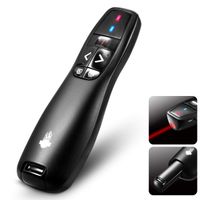
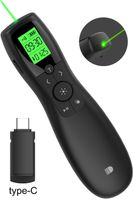
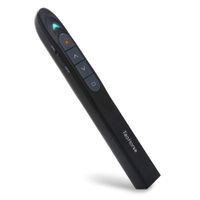
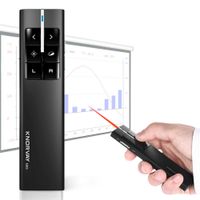
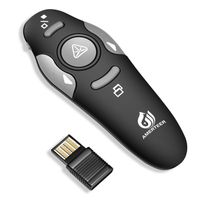
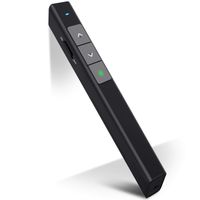
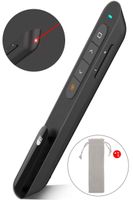
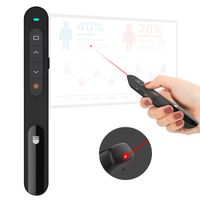
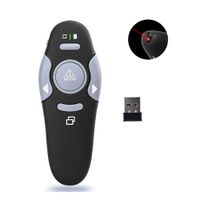
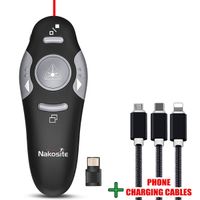
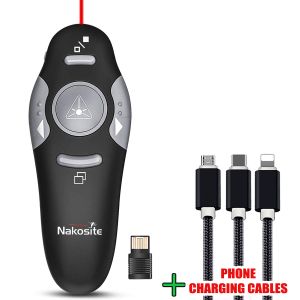
1 x Wireless Presenter, 1 x Wireless Receiver, 1 x Instruction Manual and 1 x FREE GIFT Phone Charging Cable.
✔️ 3. What batteries do I need?
1 X AAA battery. You can find good quality ones on Amazon.
✔️ 4. Does it work with PowerPoint? Does it work with Apple computers?
Yes it works with PowerPoint and it works with Apple computers.
✔️ 5. Is the Phone charging cable really included in the purchase?
Yes, this is a FREE gift to show our appreciation for your purchase.
NAKOSITE PR2433 Laser and Wireless Presentation Clicker for Powerpoint Presentations on Laptop or Computer with Remote Red Laser Presenter Pointer
FAQ
✔️ 1.What software do I need to install to be able to use the Nakosite PR2433 Presentation clicker with laser pointer?
No software to install. No setup required, just plug the wireless receiver into the USB port of your computer. The buttons start working, then Enjoy!
✔️ 2. What is included with my purchase?
1 x Wireless Presenter, 1 x Wireless Receiver, 1 x Instruction Manual and 1 x FREE GIFT Phone Charging Cable.
✔️ 3. What batteries do I need?
1 X AAA battery. You can find good quality ones on Amazon.
✔️ 4. Does it work with PowerPoint? Does it work with Apple computers?
Yes it works with PowerPoint and it works with Apple computers.
✔️ 5. Is the Phone charging cable really included in the purchase?
Yes, this is a FREE gift to show our appreciation for your purchase.
in next 2 weeks