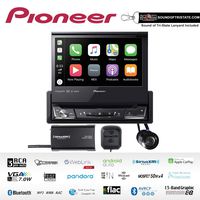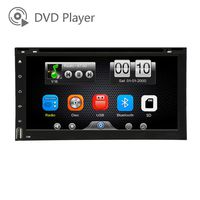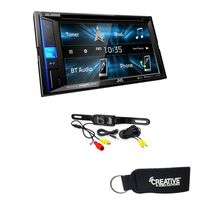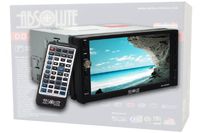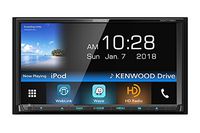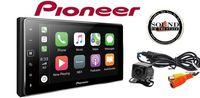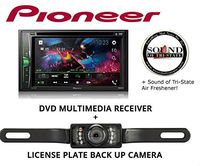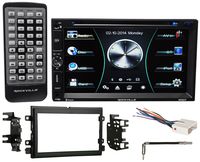
Description
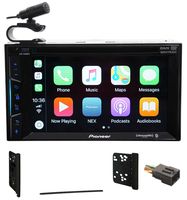
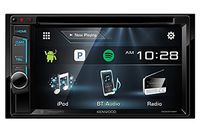
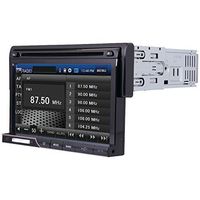
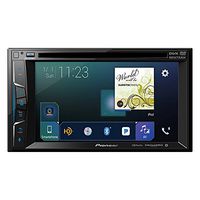
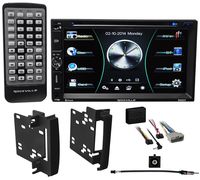
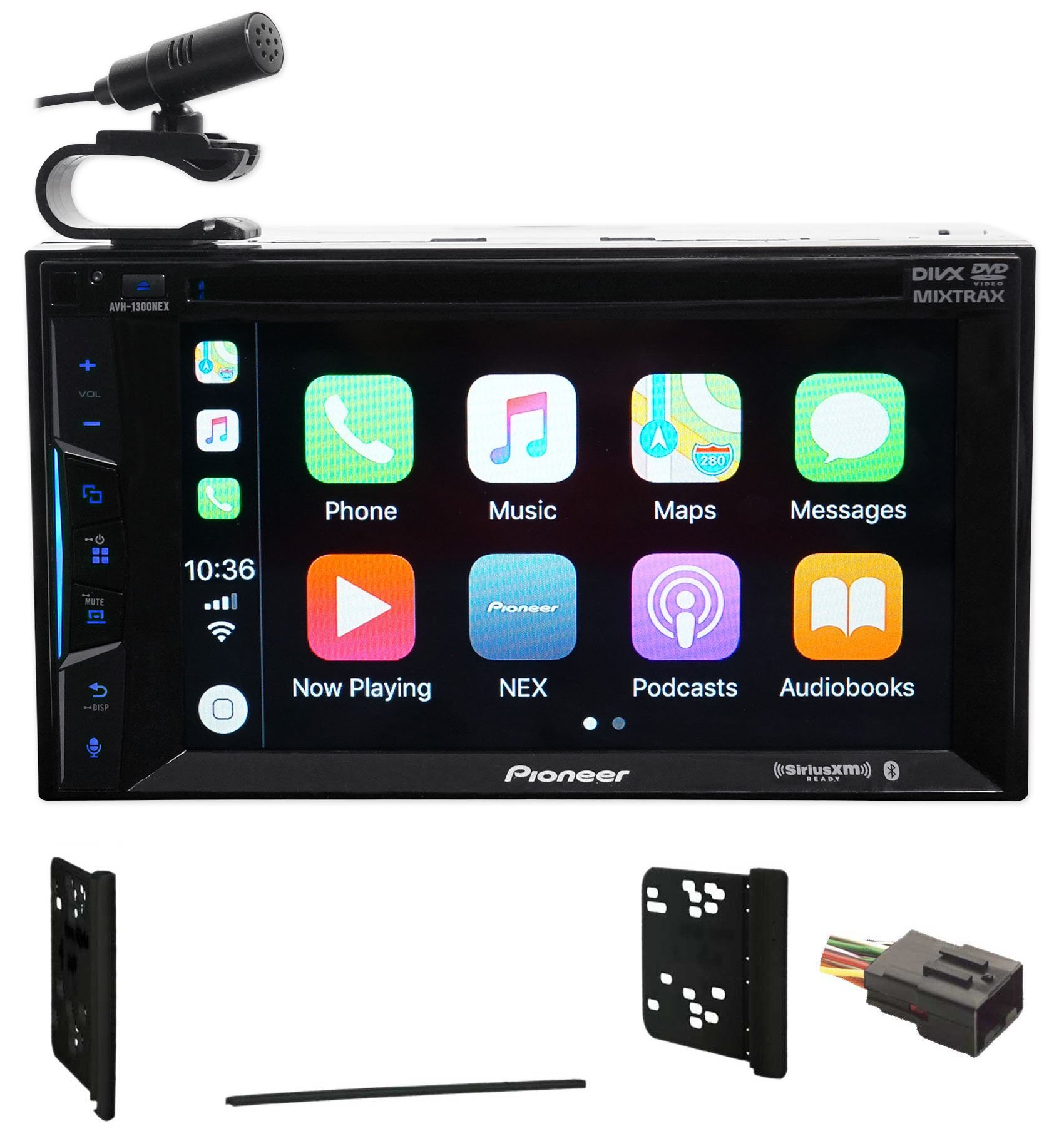
Pioneer's NEX or networked entertainment experience line of receivers feature an innovative and powerful new user interface which is responsive and highly customizable. The NEX models are designed especially for today's smart phone driven lifestyle.
Apple CarPlay
The AVH-1300NEX features Apple CarPlay, the smarter, safer and more fun way to use your iPhone in the car. Apple CarPlay gives iPhone users an incredibly intuitive way to make calls, use Maps, listen to music, and access messages with just a word or a touch.
AppRadio Mode
With AppRadio Mode +, Pioneer has taken the technology from our revolutionary, game-changing AppRadio and placed it in the AVH-1300NEX so you can experience control of compatible apps directly on your dash! When connected to an iPhone 5 or newer, or compatible Android smartphone with the correct interface cable (sold separately) and loaded with Pioneer's free AppRadio application, you can enjoy full on-screen access and control of your contacts, calendar, maps, and more! The intuitive interface is formatted and designed specifically for safer in-vehicle operation.
AppRadioLIVE
AppRadioLIVE simplifies your drive by combining the information you need during your commute into a single, simple to use interface. It's YOUR digital lifestyle connected. It was specifically designed based on feedback from our current AppRadio customers and offers quick and easy access to personalized information needed in the in-vehicle environment including: Maps, Media, News and Calendar.
Bluetooth Hands-Free Calling and Audio Streaming
Stay safe and obey local hands-free laws with built-in Bluetooth (HFP). Easily pair a Bluetooth enabled phone to the AVH-1300NEX without having to go through complicated settings. When a registered Bluetooth device is in close proximity to the receiver, the auto connection function automatically pairs the two units.
Apple CarPlay
The AVH-1300NEX features Apple CarPlay, the smarter, safer and more fun way to use your iPhone in the car. Apple CarPlay gives iPhone users an incredibly intuitive way to make calls, use Maps, listen to music, and access messages with just a word or a touch.
AppRadio Mode
With AppRadio Mode +, Pioneer has taken the technology from our revolutionary, game-changing AppRadio and placed it in the AVH-1300NEX so you can experience control of compatible apps directly on your dash! When connected to an iPhone 5 or newer, or compatible Android smartphone with the correct interface cable (sold separately) and loaded with Pioneer's free AppRadio application, you can enjoy full on-screen access and control of your contacts, calendar, maps, and more! The intuitive interface is formatted and designed specifically for safer in-vehicle operation.
AppRadioLIVE
AppRadioLIVE simplifies your drive by combining the information you need during your commute into a single, simple to use interface. It's YOUR digital lifestyle connected. It was specifically designed based on feedback from our current AppRadio customers and offers quick and easy access to personalized information needed in the in-vehicle environment including: Maps, Media, News and Calendar.
Bluetooth Hands-Free Calling and Audio Streaming
Stay safe and obey local hands-free laws with built-in Bluetooth (HFP). Easily pair a Bluetooth enabled phone to the AVH-1300NEX without having to go through complicated settings. When a registered Bluetooth device is in close proximity to the receiver, the auto connection function automatically pairs the two units.
Pioneer Bluetooth DVD Receiver iPhone/Android for 1999-2004 Ford 250/350/450/550
Current Price
$299.99
Average
$283.3
Min Price
$274.95
Max Price
$299.99
Price dynamics
6%
Description
Pioneer's NEX or networked entertainment experience line of receivers feature an innovative and powerful new user interface which is responsive and highly customizable. The NEX models are designed especially for today's smart phone driven lifestyle.
Apple CarPlay
The AVH-1300NEX features Apple CarPlay, the smarter, safer and more fun way to use your iPhone in the car. Apple CarPlay gives iPhone users an incredibly intuitive way to make calls, use Maps, listen to music, and access messages with just a word or a touch.
AppRadio Mode
With AppRadio Mode +, Pioneer has taken the technology from our revolutionary, game-changing AppRadio and placed it in the AVH-1300NEX so you can experience control of compatible apps directly on your dash! When connected to an iPhone 5 or newer, or compatible Android smartphone with the correct interface cable (sold separately) and loaded with Pioneer's free AppRadio application, you can enjoy full on-screen access and control of your contacts, calendar, maps, and more! The intuitive interface is formatted and designed specifically for safer in-vehicle operation.
AppRadioLIVE
AppRadioLIVE simplifies your drive by combining the information you need during your commute into a single, simple to use interface. It's YOUR digital lifestyle connected. It was specifically designed based on feedback from our current AppRadio customers and offers quick and easy access to personalized information needed in the in-vehicle environment including: Maps, Media, News and Calendar.
Bluetooth Hands-Free Calling and Audio Streaming
Stay safe and obey local hands-free laws with built-in Bluetooth (HFP). Easily pair a Bluetooth enabled phone to the AVH-1300NEX without having to go through complicated settings. When a registered Bluetooth device is in close proximity to the receiver, the auto connection function automatically pairs the two units.
Apple CarPlay
The AVH-1300NEX features Apple CarPlay, the smarter, safer and more fun way to use your iPhone in the car. Apple CarPlay gives iPhone users an incredibly intuitive way to make calls, use Maps, listen to music, and access messages with just a word or a touch.
AppRadio Mode
With AppRadio Mode +, Pioneer has taken the technology from our revolutionary, game-changing AppRadio and placed it in the AVH-1300NEX so you can experience control of compatible apps directly on your dash! When connected to an iPhone 5 or newer, or compatible Android smartphone with the correct interface cable (sold separately) and loaded with Pioneer's free AppRadio application, you can enjoy full on-screen access and control of your contacts, calendar, maps, and more! The intuitive interface is formatted and designed specifically for safer in-vehicle operation.
AppRadioLIVE
AppRadioLIVE simplifies your drive by combining the information you need during your commute into a single, simple to use interface. It's YOUR digital lifestyle connected. It was specifically designed based on feedback from our current AppRadio customers and offers quick and easy access to personalized information needed in the in-vehicle environment including: Maps, Media, News and Calendar.
Bluetooth Hands-Free Calling and Audio Streaming
Stay safe and obey local hands-free laws with built-in Bluetooth (HFP). Easily pair a Bluetooth enabled phone to the AVH-1300NEX without having to go through complicated settings. When a registered Bluetooth device is in close proximity to the receiver, the auto connection function automatically pairs the two units.
Price will be lower
in next 2 weeks
in next 2 weeks
According to the data, price will be lower in next two weeks, so not waste your money and track better price!
Product review & video
[Music] Bravo Beast here do another install today today we are working on this 2004 f-350 Super Duty within this truck we're going to be replacing this factory radio hits a devilled in screen size we're gonna be removing this we'll show you how to wire up the new radio sure the parts that you'll need and reinstallation now with this truck specifically as you notice it has these factory security holes which you'll need tools to remove now I can go ahead and post in the comments what you'll what tools these are but basically the radial removal tools commonly found with Ford and Lincoln so when you use these tools we're gonna remove the factory radio the new radio all wired up and get this new radio install alright so when you put these tools in you'll push them in far enough where you'll hear it click then what you'll do is you'll push outwards with both sides pull the radio up towards yo