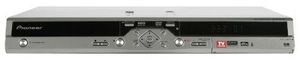
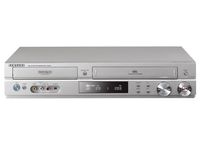
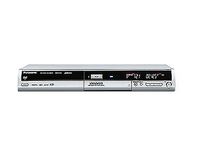
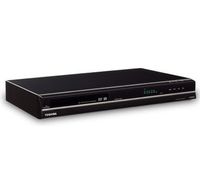
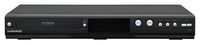
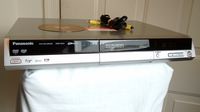
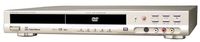
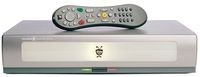
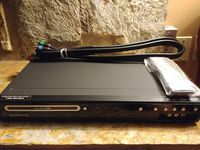
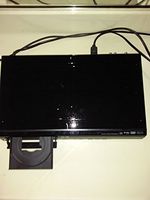
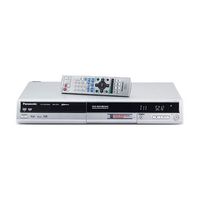
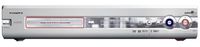
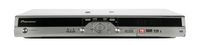
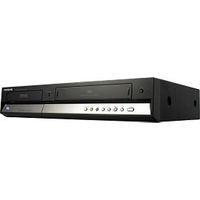
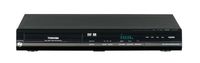
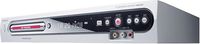
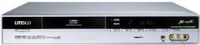
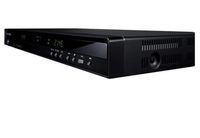
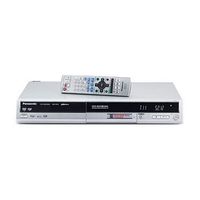
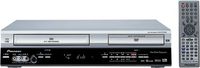
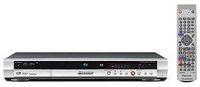
Replace your VCR and step into the 21st century with the easy-to-use Pioneer DVR-633S DVD recorder--which also includes a 160 GB hard drive for storing programming (both TV shows and your home movies). It's the perfect way to create your own movies on DVD, or to record your favorite TV programs. It records up to 10 hours of video, enough for your vacation movies or an all-day marathon of your favorite TV show. Record your favorite video content onto DVD-R/RW discs. The built-in 160GB hard drive lets you record tons of home movies and TV shows for temporary storage--up to 340 hours of content (at lowest video quality). Once theyÕre recorded you can watch them whenever you want, edit them, delete them, or burn them to DVD. When your recorded content to DVD from the hard drive, an hour-long program recorded in SEP mode (lowest video quality) can take less than 30 seconds to burn--approximately 120x (max) speed. The Smart VBR (Variable Bit Recording) recording mode lets you choose the quality level/recording time that best suits you. Choose fromÊFine, SP, LP, EP, and Auto; Auto automatically sets the optimal recording quality for the time remaining on the hard drive.
With Disc Backup, a Pioneer exclusive, you can make a direct file transfer of your home-movie DVD back to the Hard Disk Drive, and from that make as many copies of your home movie as you want, all at blazing speed. The i-LINK (a.k.a. "DV" and "IEEE 1394") interface allows you to transfer your DV (Digital Video) home movies smoothly to the Hard Disk Drive.ÊJust connect the DV input on the unitÕs front panel to your camcorderÕs DV input, and begin. And if your movies were shot in analog format, inputs forÊcomposite video/S-video and Left-Right audio are provided for dubbing them to DVD.
Program the DVR-633S to record a program up to eight days in advance using the built-in TV Guide On Screen interactive programming guide. Or manually set up programming with the VCR Plus function, a simplified pro