- HomeElectronicsComputers & AccessoriesComputer Accessories & PeripheralsCleaning & RepairRepair Kits
Description
Part Specifications
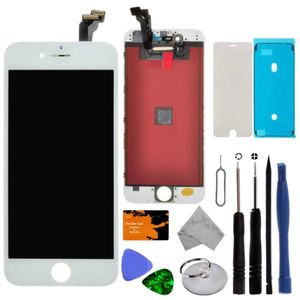
- Color: White
- Compatible with: iPhone 6 4.7-inch version (A1549, A1586, and A1589)
- This screen does not include the home button, camera, or ear speaker. You will need to transfer these from your old screen.
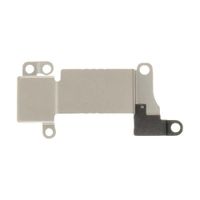
- Includes: proximity sensor mount, camera mount, display backplate, and waterproofing adhesive.
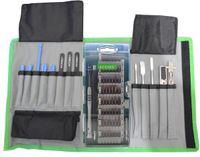
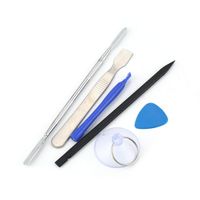
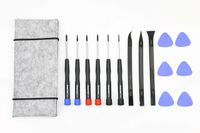
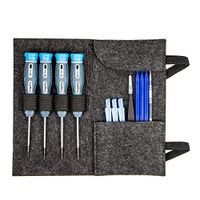
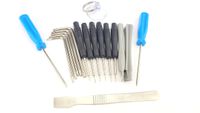
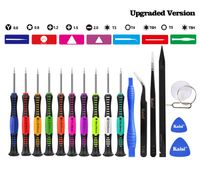
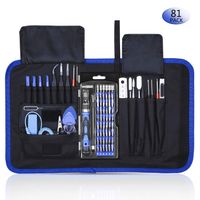
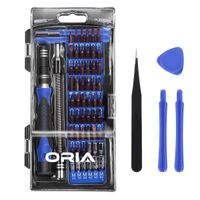
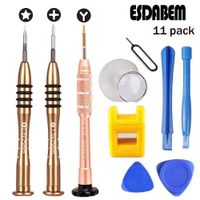
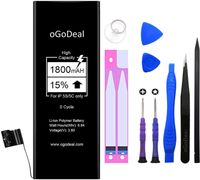
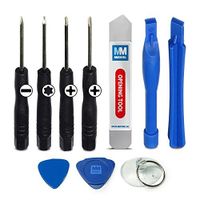
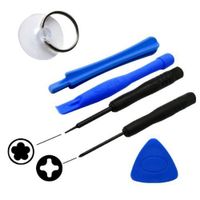
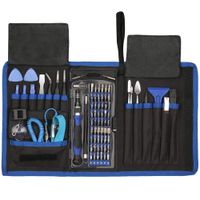
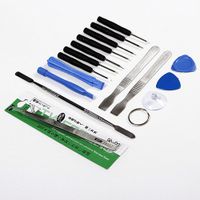
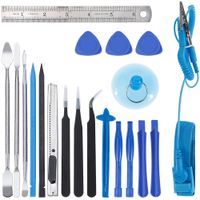
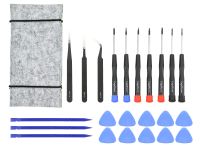
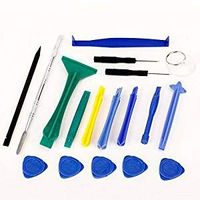
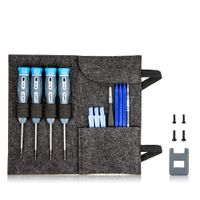
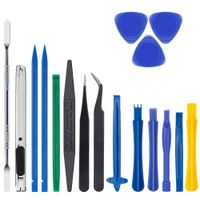
Complimentary Tool Kit
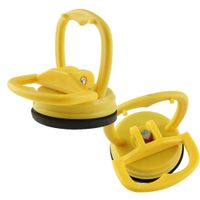
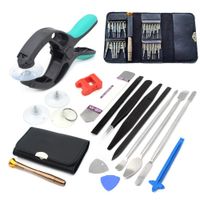
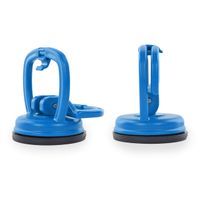
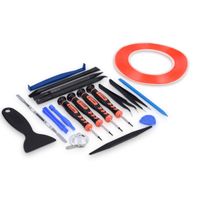
1x Suction Cup
1x Glue Card
1x Guitar Pick
1x Triangle Pry Tool
1x Microfiber Cloth
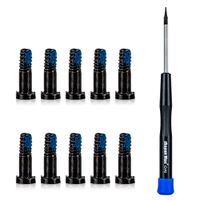
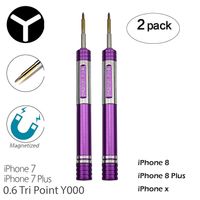
1x Phillips Head Screwdriver
1x Pentalobe Screwdriver
1x Sim Ejector
1x Circle Pry Tool
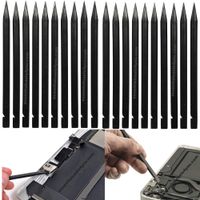
1x Spudger
Instructions for Installation
We recommend taking the broken iPhone and the replacement part to an expert in order to repair the device.
If you choose to repair the iPhone yourself, please watch several instructional videos that are for your iPhone model before attempting the repair.
Warning
- Make sure your phone is powered off first before installing.
- Disconnect the battery BEFORE replacing the screen.
- Be cautions and organized. Because there are different screw sizes, make sure you do not insert the screw into the wrong location or it will cause damage.
- Do not bend the cable the wrong way.
- Make sure for iPhone IOS is upgraded to the latest version.
- Please check carefully for any possible defects the screen could have received during shipment.
- Please feel free to contact us if you have any problems, questions, or concerns.
Replacement Screen Compatible with iPhone 6 4.7 inch Full LCD Digitizer Frame Assembly Touch Display with a Complementary Repair Tool Kit (iPhone 6, White, All Carriers)
Current Price
$22.99
Average
$21.65
Min Price
$18.63
Max Price
$22.99
Price dynamics
6%
Description
Part Specifications
- Color: White
- Compatible with: iPhone 6 4.7-inch version (A1549, A1586, and A1589)
- This screen does not include the home button, camera, or ear speaker. You will need to transfer these from your old screen.
- Includes: proximity sensor mount, camera mount, display backplate, and waterproofing adhesive.
Complimentary Tool Kit
1x Suction Cup
1x Glue Card
1x Guitar Pick
1x Triangle Pry Tool
1x Microfiber Cloth
1x Phillips Head Screwdriver
1x Pentalobe Screwdriver
1x Sim Ejector
1x Circle Pry Tool
1x Spudger
Instructions for Installation
We recommend taking the broken iPhone and the replacement part to an expert in order to repair the device.
If you choose to repair the iPhone yourself, please watch several instructional videos that are for your iPhone model before attempting the repair.
Warning
- Make sure your phone is powered off first before installing.
- Disconnect the battery BEFORE replacing the screen.
- Be cautions and organized. Because there are different screw sizes, make sure you do not insert the screw into the wrong location or it will cause damage.
- Do not bend the cable the wrong way.
- Make sure for iPhone IOS is upgraded to the latest version.
- Please check carefully for any possible defects the screen could have received during shipment.
- Please feel free to contact us if you have any problems, questions, or concerns.
Price will be lower
in next 2 weeks
in next 2 weeks
According to the data, price will be lower in next two weeks, so not waste your money and track better price!
Product review & video
In this video I'm going to show you how to
replace the screen on an iPhone 6. If you want to see any of those other repairs go
ahead and click the links. Here we have the iPhone 6. I'm going to go ahead and turn it
off, grab my Pentalobe screwdriver, and take out the two little screws in the bottom. These
are the same size screws as all of the other iPhones. And you can grab any tools or replacement
parts in the video description below. I'm going to take a suction cup and lift up the
screen just a little bit, so I can slip a pry tool. You can use a plastic one or a metal
one if you want. Just make sure to lift up on the actual metal frame of the screen. Otherwise
you might crack it as you pry it up. So be super careful with that. As you lift up the
screen you'll see these five screws on the metal plate. Take out those screws, remove
the plate, and then unsnap each of these little clasps


Similar products