- HomeElectronicsComputers & AccessoriesComputer Accessories & PeripheralsHard Drive AccessoriesHard Drive Enclosures
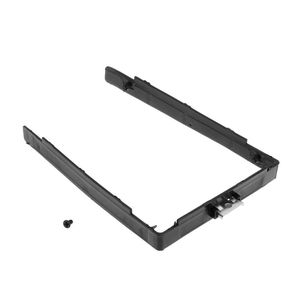
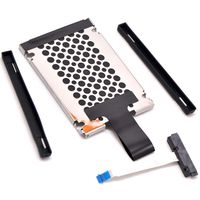
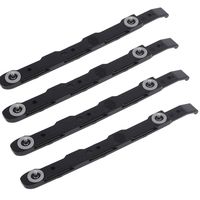
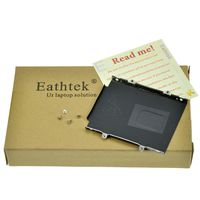
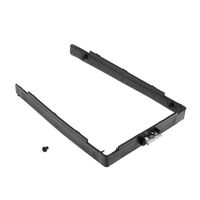
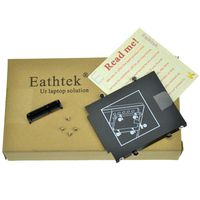
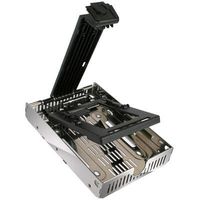
RingBuu HDD Caddy - Frame Bracket Hard Drive Disk Tray Holder SATA SSD Adapter for Lenovo Thinkpad X240 X250 X260 T440 T450 T448S
Current Price
$3.25
Average
$3.25
Min Price
$3.25
Max Price
$3.25
Price will be lower
in next 2 weeks
in next 2 weeks
According to the data, price will be lower in next two weeks, so not waste your money and track better price!
Product review & video
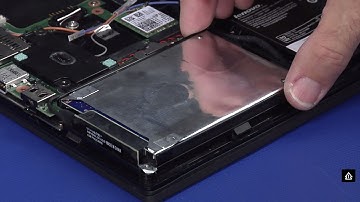
Disconnect the AC adapter from the computer. Power on the system and continuously tap F1 to enter the BIOS. If you receive a general help window press enter to continue. Use the right arrow key to select the configuration menu. Use the down arrow key to highlight the power menu, and press enter. The power sub menu will be displayed. Use the down arrow key to highlight the disable built in battery option, and press enter. Assure that yes is highlighted and hit enter again to power off the system. Allow your system three to five minutes to cool before you open up the cover. Slide and hold both latches into the outward release position to unlock the external battery. Slide the battery out of its bay. Loosen the eight captive screws that secure the Base Cover. Use a non-metallic pry tool to detach the locking clips, and remove the cover. Disconnect the battery cable from the system board. R