Description
3D Technology Checklist
This product is 3D-related. To help you get a great 3D experience, use our checklist below to ensure that you have everything you need. If you have any questions or want to learn more about 3D, we invite you to visit 3D 101--our center for everything 3D. To get started with 3D, please ensure that you have:
 |  | A DisplayThe first--and most important--item you'll need is a 3D-ready display--whether it be a 3D HDTV, 3D projector, or 3D computer monitor. These displays usually have a higher processing power than older models as they need to display one image for each eye to create a 3D effect. | |||||||||||
| | |||||||||||||
 |  | A SourceWhile your display is ready for 3D playback, you still need a device to read 3D content (i.e., a movie or a show). This source can be a cable box with a subscription to a 3D channel, a 3D Blu-ray Disc player, or a PlayStation 3. | |||||||||||
| | |||||||||||||
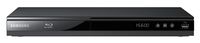
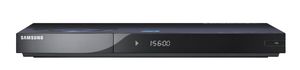
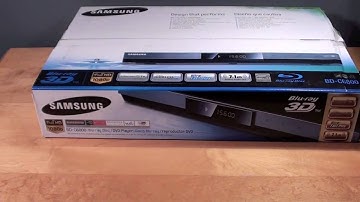
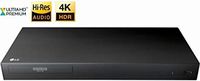
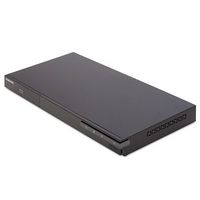
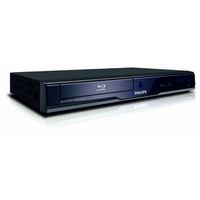
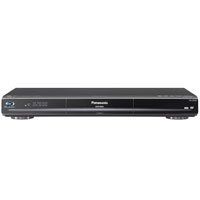
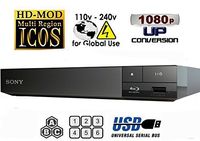
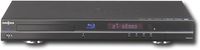
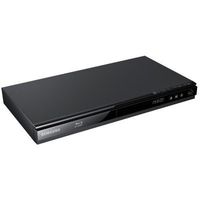
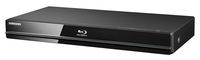
Samsung BD-C7900 1080p 3D Blu-ray Disc PlayerPrice is below average Current Price $56.5 Average $88.42 Min Price $35 Max Price $199 Price dynamics 36% Description 3D Technology ChecklistThis product is 3D-related. To help you get a great 3D experience, use our checklist below to ensure that you have everything you need. If you have any questions or want to learn more about 3D, we invite you to visit 3D 101--our center for everything 3D. To get started with 3D, please ensure that you have:
| |||||||||||||


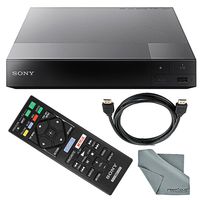
![Sony 3D Blu Ray Player BDP-BX520 [Derivative]](https://use4coins.com/thumbs/unsafe/fit-in/200x200/https://images-na.ssl-images-amazon.com/images/I/31R8jTKZ9FL.jpg)