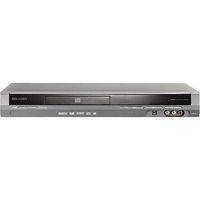
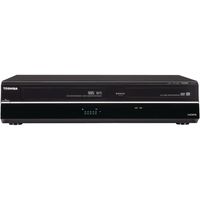
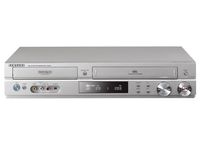
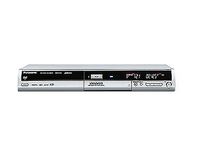
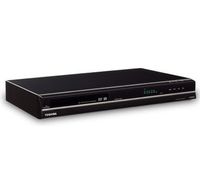
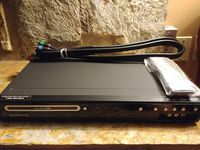
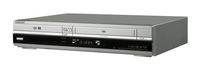
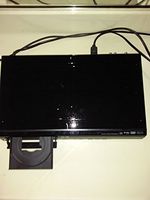
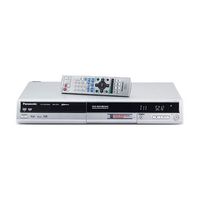
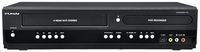
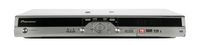
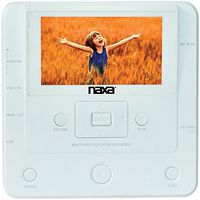
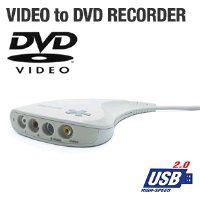
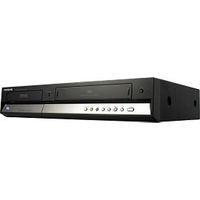
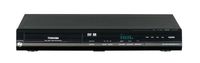
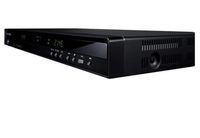
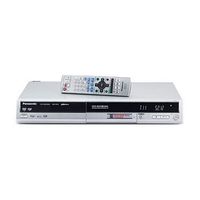
Samsung's stylishly black DVD-R135 puts the power, quality, and convenience of digital video recording and playback at your fingertips. The stylish, slender component stands less than 2.5 inches tall but delivers everything from convenient DVD recording (write-once DVD-R and rewritable DVD-RW) to progressive-scan video and playback of MP3 music and JPEG digital-photo files. It's also an "upconverting" DVD player, which boosts the standard 480 lines of resolution from a DVD disc up to a high-def 1080i (interlaced) picture. This unit also offers CM (commercial) advance, enabling you to skip ads from recorded TV programming recorded. A front-panel DV (FireWire IEEE 1394) input enables you to connect the family video camcorder and edit and record footage directly to a DVD disc--all via a single cable and without losing image quality. The EVQ (Enhanced Video Quality) feature provides sharper images and truer color reproduction for both movies and home videos. EVQ reduces pixel noise produced during digital signal processing, mitigates the cross color phenomenon occasionally produced by separation of Y & C signal.
You can program recording via the timer, or choose easy one-touch recording (initiating playback at 30 minutes and adding 30 minutes with each additional press of the button, up to the available disc time or 240 minutes, whichever is sooner). Chapters are created when you record your favorite TV show or video clips from a camcorder onto a DVD disc. The chapters are automatically created, which eliminates wasted time searching the whole DVD to find the right spot. Up to 99 titles can be recorded onto one disc. With the simple and easy edit function menu, you can delete, copy, rename, and lock, among other things. You can also create a playlist and edit video in a specific sequence.
It offers the following connection options:
- Composite video: 1 out
- S-Video: 1 out
- Component video: 1 out
- Firewire: 1 in
- RF: 1 in, 1 out
- Analog